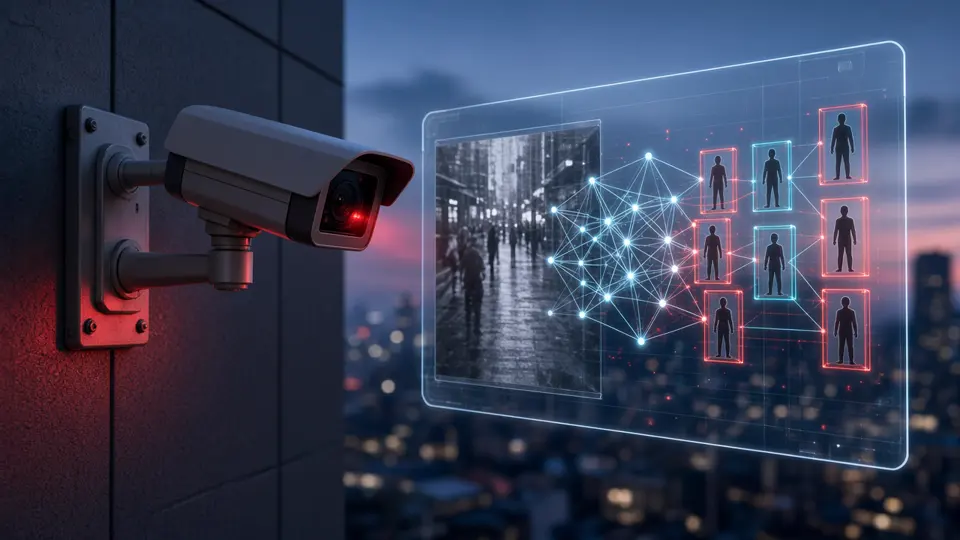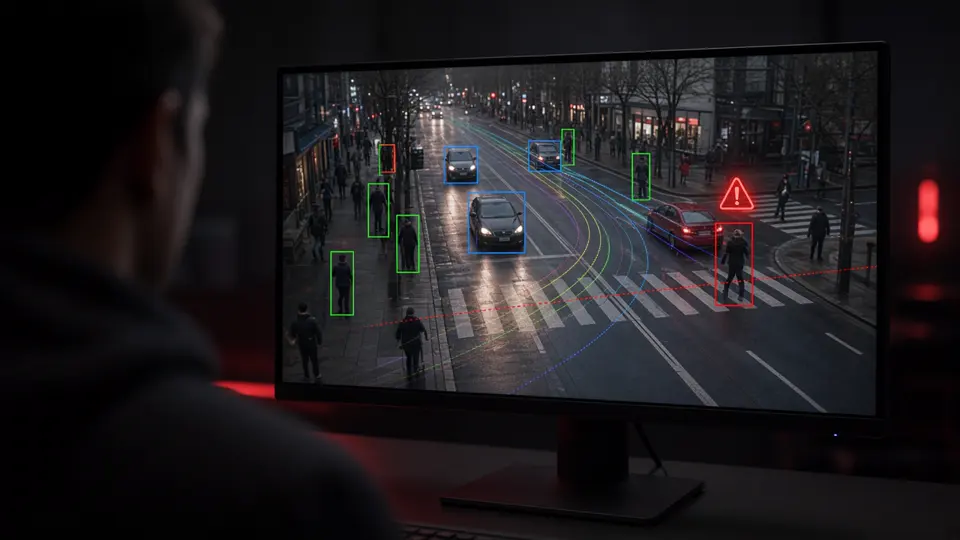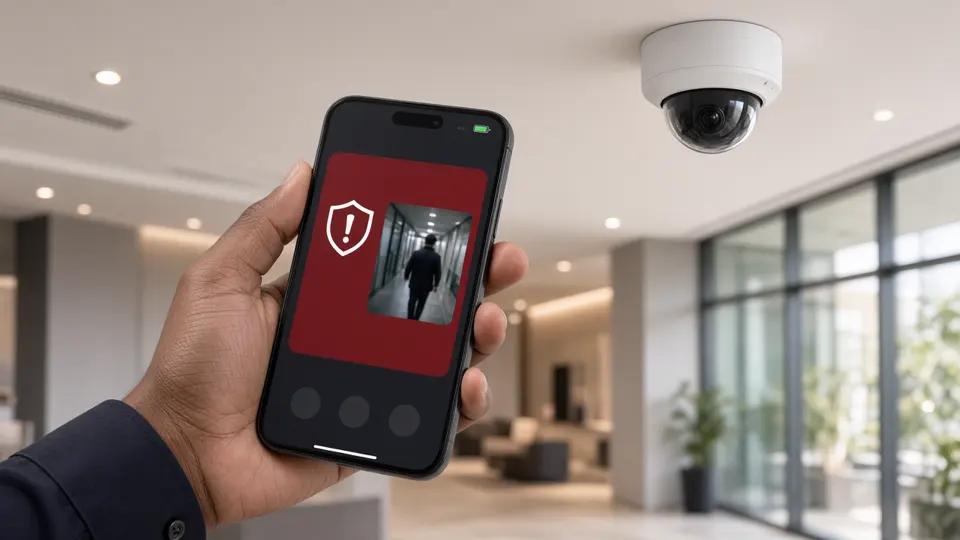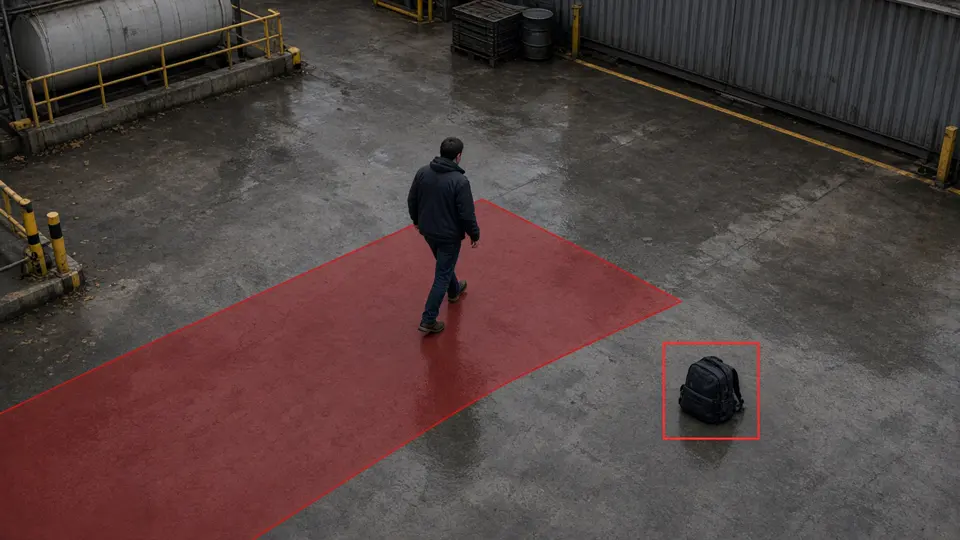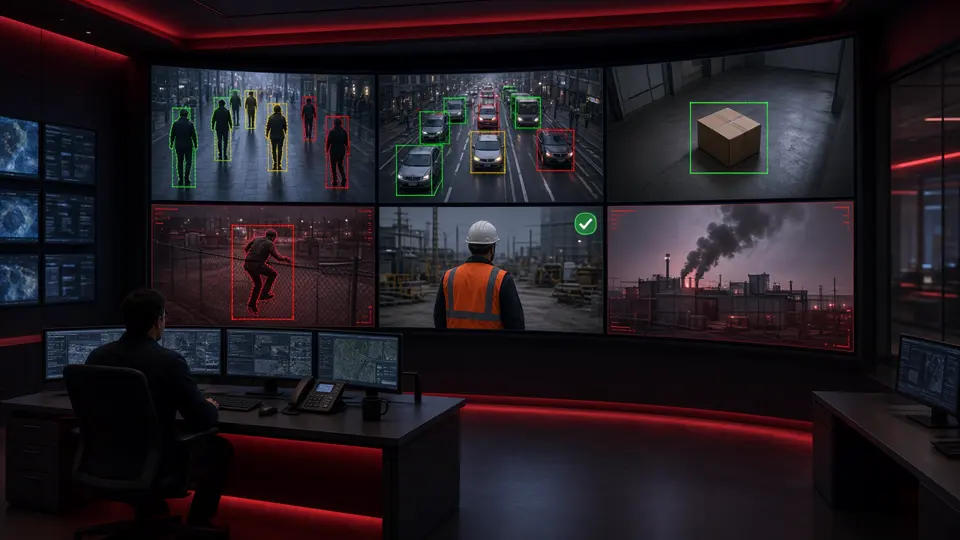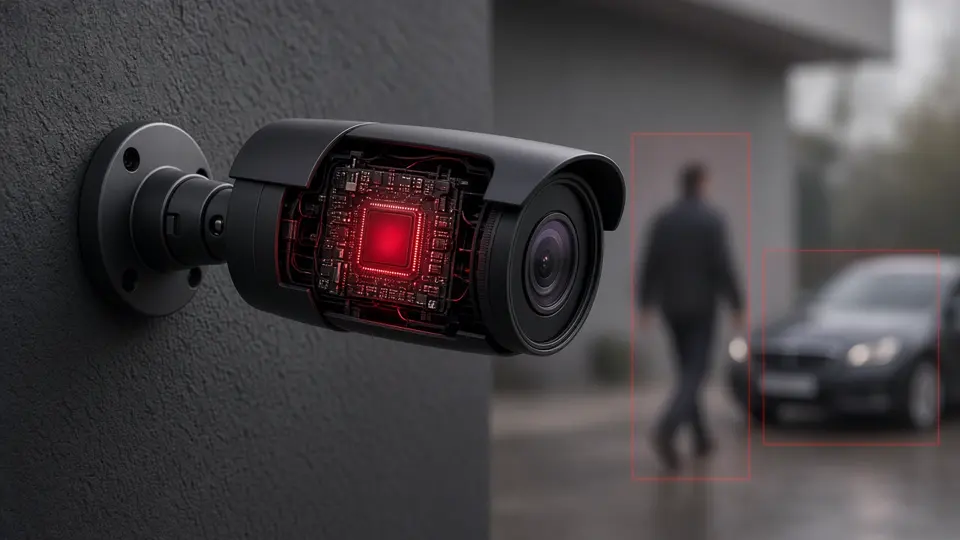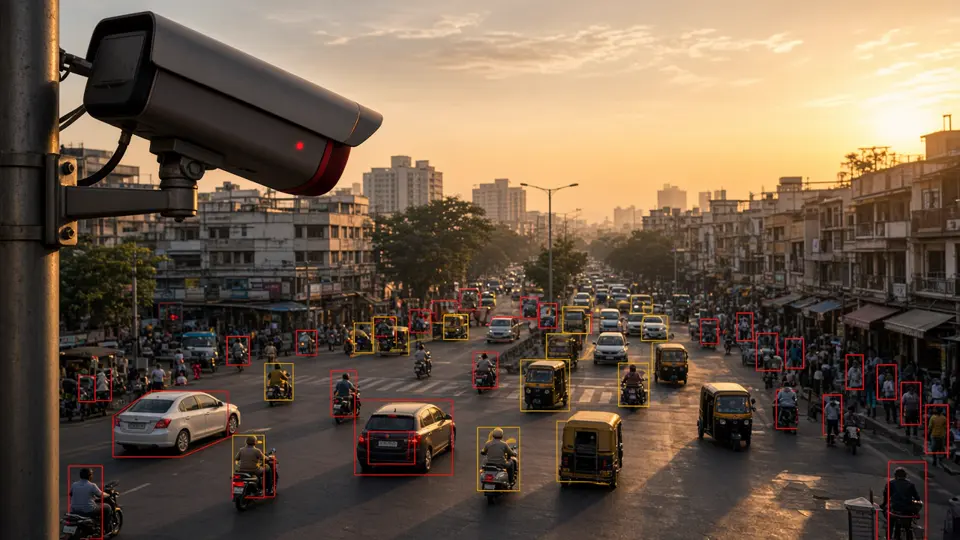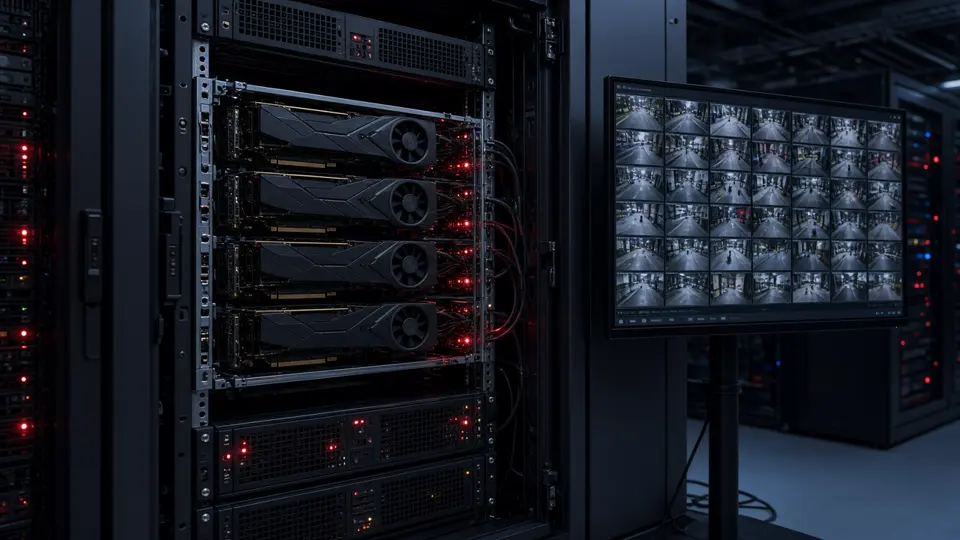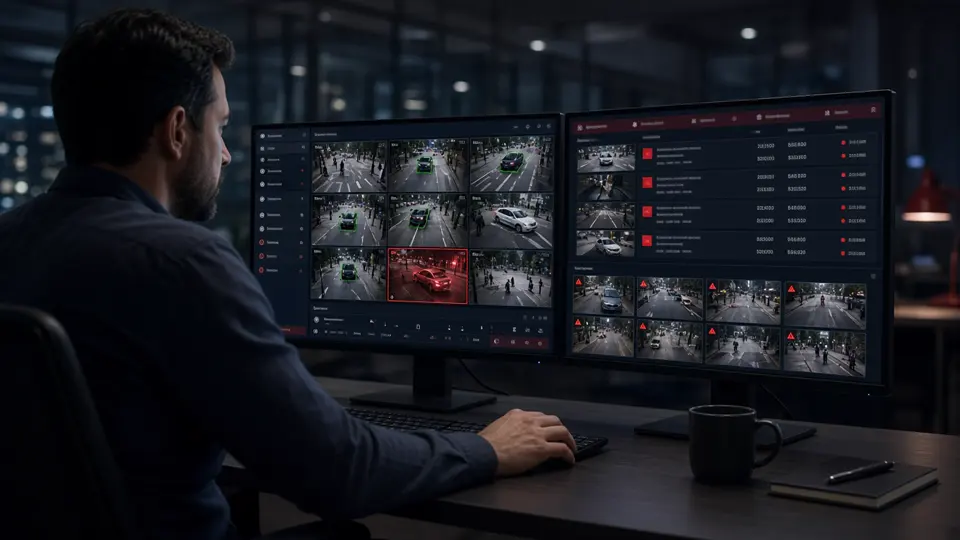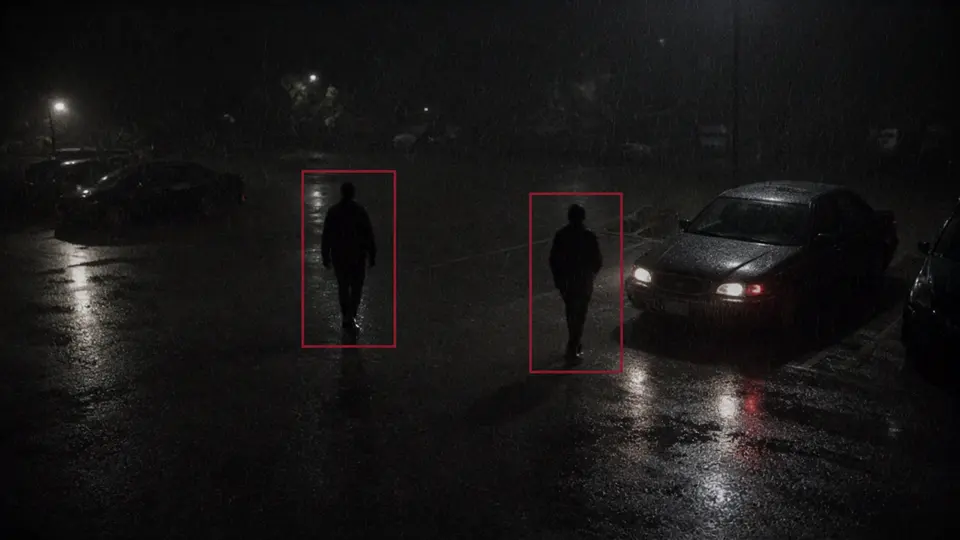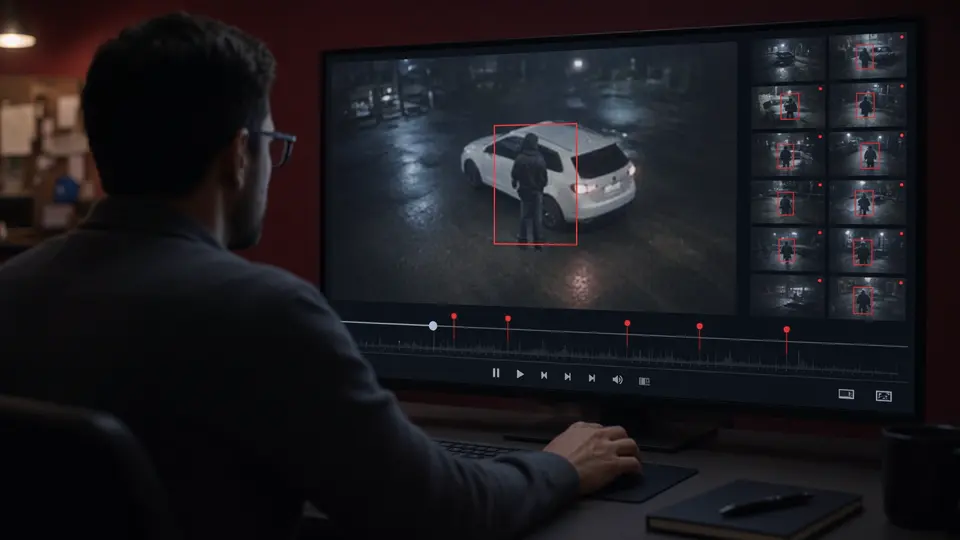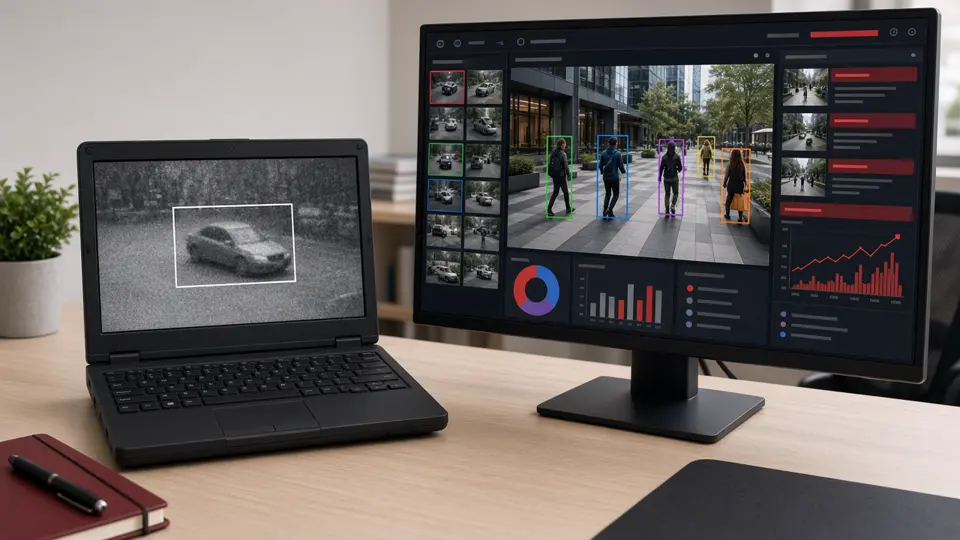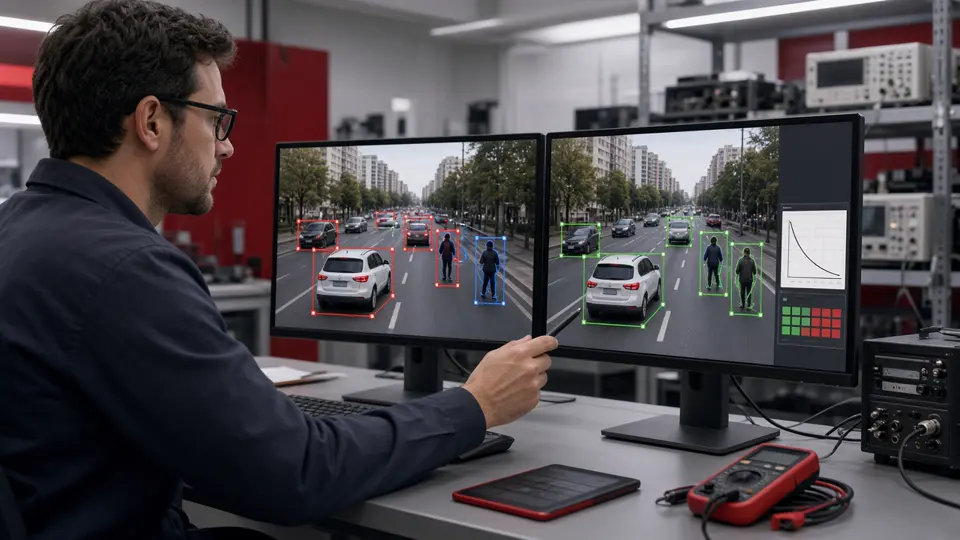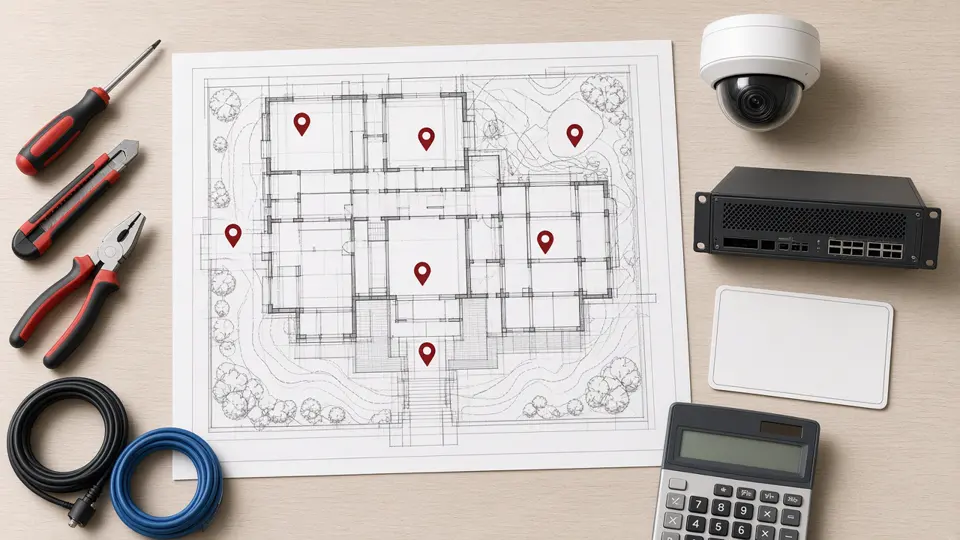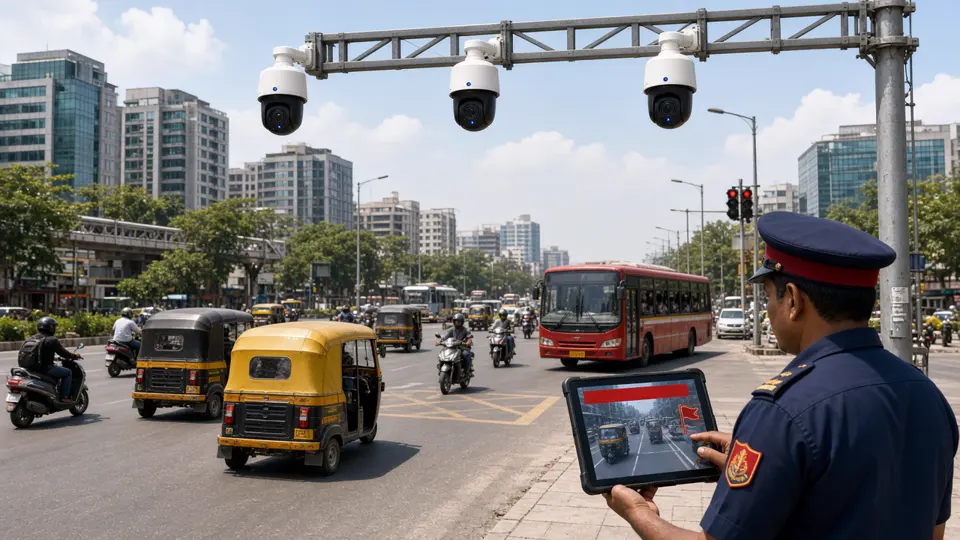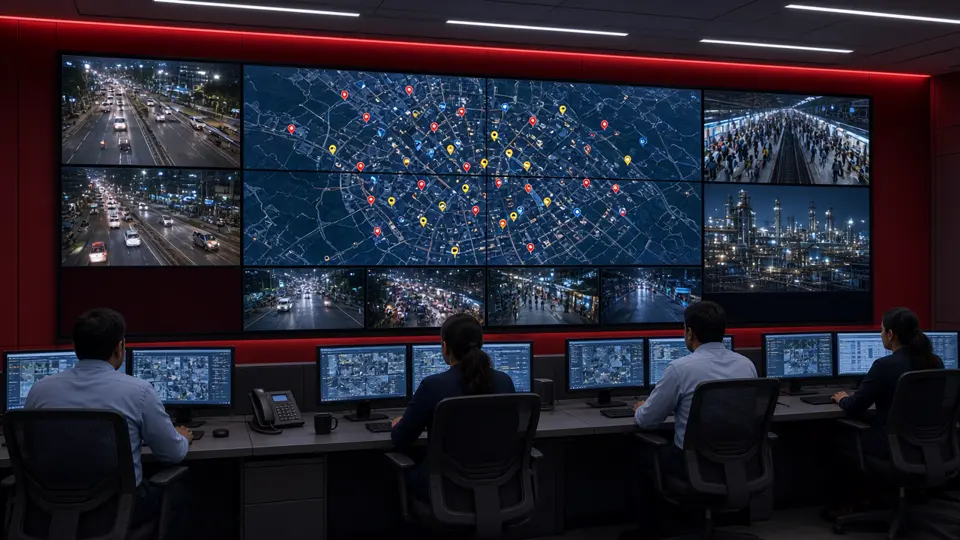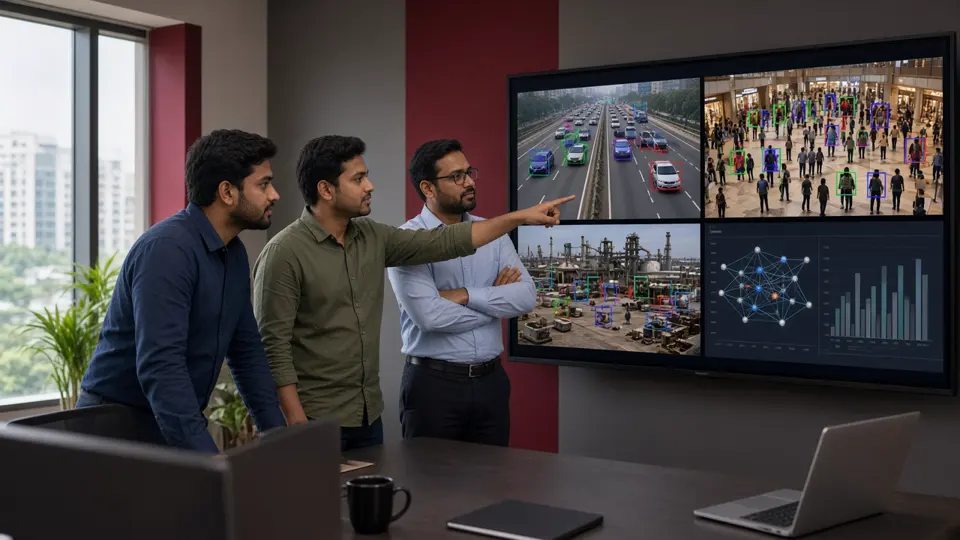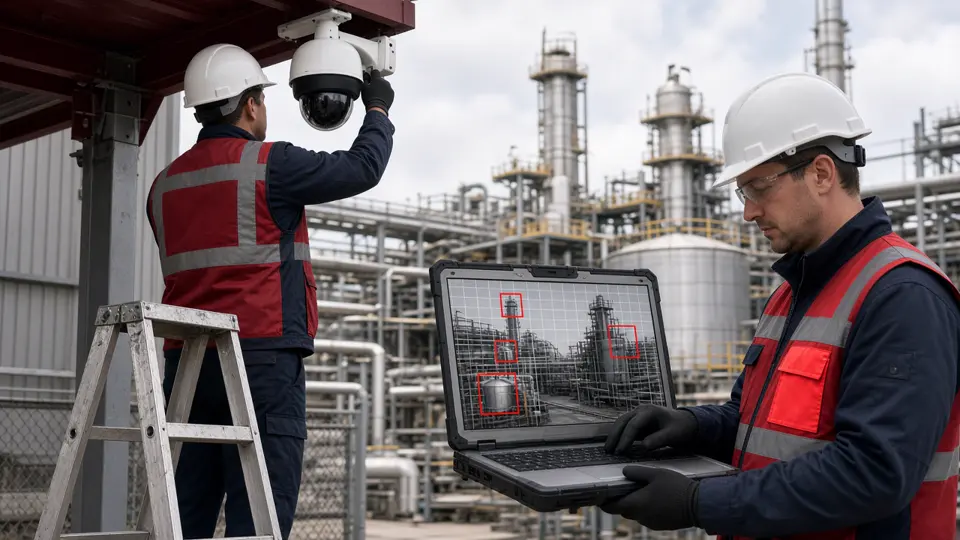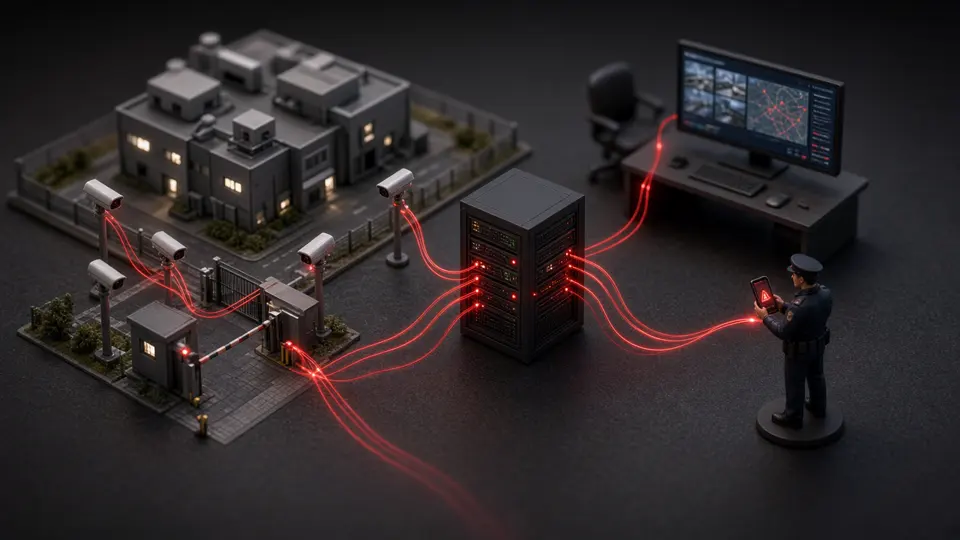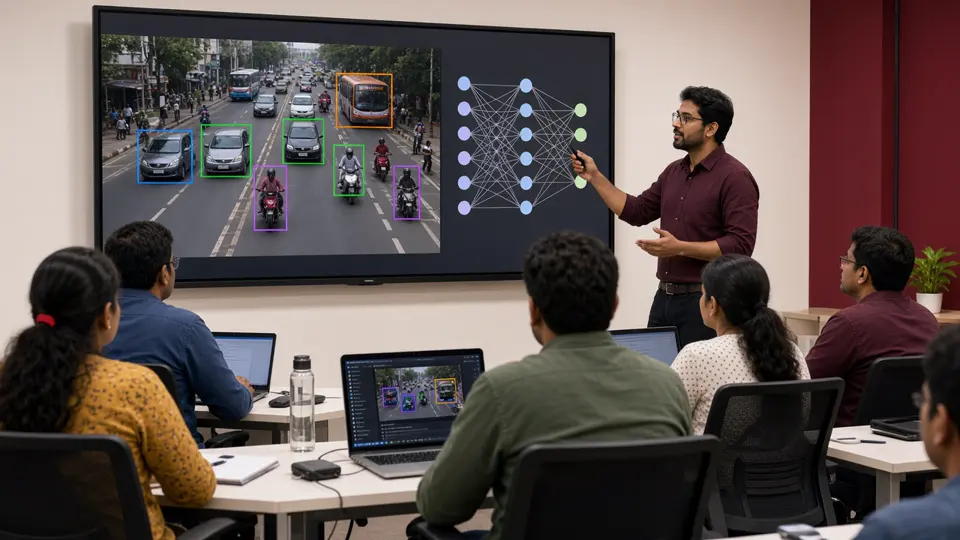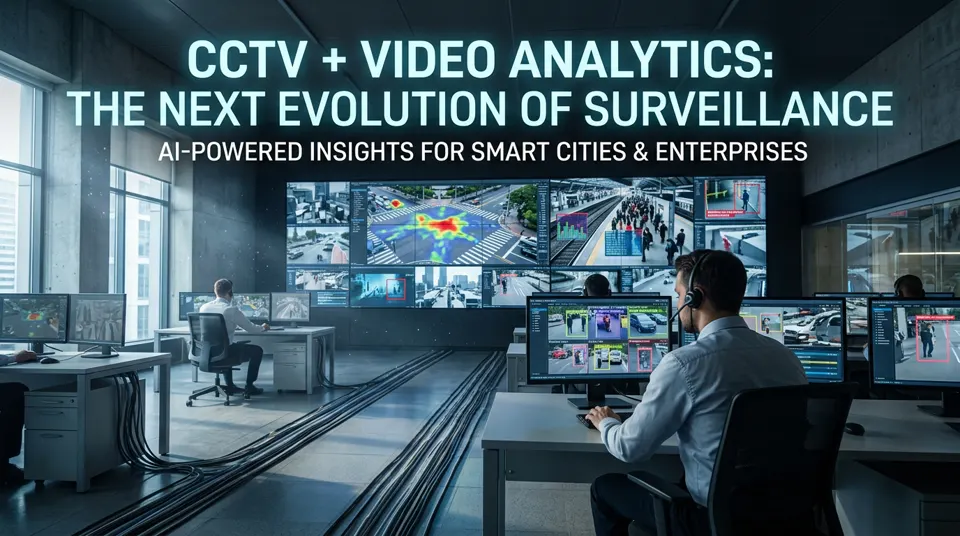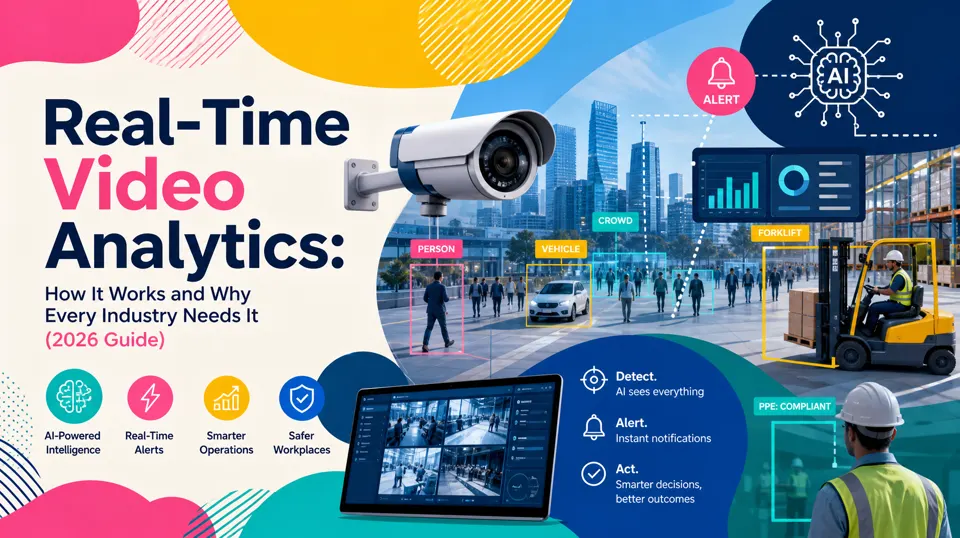
Video Analytics Explained: Clear Answers to the Questions Professionals Ask Most. This page brings together the full foundations series — definitions, types, software, AI cameras, surveillance projects, learning paths, YouTube analytics, India companies, camera accuracy, architecture, and a searchable FAQ — into one place you can share with security, IT and operations teams.
Where the redirects go: every major section ends with a labelled Related reading & sources box. Look for badges that say Internal redirect · this site (our blogs), Internal redirect · mountainlamptech.com (Mountain Lamp Technologies), and External source · Wikipedia (or other references) so you can tell internal and external links apart at a glance.
What is Video Analytics?
A clear starting definition: how AI turns camera footage into detections, alerts and operational insight.
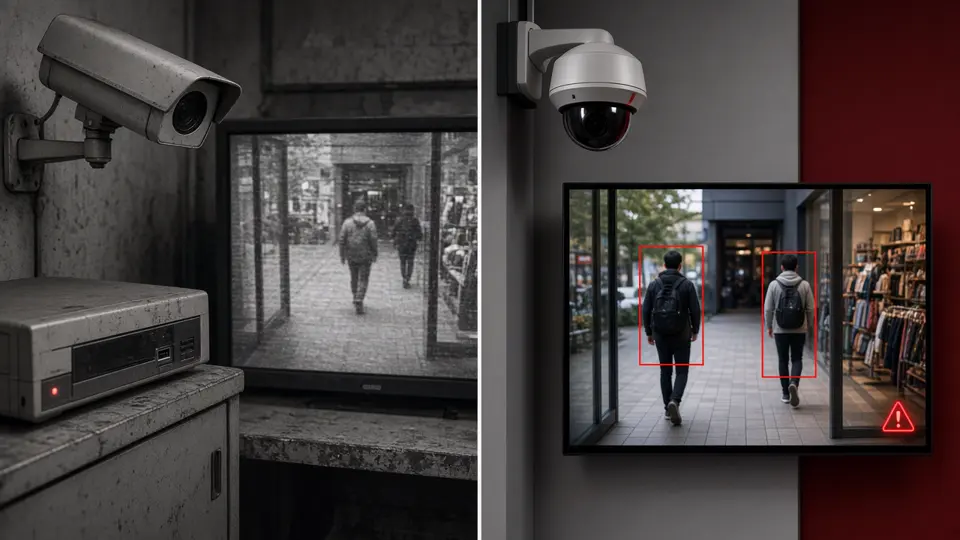
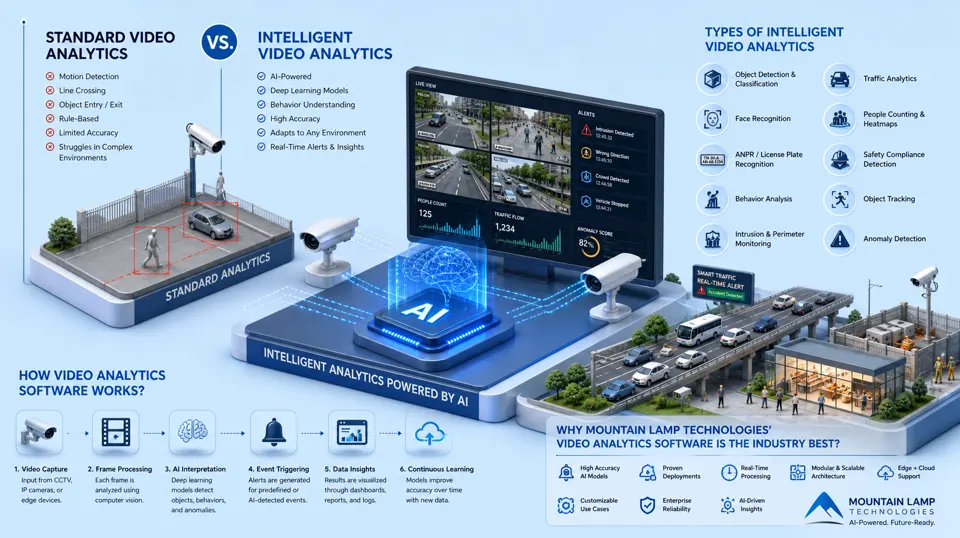
Standard Video Analytics uses basic rule‑based detection such as motion sensing, line crossing, and object entry/exit. It relies on fixed algorithms and struggles with complex environments, poor lighting, crowded scenes, and dynamic movement. This traditional approach offers limited accuracy and minimal contextual understanding.
Intelligent Video Analytics (IVA) uses AI, machine learning, and deep learning to interpret video with human‑like intelligence. IVA can recognize objects, classify behaviors, detect anomalies, track movement patterns, and generate real‑time alerts. It adapts to changing environments, making it ideal for smart surveillance, traffic monitoring, retail analytics, and industrial safety.
Why CCTV Needs Video Analytics Today
Traditional monitoring was designed to record and review later. That model cannot keep pace with multi-site camera growth, operator fatigue and the need for immediate response.
Video analytics closes the biggest operational gaps:
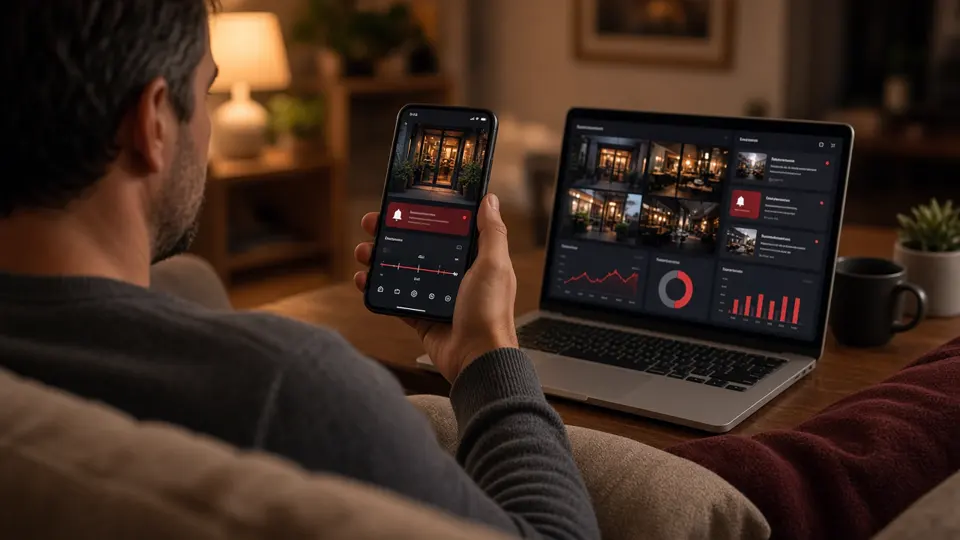
With AI-powered analytics, cameras become intelligent sensors that feed insights into dashboards, alerts and automated workflows.
How Video Analytics Works
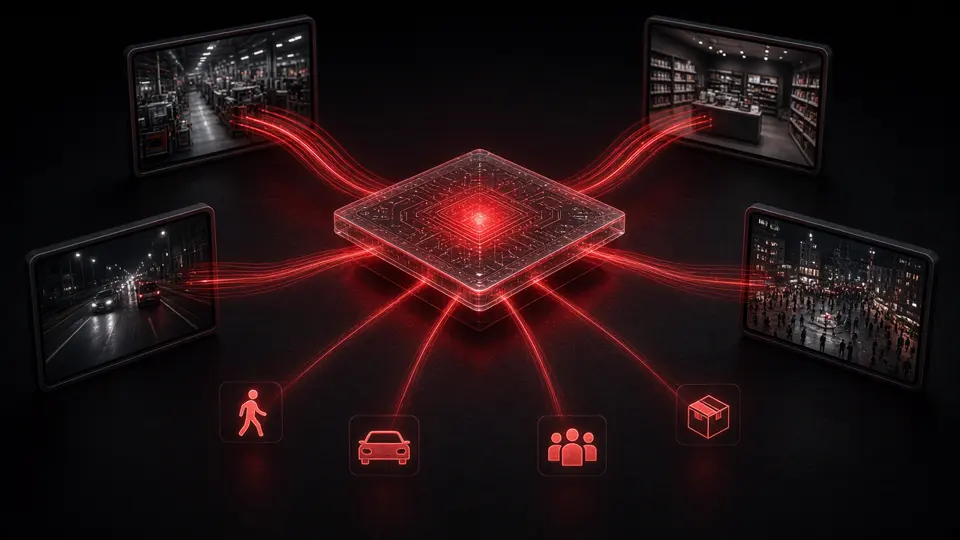
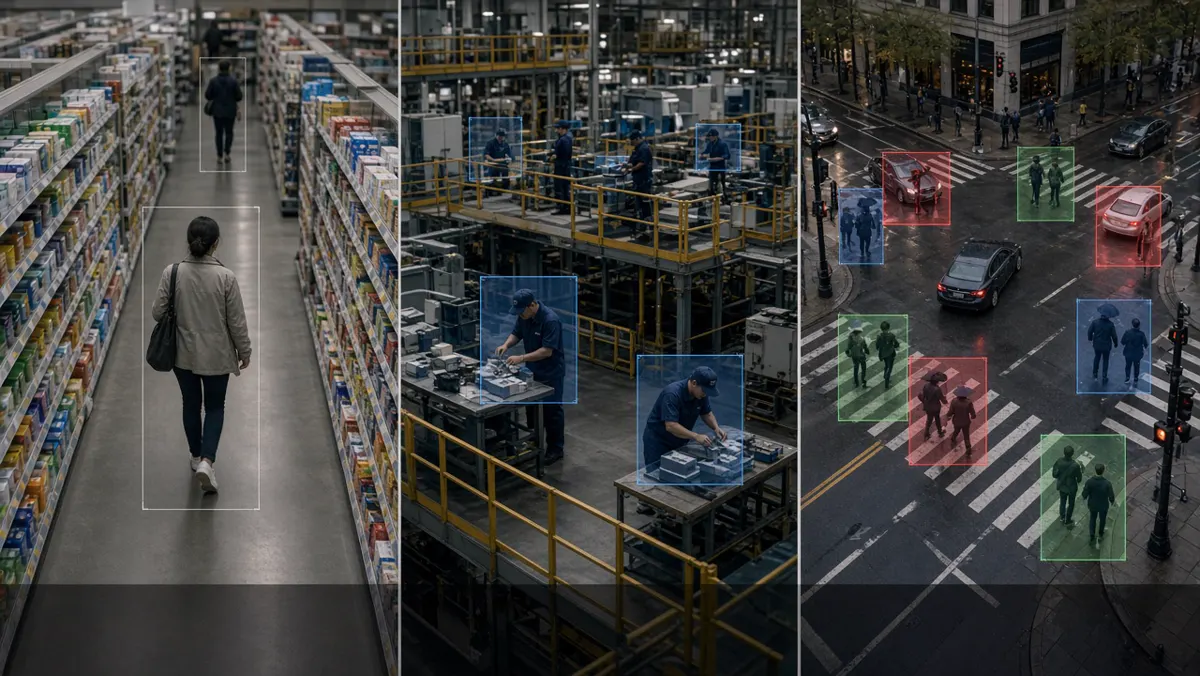
From capture to action, Video analytics follows a clear processing chain:
Example: a detected event can automatically notify operators, update a dashboard, or trigger an integrated enterprise workflow.
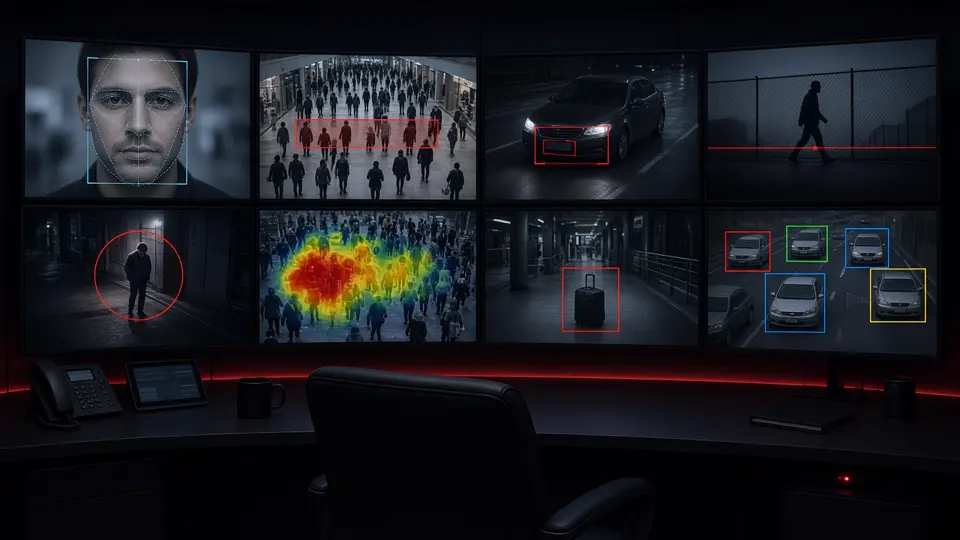
Key Video Analytics Capabilities
Why Video Analytics Is Becoming Essential
Demand for Video analytics continues to rise as enterprises, cities and industrial operators digitize monitoring and expect real-time outcomes from existing camera networks.
AI video surveillance growth outlook by 2032
Video Analytics Benefits
Video Analytics Use Cases
Conclusion
Video analytics is reshaping how organizations use cameras in 2026—turning footage into real-time intelligence for safer, smarter operations.
Foundations of Video Analytics
Meaning, CCTV pairing, surveillance vs recording, benefits, limits and a practical starter checklist.
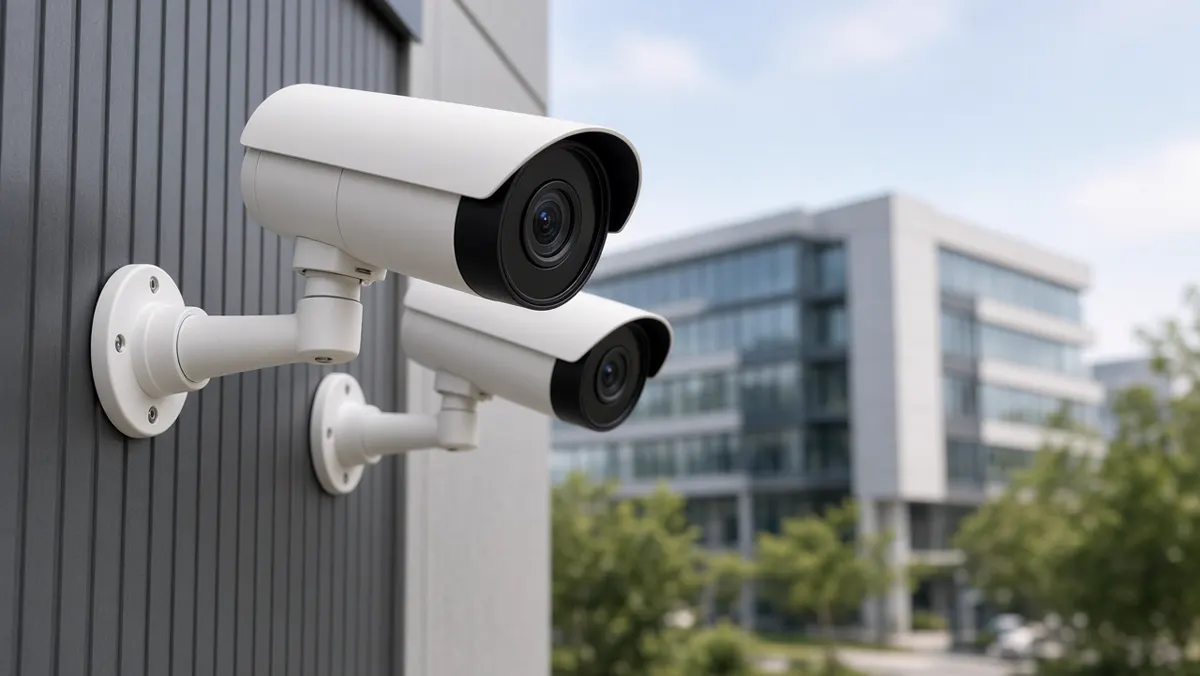
What is video analytics?
Video analytics is software that studies camera video and turns pixels into useful information. Instead of asking a person to stare at every screen, the software watches continuously for patterns you care about — a person crossing a fence line, a vehicle entering a restricted bay, a worker without a helmet, a queue forming at a checkout, or a crowd growing near a gate.
In plain language: cameras still see; analytics helps you notice. The output is not just another video file. It is usually an event record with a timestamp, camera name, short clip or snapshot, and a label such as “intrusion,” “PPE missing,” or “vehicle detected.” That record can open an alert on a dashboard, send a notification to a phone, or feed a report at the end of the day.
Video analytics sits between the camera network and the people who must decide what to do. It does not replace human judgment. It narrows attention so supervisors spend time on the moments that matter.
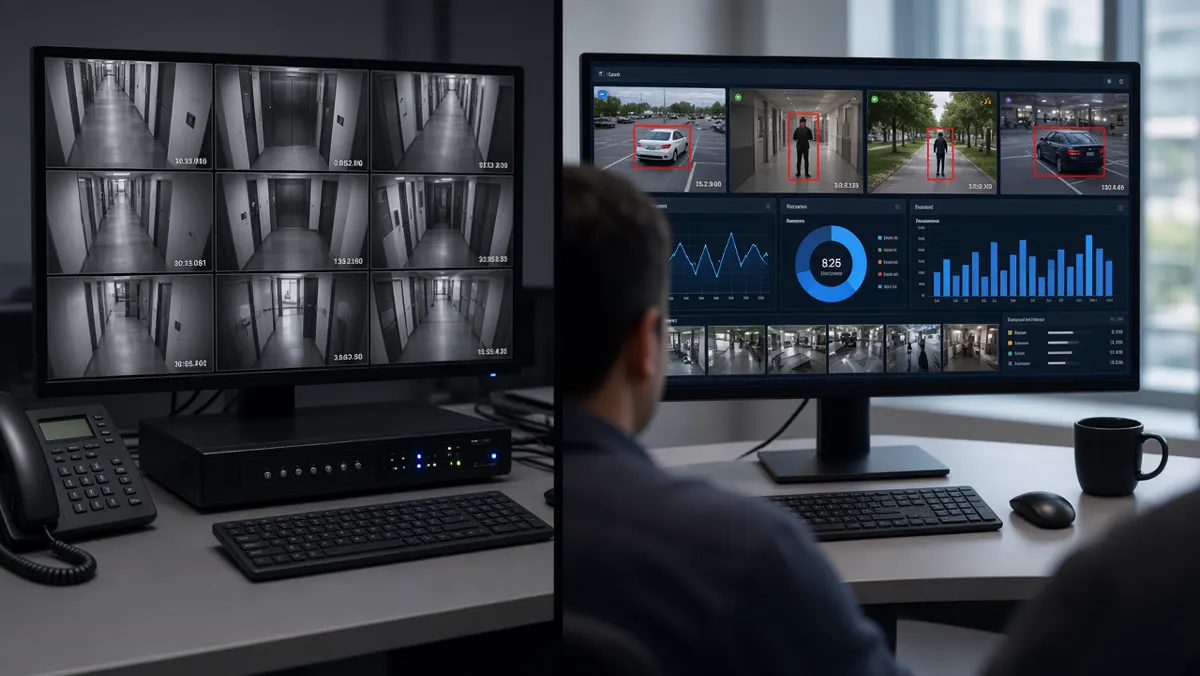
Older “analytics” often meant simple motion detection: if pixels change, raise an alarm. That still has a place, but modern video analytics usually means computer vision and AI models that can tell a person from a tree shadow, a car from a trolley, or an open gate from normal doorway traffic. The difference is reliability. Fewer false alarms mean teams trust the system and actually respond.
What do people mean by video analytics?
When someone says “video analytics,” they may mean slightly different things depending on their role:
- Security teams usually mean intrusion, perimeter breach, loitering, abandoned objects, or after-hours presence.
- Safety & EHS teams mean PPE detection, restricted-zone entry, fall-like events, or forklift–pedestrian interaction.
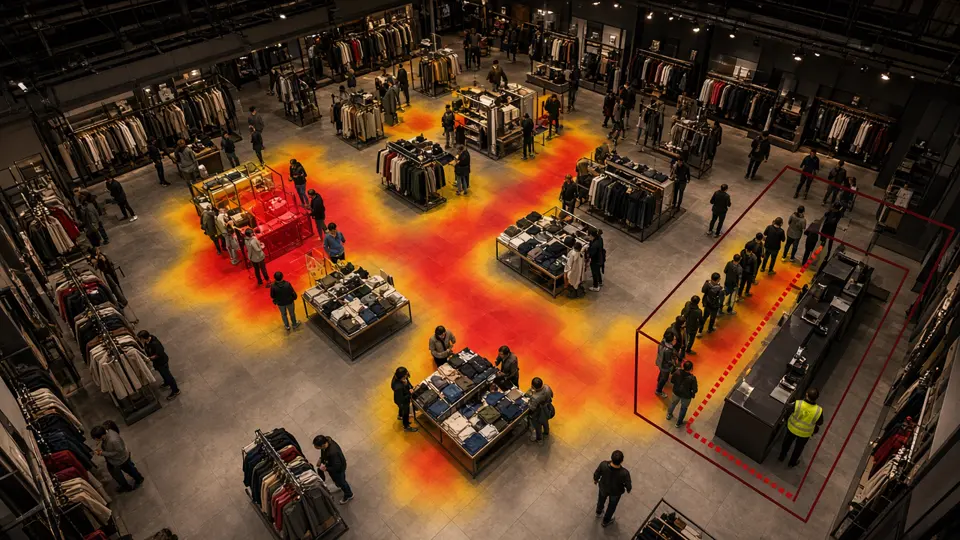
- Operations & retail mean footfall counting, queue length, dwell time, heatmaps, and occupancy.
- Traffic & city teams mean vehicle counting, number-plate reading (ANPR), wrong-way movement, or violation support.
- IT & integrators mean the software stack: cameras → streams → servers or edge boxes → models → dashboards → integrations.
So the meaning of video analytics is broader than one feature. It is the family of techniques that convert video into structured data you can alert on, search, measure, and report.
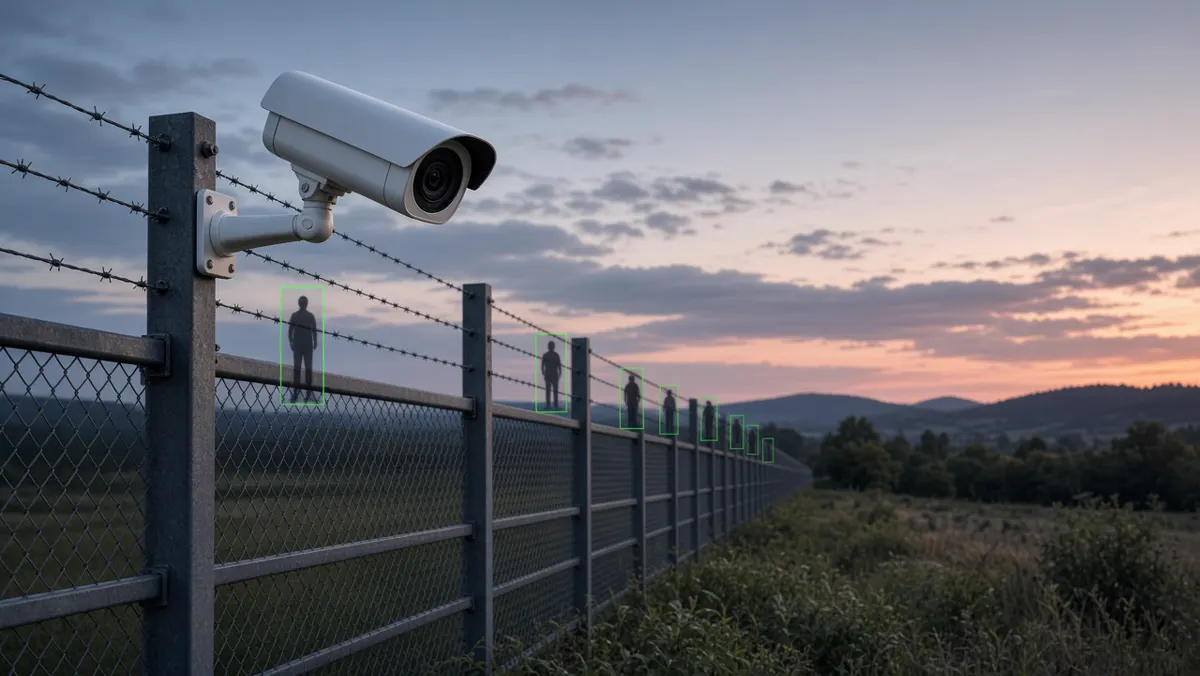
If a vendor brochure says “AI video analytics,” ask what exactly it detects, in which lighting conditions, on which camera angles, and how false alarms are handled. The phrase is popular; the capability still depends on setup quality, model training, and operational process.
What is CCTV with video analytics?
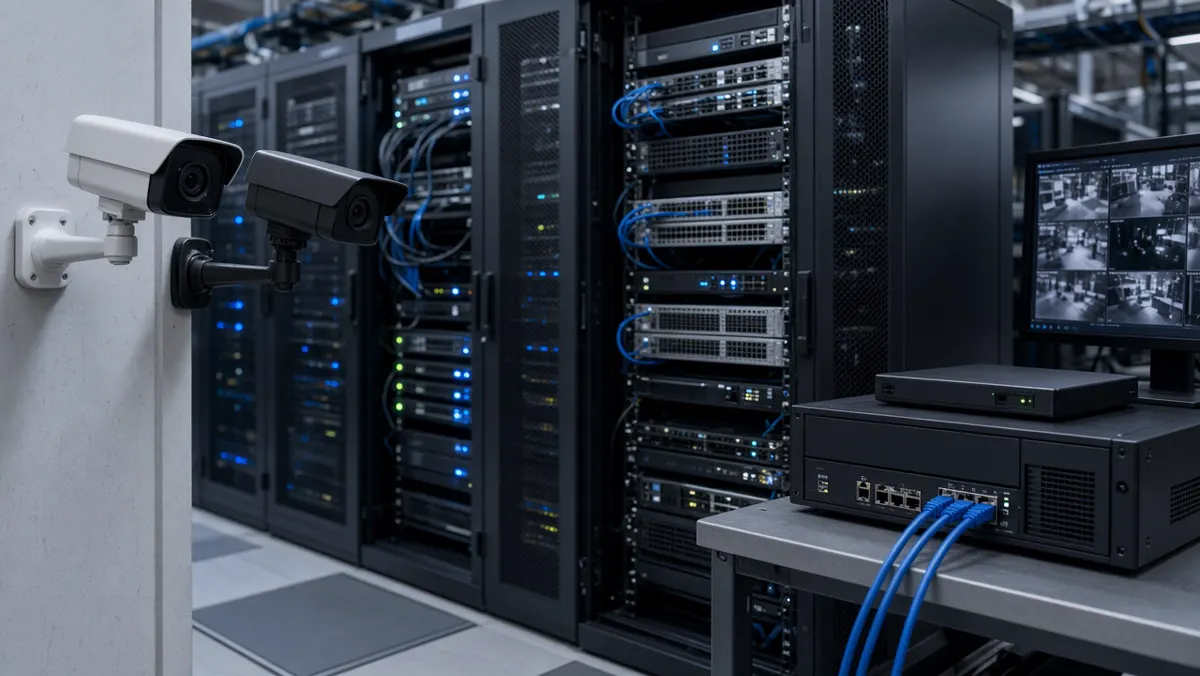
CCTV with video analytics is a normal camera system plus an intelligence layer. You keep cameras, network video recorders (NVRs) or video management software (VMS), storage, and viewing clients. On top of that, analytics software continuously or selectively analyses streams and creates events.
You do not throw away existing cameras in most projects. Many organisations start by connecting selected cameras — gates, loading bays, shop floors, highway junctions — to analytics first, then expand. Recording continues as usual for investigation and compliance. Analytics sits beside recording so that when something important happens, someone is notified without scrubbing hours of footage.
In practice, “CCTV with video analytics” is what most factories, campuses, malls, and city projects mean when they say they want smart surveillance: keep the familiar camera estate, add software that reduces missed events and speeds response.
What is video analytics in CCTV?
Video analytics in CCTV is the same idea described from inside the system. Cameras produce frames. Analytics models run on those frames (on the camera, on a nearby edge device, or on a central GPU server). Detections become events. Events become alerts and reports.
Think of it as the “brain” layer of CCTV:
- The eyes are cameras and lenses.
- The memory is storage and the VMS/NVR.
- The brain is video analytics — noticing, classifying, and prioritising.
- The voice is alerting — dashboards, SMS, email, mobile push, or integration into a command system.
Inside the analytics engine you will often find object detection (person, vehicle, PPE), tracking (follow an object across frames), zone rules (enter / exit / loiter), and sometimes specialised modules such as ANPR or face/attribute analytics where legally allowed. Configuration matters as much as the model: a perfect algorithm aimed at the wrong angle still fails.
CCTV vs video surveillance — what’s the difference?
People often use the words interchangeably, but they are not identical:
CCTV (Closed-Circuit Television) traditionally emphasises the hardware and the closed network of cameras, cables, recorders, and monitors. Historically it meant “we record and we can replay.” Success was measured by coverage and retention days.
Video surveillance is the wider operational practice: watching, analysing, alerting, investigating, and responding. Today that practice frequently includes AI analytics, central command centres, mobile supervision, and links to other systems (access control, ticketing, e-challan, building management).
Simple memory aid: CCTV records. Smart video surveillance helps you respond. You can have CCTV without meaningful surveillance (cameras nobody watches). You can also have strong surveillance workflows that depend on CCTV as the sensor layer.
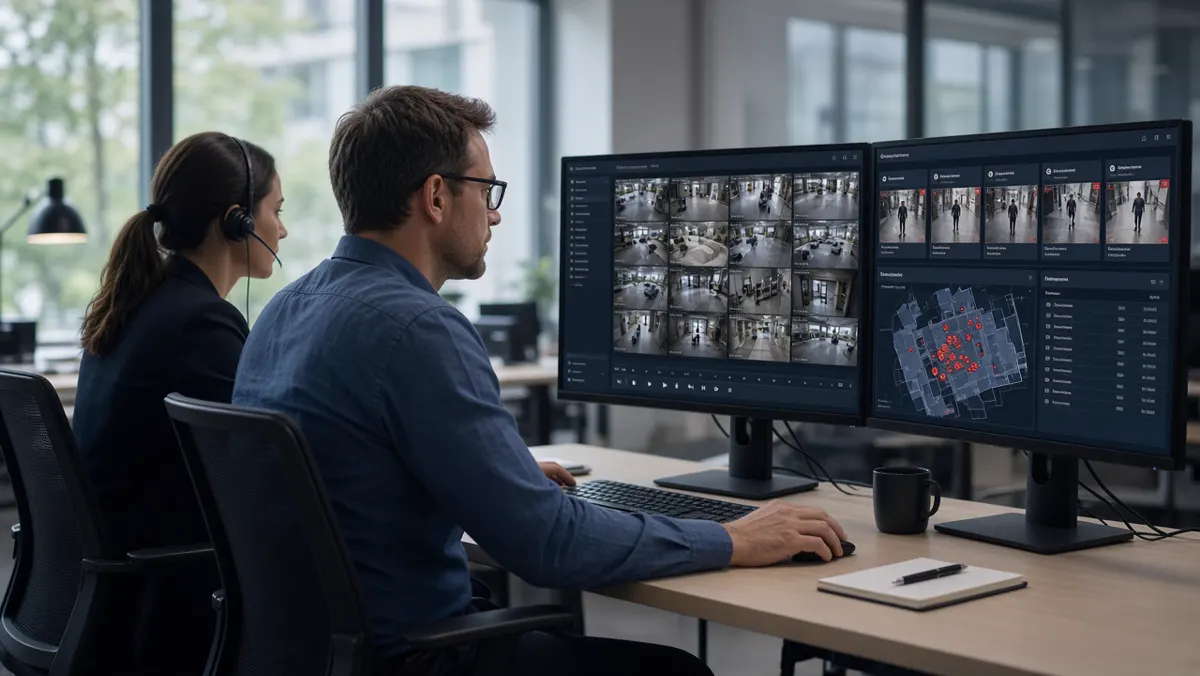
Benefits of video analytics
Organisations adopt video analytics for practical outcomes, not for buzzwords. The most common benefits are:
- Fewer missed events. Humans cannot reliably watch dozens of feeds for hours. Analytics never blinks. It flags defined situations so operators can verify and act.
- Faster response. An alert with a snapshot and camera location is faster than discovering an incident hours later during random review.
- Better use of staff. Guards and supervisors shift from continuous staring to exception handling — a healthier, more scalable operating model.
- Searchable evidence. Instead of scrubbing a full day’s video, teams filter by event type, camera, and time window.
- Operational insight. Beyond security, counts and heatmaps help retail staffing, queue management, parking utilisation, and plant safety audits.
- Consistency. Rules fire the same way on night shifts and weekends, reducing dependence on who is on duty.
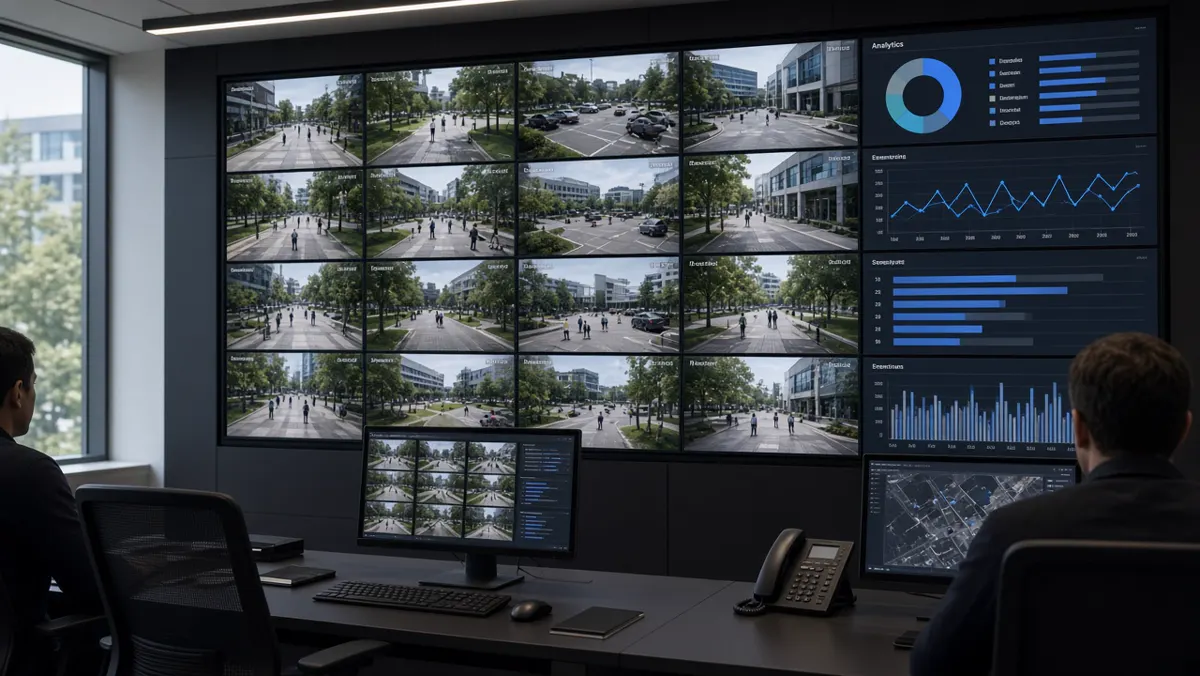
Limits and realistic expectations
Video analytics is powerful, but it is not magic. Setting honest expectations prevents disappointment:
- Camera quality and angle matter. Blurry, backlit, or poorly aimed cameras reduce accuracy. Analytics cannot invent detail that is not in the image.
- False alarms still happen. Wind-blown foliage, insects near lenses, glare, and unusual clothing can confuse models. Good projects include tuning, schedules, and human verification.
- Not every use case is equal. Detecting a person in a clear corridor is easier than complex crowd behaviour in rain at night.
- Privacy and policy apply. Especially for face-related or workplace monitoring features, organisations must follow law, labour policy, and data-retention rules.
- Operations still win or lose the project. Alerts nobody acknowledges create noise. Success needs roles, escalation paths, and review habits.
- Compute and bandwidth cost money. Analysing every camera at full resolution live may be unnecessary; many sites analyse priority cameras or use smart sampling.
The future of video analytics (plain view)
Looking ahead, video analytics is moving in several practical directions that buyers should understand:
- More on the edge. Processing closer to the camera reduces bandwidth and can cut latency for local alerts, with summaries sent to a central console.
- Better multimodal context. Systems increasingly combine video with IoT sensors, access logs, and maps so an alert is not just “person detected” but “person in restricted zone after door forced open.”
- Rich operational analytics. Security remains important, but manufacturing, retail, logistics, and cities use video as a sensor for efficiency and compliance KPIs.
- Stronger evidence workflows. Events are packaged for review, audit, and integration with enforcement or ticketing systems.
- Responsible AI expectations. Buyers ask about accuracy reporting, bias testing, audit logs, and data governance — not only feature lists.
Key takeaway
Video analytics makes cameras useful in daily operations — for security, safety, and business insight — without requiring someone to watch every feed. It is the difference between owning video and owning awareness.
If you remember only three points from this cluster:
- Video analytics turns CCTV from a recording archive into an event-driven system.
- CCTV is the sensor layer; video surveillance is the operational practice that includes analysis and response.
- Benefits are real when camera quality, rules, and human workflows are designed together — not when software is bolted on alone.
A practical starter checklist
If you are responsible for cameras at a factory, campus, mall, hospital, or city corridor, use this checklist before you talk to any vendor. It keeps the conversation grounded in outcomes instead of slogans.
- 1. Name one primary risk. Write a single sentence such as “After-hours perimeter intrusion at the east fence is our highest risk” or “Missing helmets on Bay 3 are our highest safety gap.” Secondary goals can wait. Projects that try to solve every camera problem in month one usually stall.
- 2. List the cameras that actually see that risk. Walk the site. Note camera IDs, mounting height, day and night image quality, and whether foliage, glare, or passing headlights will confuse analytics. A spreadsheet with columns for camera ID, purpose, day quality (1–5), night quality (1–5), and notes is enough.
- 3. Define the human response. Who receives the first alert? What must they do in the first two minutes? Who is the escalation contact at 2 a.m.? If nobody owns the response, analytics will only create a prettier unused log.
- 4. Decide what “good” looks like in 30 days. Examples: “Average verification time under three minutes,” “Fewer than X false alarms per night on the pilot cameras,” or “At least one real incident caught that would previously have been found only on review.”
- 5. Separate recording goals from intelligence goals. Retention days, megapixel counts, and storage quotes belong to the recording conversation. Intelligence goals are about events, alerts, and decisions. Mixing them early causes budget fights that have nothing to do with analytics quality.
Common myths (and clearer truths)
- Myth: “AI cameras mean we can fire the guards.” Truth: AI changes what guards do. Coverage improves when people verify exceptions instead of staring. Headcount decisions depend on site risk, union rules, and response needs — not on a brochure.
- Myth: “If it is AI, false alarms disappear.” Truth: False alarms drop when scenes are suitable and rules are tuned. They never hit absolute zero in open outdoor environments. Plan for verification.
- Myth: “We need AI on every camera on day one.” Truth: Analysing every camera live is expensive and often unnecessary. Start with priority views that match the primary risk.
- Myth: “Higher megapixels automatically mean better analytics.” Truth: A sharp, well-aimed mid-resolution view often beats a poorly aimed ultra-high-resolution stream. Optics, angle, and lighting beat marketing megapixel races.
- Myth: “Analytics replaces the need for procedures.” Truth: Analytics without SOPs creates noise. Procedures without analytics miss events. You need both.
Questions to ask any supplier
Bring these questions to demos. They separate serious implementers from slide-only sellers:
- Can you run a pilot on our existing camera streams for two weeks?
- Which three event types will you guarantee to configure in the pilot?
- How do we measure true positives and false positives together?
- What happens when a camera goes offline — do we get a health alert?
- Who tunes zones after go-live, and how often is that included?
- Where is video and event metadata stored, and who can export it?
- How do mobile alerts avoid flooding supervisors at night?
- What integrations have you actually shipped (not just claimed)?
Write down answers. Ambiguity on storage, tuning ownership, or false-alarm handling is a warning sign.
Layman glossary
- Stream: the live video coming from a camera over the network.
- Event: a structured record that something of interest happened, with time and camera ID.
- Zone: a drawn area in the camera image where rules apply.
- False alarm / false positive: the system alerted, but the situation was not actually a problem.
- True positive: the system correctly flagged a real situation you care about.
- Edge: processing near the camera or site instead of only in a distant data centre.
- VMS / NVR: software or appliance mainly used to record, organise, and play back video.
- SOC: security operations centre — the room or team that monitors alerts.
Summary
- Start with one clear goal — for example, after-hours perimeter alerts or PPE compliance on one shop floor — then expand.
- Keep language simple enough that any supervisor can understand alerts.
- Measure success by response quality and reduced missed events, not by how many AI buzzwords appear on a proposal.
- this guide gives you the vocabulary.
- Later clusters cover types and examples, software and tools, AI cameras and apps, and full AI surveillance projects.
Types and Examples of Video Analytics
From basic rules to security, safety, advanced AI and operational examples across industries.

Why types of video analytics matter
Not all “AI CCTV” does the same job. A package aimed at retail queues will not automatically protect a factory perimeter. A traffic ANPR system is not a PPE checker. Grouping analytics into types helps you:
- Write a clear requirement (“we need after-hours intrusion + PPE,” not “we need AI”).
- Compare vendors fairly on the same category.
- Plan cameras and lighting for the hardest use case you actually need.
- Avoid paying for modules you will never operationalise.
Think of types as tool drawers. You open the security drawer, the safety drawer, or the operations drawer depending on the problem.
Basic types (simple rules)
Basic analytics rely on motion and geometry more than deep understanding of objects. They are still useful — especially when budgets are tight or scenes are controlled.
- Motion detection. Raises an alert when enough pixels change. Good for empty rooms after hours; noisy outdoors if leaves and lights move.
- Tripwire / virtual line. An imaginary line in the camera view. Crossing it in a chosen direction creates an event — useful at gates and corridors.
- Intrusion / zone enter-exit. A polygon on the floor plan of the image. Presence inside the zone (sometimes with schedules) triggers alerts.
- Tampering / defocus. Detects when a camera is covered, sprayed, moved, or loses focus — a basic hygiene check for the camera estate.
- Abandoned / removed object (classic). Older algorithms look for objects that appear or disappear and stay that way; modern versions often combine object classification for fewer false alarms.

Object types (what is in the video)
Object analytics uses AI models to recognise categories in the frame. This is usually what people mean when they say “AI video analytics.”
- Person detection & counting. Find humans, ignore many non-human motions, count entries through a doorway.
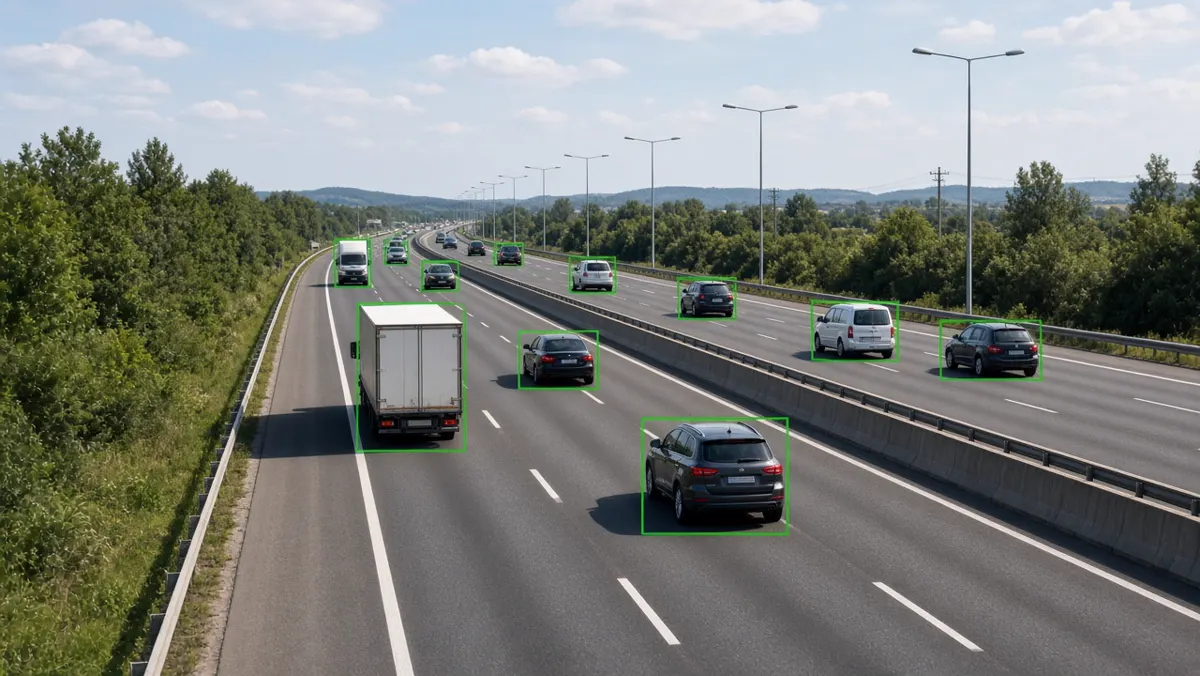
- Vehicle detection & classification. Cars, bikes, trucks, buses — useful for traffic, parking, and yard management.
- PPE / safety gear. Helmets, vests, masks (site-dependent) — a major industrial use case in India and globally.
- ANPR / LPR. Read number plates and create vehicle passage records for gates, highways, and watchlists.
- Attributes (where allowed). Colour of clothing or vehicle, carrying a bag, etc. Treat carefully under privacy policy.

Security analytics types
Security analytics focus on protecting people, property, and perimeters. Typical modules include intrusion detection, fence-line monitoring, loitering near ATMs or jewellery counters, tailgating at access doors (sometimes with access-control integration), and watchlist vehicle alerts via ANPR.
Success depends on scene design: clear fence lines, adequate IR or lighting at night, and alert destinations that someone actually monitors. Security analytics without an on-call process simply creates a log nobody reads.
Safety analytics types
Safety analytics support EHS goals. Common detections: missing helmet or vest in marked zones, person in a hazardous area, smoke/fire cues (camera-based, complementary to certified detectors), slip/fall-like events, and interaction risks between pedestrians and forklifts.
These systems work best when zones are painted clearly in the real world and mirrored in software, and when alerts go to supervisors who can coach behaviour — not only punish after the fact.
Advanced AI types (behaviour & identity)
Advanced analytics look at patterns over time or specialised identity tasks:
- Loitering & dwell. Person stays beyond a threshold in a sensitive area.
- Crowd density / unusual gathering. Useful for stations, campuses, and public venues.
- Fight / aggression cues. Higher false-alarm risk; use with human verification.
- Anomaly detection. Learns “normal” motion and flags unusual patterns — powerful but needs careful tuning.
- Face / re-identification (regulated). Only where law and policy allow; many enterprises avoid or limit these.
- Multi-camera tracking. Follow a person or vehicle across several views — complex to deploy well.
Operational analytics types
Operational analytics help run the business, not only protect it:
- Footfall & occupancy for malls, offices, and events.
- Queue length & wait estimation for retail, banks, and ticketing.
- Heatmaps showing where people spend time.
- Parking occupancy and bay utilisation.
- Process checkpoints — did a vehicle stop at weighbridge / gate as required?
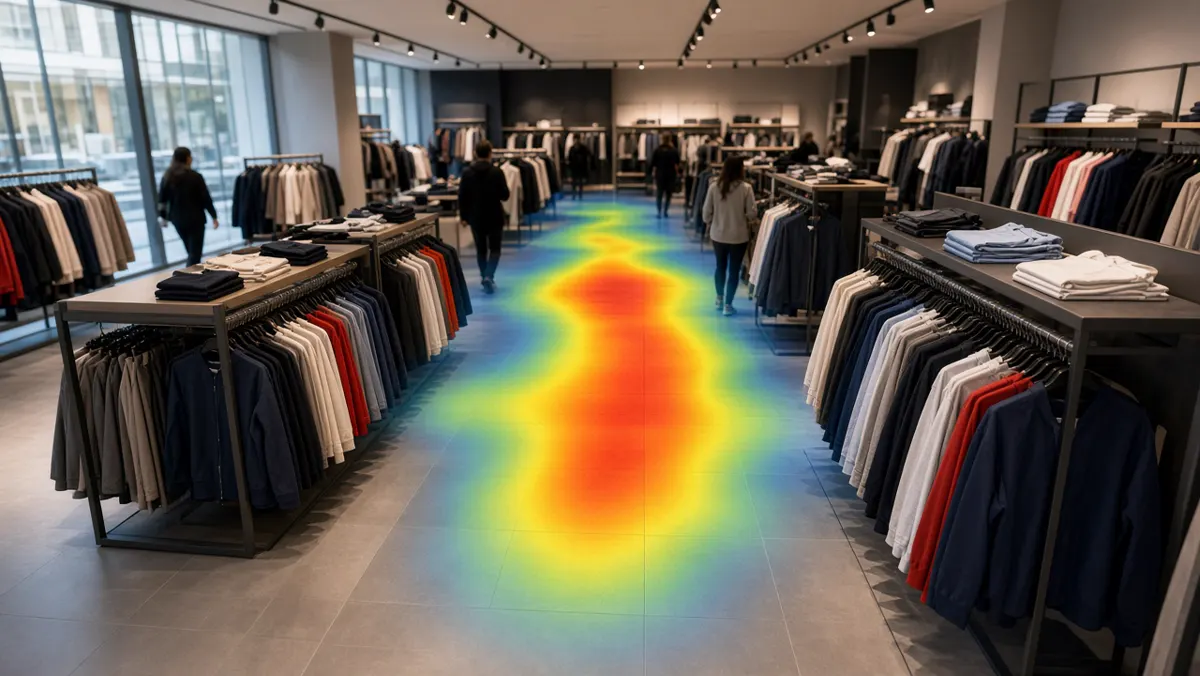
Everyday examples list
Here is a practical list you can map to your site:
- Warehouse fence line: person intrusion after 10 pm.
- Factory shop floor: missing helmet in production bay.
- Hospital corridor: overcrowding near emergency entrance.
- Retail checkout: queue length above threshold.
- Campus gate: unregistered vehicle via ANPR.
- Mall atrium: footfall by hour for staffing.
- Parking basement: occupancy dashboards.
- Highway junction: wrong-way or stop-line related events (project-specific).
- ATM lobby: loitering beyond allowed time.
- Loading dock: truck dwell time and bay misuse.
- School gate: after-hours presence alerts.
- Data centre cage: person in restricted aisle.
Industry examples
- Manufacturing. PPE, restricted zones, forklift lanes, smoke cues near high-risk areas.
- Retail & malls. Footfall, queues, after-hours intrusion, stockroom access patterns.
- Logistics. Yard vehicle tracking, dock occupancy, perimeter security.
- Healthcare. Corridor crowding, restricted pharmacy areas, visitor flow (privacy-sensitive).
- Education campuses. Gate vehicle control, after-hours building alerts.
- Cities & traffic. ANPR, flow monitoring, selected violation support with evidence packages.
- Critical infrastructure. Fence analytics, tamper detection, multi-site central monitoring.
What “video analytics CCTV” means
“Video analytics CCTV” is everyday shorthand for a CCTV system that includes analytics software. It does not name a single product. It means cameras plus intelligent processing that creates alerts, counts, or searchable events.
When you see the phrase in a tender or brochure, translate it into: which types (from this cluster), on how many cameras, with what accuracy expectations, and with which human response workflow.
Choosing a mix of types (not one type forever)
Most real sites need a mix. A logistics park may combine perimeter intrusion (security), PPE in the packing hall (safety), dock dwell timing (operations), and gate ANPR (identity/vehicle). The mistake is buying a “complete AI suite” and enabling every toggle on day one. Enable the smallest mix that covers your top risks, prove it, then add.
A simple planning method: write three columns — Must, Should, Later. Put only life-safety and critical security types in Must. Put efficiency types in Should. Put experimental or high-false-alarm-risk types in Later. Review the list with operations, security, and IT together so nobody is surprised.
Scene design tips for each family
- For basic tripwires: draw lines where people or vehicles naturally cross, not across busy background motion. Avoid lines that trees or flags will cross in wind.
- For person detection: mount so a full body or at least torso is visible. Extreme top-down views and extreme distant views reduce reliability.
- For PPE: place cameras where workers face roughly toward the lens at entry to the zone. Side or back-only views miss helmets more often.
- For ANPR: control distance, angle, shutter, and IR carefully. Plate analytics fail for optical reasons more often than model reasons.
- For queues: look along the queue, not only from far away. Counting corridors near entry gates works better than wide atrium shots alone.
- For heatmaps: use consistent camera positions over time; moving the camera invalidates historical comparison.
Three worked example walkthroughs
- Example A — Factory PPE. Goal: reduce missing helmets in a marked production bay. Type family: safety object analytics. Cameras: two views at bay entry and main aisle. Rules: person detected in bay polygon without helmet class during shift hours. Alert: push to shift supervisor app with snapshot. Metric: weekly PPE non-compliance events trending down, plus supervisor acknowledgement rate above 90%.
- Example B — Retail queues. Goal: open an extra till when wait risk rises. Type family: operational queue analytics. Cameras: overhead or angled views of checkout lanes. Rules: queue length or estimated wait above threshold for N seconds. Alert: floor manager watch and public-address optional. Metric: average peak wait reduction and fewer customer complaints logged.
- Example C — Campus gate vehicles. Goal: know which vehicles entered after hours. Type family: ANPR identity/vehicle. Cameras: lane-aligned ANPR camera plus overview camera. Rules: plate read stored for all passages; watchlist hits alert security immediately. Metric: read-rate on sample set, and time-to-acknowledge for watchlist hits.
RFP language that keeps types honest
When writing tenders, avoid “provide AI video analytics” as a single line. Instead specify: event types, expected environments (indoor/outdoor/night), minimum evidence package (snapshot + clip seconds), reporting needs, and acceptance tests using recorded sample videos from your site. Ask bidders to map each claimed feature to one of the type families in this cluster. That mapping exposes vapour features quickly.
Also require a false-alarm handling plan: who tunes, how often, and what “acceptable noise” means during the first month. Types are only valuable when the operating noise stays manageable.
Layman glossary for types
Tripwire: an imaginary line; crossing it creates an event.
Polygon zone: a drawn shape; presence or behaviour inside it matters.
Object class: the label AI assigns, such as person, car, or helmet.
Tracking: following the same object across many frames.
Heatmap: a visualisation of where motion or people concentrate over time.
ANPR / LPR: reading vehicle registration plates from video.
Watchlist: a list of plates or other identifiers that should alert immediately when seen.
False alarms by type — what usually goes wrong
Every analytics type fails in characteristic ways. Knowing the failure mode helps you design scenes and rules before go-live.
Motion and tripwires fail on wind, insects, headlights, and rain streaks. Mitigate with object filters (person/vehicle only), schedules, and avoiding sky or tree-heavy lines.
Person detection fails on tiny distant figures, heavy occlusion, unusual clothing silhouettes, and reflective floors. Mitigate with better mounting height and minimum object size thresholds.
PPE detection fails when workers face away, wear non-standard colours, or stand partially outside the zone. Mitigate with entry-chokepoint cameras and clear painted zones in the real world.
ANPR fails on motion blur, extreme angles, dirty plates, non-standard fonts, and mismatched IR. Mitigate with dedicated lane cameras and shutter/IR tuning — not by “turning AI up.”
Queue analytics fail when staff walk through lanes, carts look like people, or camera views cut the queue. Mitigate with lane-aligned views and staff exclusion zones if the software supports them.
Behaviour / anomaly types fail when “normal” changes seasonally (festivals, shift patterns). Mitigate with longer baselines and human review before automated escalation.
How types combine in one camera view
One camera can host multiple types if the view supports them. A loading-bay camera might run vehicle presence (ops), person-in-forklift-lane (safety), and after-hours intrusion (security) on different schedules. Do not overload a single poor view with every module — accuracy collapses when the camera cannot see any job well.
When combining types, assign severities carefully. A queue alert should not page the same night phone as a perimeter breach. Mixed types without severity design create alert fatigue faster than any single noisy rule.
Buyer scorecard for types & examples
Score each proposed type from 1–5 on: business impact, scene readiness, false-alarm risk, staffing readiness, and integration need. Multiply impact × readiness and divide by false-alarm risk as a rough priority index. Types that score high on impact but low on readiness belong in a camera-upgrade workstream first — not in a software blame cycle.
Bring two or three real video clips to every demo and insist the type is shown on those clips. Examples on brochure footage teach almost nothing about your night shift.
Training operators on types (without drowning them)
Operators do not need a computer-vision lecture. They need to recognise the event names they will see, know which ones are urgent, and know how to mark true versus false. Build a one-hour training that shows five real clips per enabled type from your own cameras. Pause after each clip and ask: what should you do in the first minute?
Print a pocket card: event name, severity colour, first action, escalate-to contact. Laminate it for guard rooms. Update the card whenever the event dictionary changes. Types that never appear on the card effectively do not exist operationally — even if the licence is paid.
Refresh training every quarter with new false-alarm examples. Celebrate operators who label noise carefully; that labelling is how the programme improves. Punishing people for “too many false alarms” without giving them a way to report bad zones creates silence, not accuracy.
For multi-site companies, record a short internal video walkthrough of the console once, then localise only the site-specific zone examples. That keeps training consistent while respecting local camera layouts.
Maintenance calendar tied to analytics types
Different types need different physical maintenance. ANPR lanes need clean lenses and checked IR more often than indoor footfall cameras. Outdoor perimeter tripwires need foliage trimming on a seasonal calendar. PPE entry cameras need lighting checks when factory layouts change.
Put analytics maintenance on the same board as fire extinguisher checks — not as an afterthought IT ticket. When a type’s true-positive rate drops suddenly, assume a physical cause first (dirt, aim shift, new obstacle) before blaming the model.
Keep a simple log: date, camera, type affected, physical fix or software tune, and result. Over a year that log becomes your best internal playbook — better than any generic brochure.
Summary
- Choose types from a clear problem statement.
- Start with one family — security, safety, or operations — prove value on a handful of cameras, then expand.
- this guide covers the software and tools that implement these types; this guide covers AI cameras and apps; this guide covers full AI surveillance projects.
CCTV Video Analytics Software and Tools
Software, AI tools, servers, free vs paid options, features and how to choose what to use.
What is CCTV video analytics software?
CCTV video analytics software is the application (or platform) that receives video from cameras or a video management system, runs detection and rules, and presents results to people and other systems. It may be installed on a local server, run on edge appliances near cameras, or be delivered as a hybrid/cloud service.
Unlike a pure NVR that mainly records and plays back, analytics software’s job is interpretation: “a person entered Zone A after 22:00,” “helmet missing on Camera 12,” “queue length exceeds four people.” Those interpretations become events with evidence.
CCTV AI analytics software
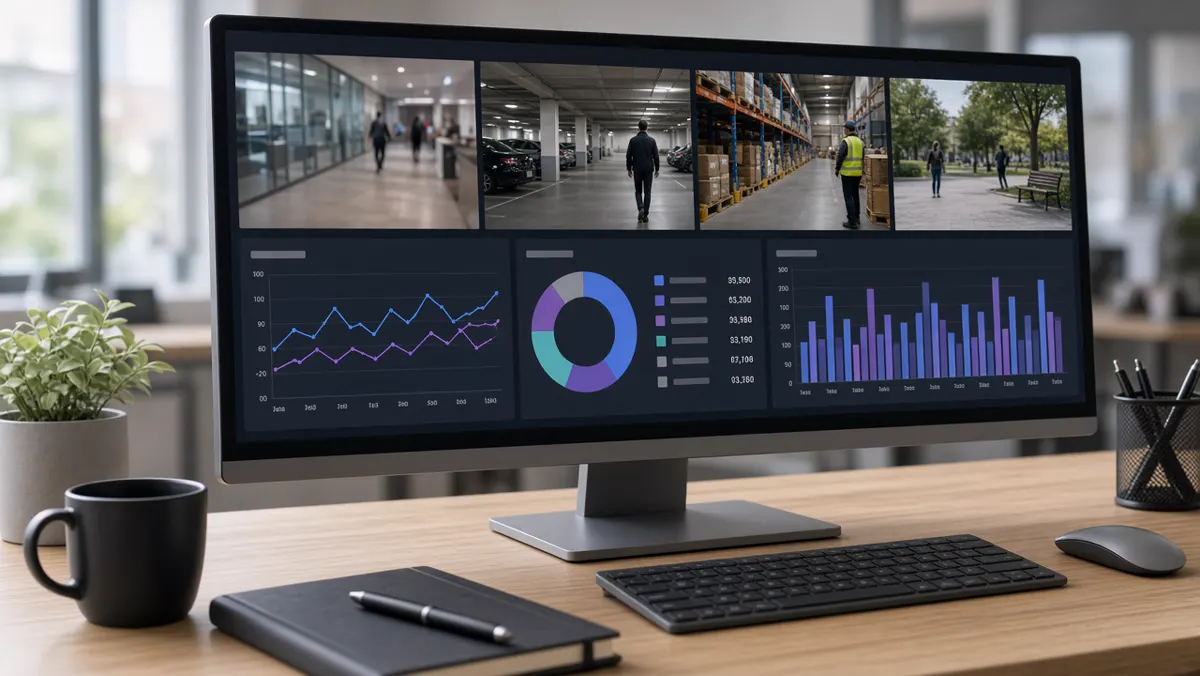
“CCTV AI analytics software” emphasises machine-learning models rather than only pixel motion rules. AI software can distinguish a person from foliage, classify vehicles, read plates, and check PPE with far fewer false alarms than classic motion alone — when cameras and scenes are suitable.
Expect model packs (people, vehicles, PPE, ANPR), confidence thresholds, zone editors, and often GPU requirements. AI software still needs configuration: drawing zones, setting schedules, and reviewing sample events during a pilot.
Video analytics software (platform view)
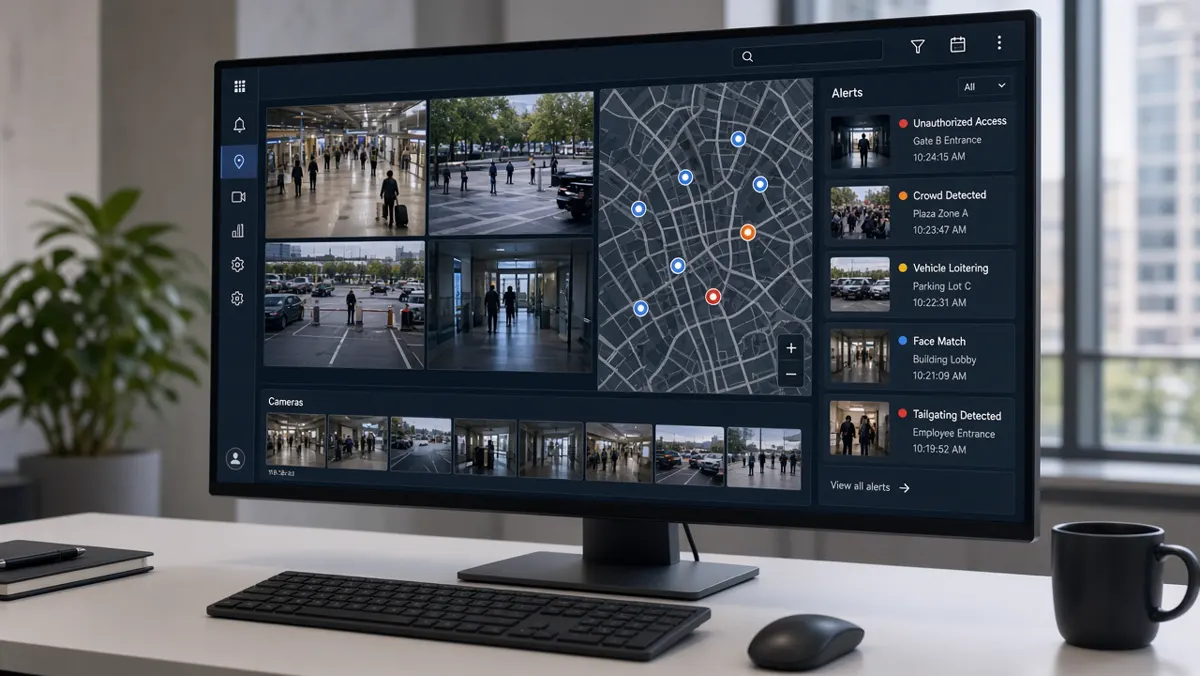
At platform scale, video analytics software manages many cameras, sites, users, and modules. Multi-tenant or multi-site deployments need role-based access, audit logs, health monitoring (which cameras are offline), and consistent event schemas so a central SOC can work across locations.
Enterprises often ask whether analytics is a plug-in inside their existing VMS or a separate intelligence platform that connects to cameras and optionally to the VMS. Both patterns exist; the right choice depends on camera count, IT standards, and whether you need specialised modules the VMS lacks.
Video analytics tools (pick by job)
“Tools” is a looser word. It can mean:
- Full platforms — end-to-end analytics for production sites.
- Module tools — ANPR-only, PPE-only, or footfall-only packages.
- Developer/SDK tools — for teams building custom detectors.
- Forensic tools — analyse recorded video after an incident rather than live.
- Health & calibration tools — check camera focus, overlap, and stream health.
Pick by job: live protection needs always-on platforms; investigation teams may also want strong forensic search; R&D teams may start with SDKs. Most organisations should not begin with SDKs unless they have ML engineering capacity.
What is a video analytics server?
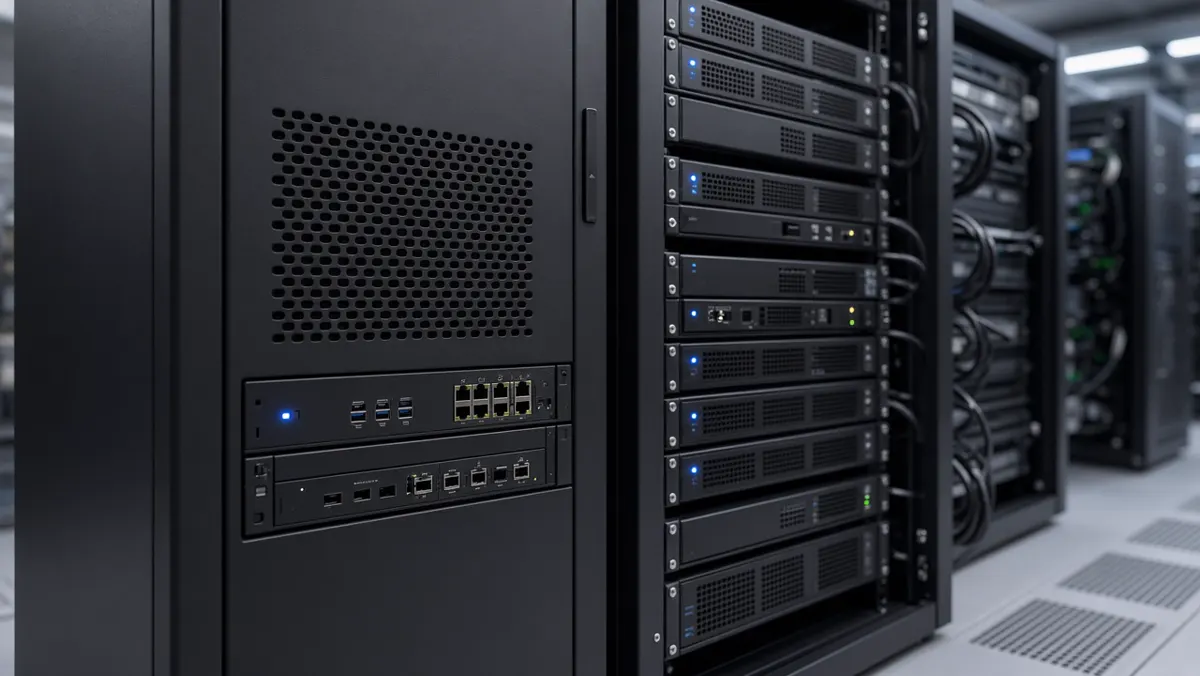
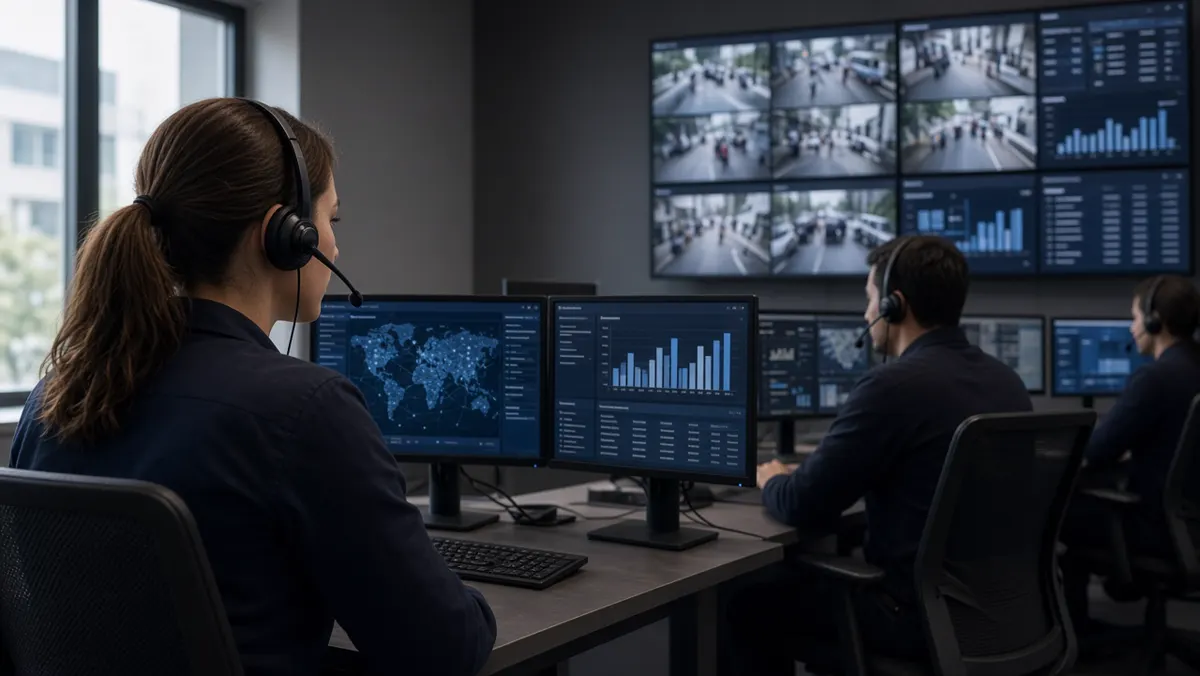
A video analytics server is the computer (often GPU-equipped) that runs analytics software for many camera streams. It pulls or receives video, executes models, writes events to a database, and serves the web or desktop console.
Sizing depends on camera count, resolution, frame rate analysed, number of models per camera, and whether processing is continuous or on motion. Edge appliances are mini-servers placed near camera clusters to cut bandwidth. Some designs mix edge for urgent alerts and central servers for heavy search and reporting.
What software can analyse CCTV footage?
Almost any serious analytics platform can analyse both live and recorded footage, but products differ:
- Live-first platforms optimise for continuous monitoring and alerting.
- Forensic tools excel at searching archives after an incident.
- VMS-native analytics are convenient if you already standardised on that VMS.
- Specialist engines (ANPR, PPE) may outperform generalists on that one job.
When asking “what software should we use?”, answer with constraints: camera brands, on-prem vs cloud policy, languages for operators, integration needs (access control, ticketing), and the top three event types you must catch in month one.
Free CCTV analysis software — realistic view
Free options exist, but “free” usually means one of:
- Open-source computer vision libraries (you build and maintain the product).
- Trial editions or limited camera counts.
- Basic motion tools bundled with consumer NVRs.
- Academic or research packages not designed for 24×7 SOC use.
For production security or industrial safety, total cost includes servers, cameras, networking, installation, training, and ongoing tuning. Free engines rarely include the support, auditability, and Indian field conditions hardening that enterprises need. Treat free tools as learning sandboxes or proofs of concept, then budget for a supported platform if uptime and accountability matter.
AI security camera software
AI security camera software may run on smart cameras (edge AI cameras), on NVRs, or on separate servers analysing ordinary IP cameras. Functionally it overlaps with CCTV AI analytics software; marketing names differ.
On-camera software reduces network load for that device but can be harder to standardise across mixed brands. Server software standardises models across heterogeneous cameras — often preferred in brownfield Indian sites with mixed OEM estates.
Key features to evaluate
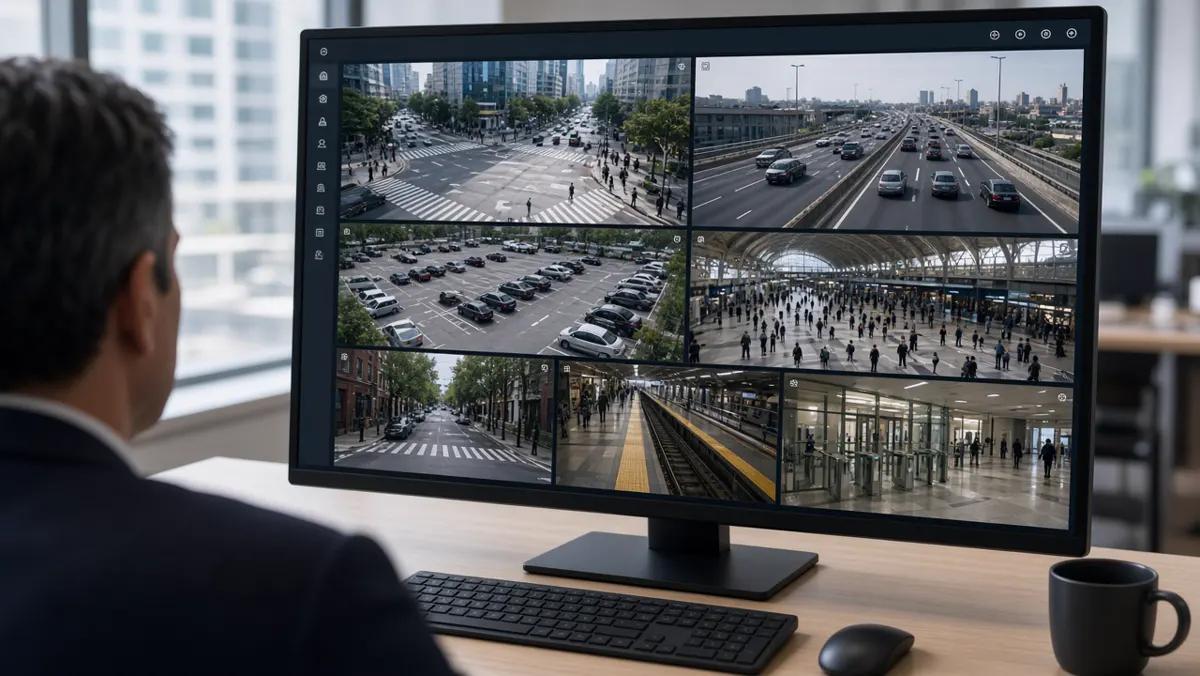
When scoring software, look beyond logo slides:
- Detection accuracy on your sample videos (day/night, rain, glare).
- False-alarm controls: zones, schedules, minimum object size, cooldown.
- Evidence quality: snapshot + clip length, watermarking, export.
- User roles, multi-site hierarchy, and audit trails.
- Health monitoring for cameras and analytics services.
- API / webhook / MQTT integration options.
- Language and UI clarity for local operators.
- Update and model-management process.
Industries and software fit
Manufacturing prioritises PPE and zone modules with harsh lighting tolerance. Retail wants footfall and queue tools with privacy-aware counting. Traffic projects need ANPR accuracy on Indian plates and evidence packaging. Campuses need multi-building user roles. Choose software that has reference deployments in your industry — not only generic demos.
Benefits of the right software
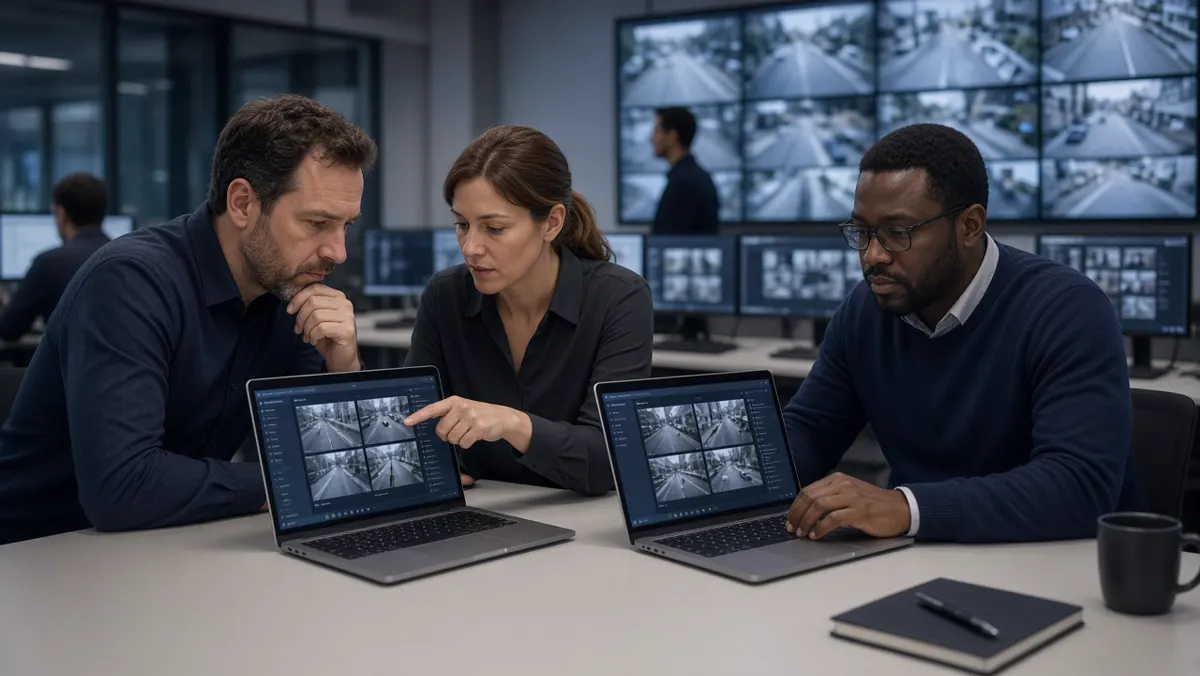
The right CCTV video analytics software reduces missed events, shortens investigation time, standardises monitoring across sites, and creates measurable safety or service KPIs. The wrong software creates alert fatigue and unused licences. Benefit realisation is a project, not a purchase order.
Architecture choices buyers actually face
When you shortlist CCTV video analytics software, you will hear three architecture stories. Understanding them prevents buying the wrong shape of system.
- VMS-centric. Analytics lives as modules or partners inside your existing video management system. Pros: one operator UI, familiar recording workflows. Cons: you may be limited to what that VMS ecosystem supports, and specialised modules (industrial PPE, city ANPR) may be weaker.
- Analytics-platform-centric. A dedicated intelligence platform connects to cameras (and optionally to the VMS). Pros: deeper analytics roadmap, multi-VMS sites, stronger event databases. Cons: operators may use two consoles unless you integrate carefully.
- Edge-appliance-centric. Small GPU boxes analyse camera clusters on site and forward events centrally. Pros: lower WAN bandwidth, local resilience. Cons: more devices to patch and monitor; need strong remote management.
A two-week software pilot script
Day 1–2: connect five to ten priority cameras; confirm stable streams; set NTP time sync. Day 3–4: configure only the top two event types; draw zones carefully; set night schedules. Day 5–7: operators work normally; log every alert as true, false, or unsure. Day 8–10: tune thresholds and zones using the log; disable noisy rules temporarily rather than ignoring them. Day 11–14: re-measure; write a one-page pilot report with counts, examples, and a go/no-go recommendation.
Refuse to accept a pilot that only shows a rehearsed demo video. Your lighting, your crowds, and your camera angles are the only fair test.
Total cost of ownership (plain language)
Software licences are only one line. Also budget for: GPU servers or edge appliances, network upgrades, installation and focusing time, operator training, annual support, spare capacity for new cameras, and periodic re-tuning after layout changes. A cheap licence with expensive false-alarm labour is not cheap.
Ask vendors to quote year-1 and year-3 costs separately. Include the cost of people time for acknowledgement and investigation — that is where many “savings” actually appear.
Securing the analytics software itself
Analytics platforms hold sensitive video and event history. Harden them: unique admin accounts, MFA where possible, network segmentation, encrypted streams when supported, patch discipline, and audit logs for exports. Do not place the analytics console on the open internet without a controlled remote-access design.
Also define retention for events separately from full video retention. Event databases can grow quickly if every low-value detection is stored forever.
Layman glossary for software & tools
Licence: commercial right to use software for a number of cameras or modules.
Inference: running an AI model on video to produce detections.
GPU: specialised compute that makes inference fast enough for many cameras.
API / webhook: ways for software to notify or exchange data with other systems.
ONVIF / RTSP: common ways cameras expose video to platforms.
Forensic search: finding events or objects in recorded video after the fact.
Health monitoring: alerts when cameras or analytics services stop working.
Integration patterns that make software useful
Analytics software creates more value when events leave the analytics console. Common patterns:
- Webhook to chat / ticketing: create a ticket or channel message for high-severity events.
- Access control correlation: door forced open + person detected in lobby becomes a higher severity incident.
- ANPR to parking / visitor systems: registered vehicles pass with less friction; unknowns alert.
- EHS dashboards: PPE events roll into weekly safety KPIs.
- City enforcement APIs: evidence packages hand off to authorised systems after human validation.
Start with one integration in phase 1. Many projects fail by wiring five integrations before operators trust the events.
Software operations runbook (minimum)
Even a small site needs a short runbook: how to add a camera, how to redraw a zone, how to mute a noisy rule temporarily, how to export evidence for an investigation, who approves new users, and what to do when GPU utilisation hits red. Without a runbook, knowledge lives in one engineer’s head until holiday leave breaks the system socially.
Include screenshots of the exact buttons operators use. Update the runbook whenever the UI or event dictionary changes.
How to run a vendor demo that teaches you something
Send three of your own clips in advance (day, night, rain if available). Ask the vendor to configure your top two event types live. Time how long configuration takes. Count false triggers on a five-minute soak. Ask who will perform the same tuning after handover. Request a written list of prerequisites (GPU model, bandwidth, ports, user roles).
If the demo only works on their laptop folder of perfect videos, you have learned about marketing — not about your site.
When not to buy more software yet
If cameras are offline half the week, fix infrastructure first. If nobody acknowledges existing NVR motion alarms, fix operating discipline first. If leadership cannot name the top two events, fix requirements first. Software amplifies clarity — it also amplifies confusion.
Data retention choices inside the software
Decide how long you keep full video, event clips, snapshots, and metadata tables. They do not need the same retention. Many teams keep short high-resolution video, medium-length event clips, and longer metadata for trend reports. Write the policy down and configure the software to match — default infinite retention fills disks and creates legal ambiguity.
Also decide who can export. Uncontrolled USB exports of evidence packages are a common weak point. Prefer audited export roles and watermarked downloads when the platform supports them.
If you operate across states or countries, confirm whether retention rules differ by jurisdiction and whether the software can apply site-level policies. One global default is convenient and often wrong.
Change management when software updates arrive
Model updates and UI upgrades can change detection behaviour overnight. Require a staging check: apply updates to a non-production or limited camera group first, compare alert volumes for 48–72 hours, then roll forward. Keep a rollback plan and a known-good configuration backup.
Communicate to operators before updates: “You may see different sensitivity on PPE for two days; label carefully.” Silence before an update is how rumours start that “the AI broke.”
Track version numbers of platform, models, and GPU drivers in your runbook. When something fails six months later, that version map saves days of guessing.
Skills your organisation needs beside the licence
Someone must own networking and time sync. Someone must own zone design and weekly tuning. Someone must own operator coaching. Someone must own vendor tickets. These can be part-time roles, but they must be named. Buying software without naming skills is how platforms become shelfware.
If you lack internal capacity, budget a managed service for the first six to twelve months with a clear exit: your team should be able to perform basic changes independently by the end of that period.
Interview managed-service proposals for teaching quality, not only for remote monitoring hours. The goal is organisational capability, not permanent dependency — unless you deliberately choose a fully outsourced SOC model.
Summary
- Treat software as a system: ingest, AI, events, people, and integrations.
- Start with a short must-detect list, pilot on real cameras, and size servers honestly.
- Free tools teach concepts; production sites need supported platforms.
- this guide continues with AI cameras and apps; this guide zooms out to full AI surveillance projects.
AI Security Cameras and Apps
AI cameras, camera software, mobile apps and how AI is used in monitoring rooms.
AI security video analytics camera software
AI security video analytics camera software is the program stack that makes a camera (or a group of cameras) detect security-relevant events. It may be firmware on a smart camera, an app on an NVR, or server software analysing streams from ordinary IP cameras.
Regardless of packaging, the software should: ingest video, detect people/vehicles/events, apply your rules, create evidence, and notify someone. Marketing may say “AI camera,” but you are really buying this software behaviour plus hardware that can run it reliably in heat, dust, and night conditions.
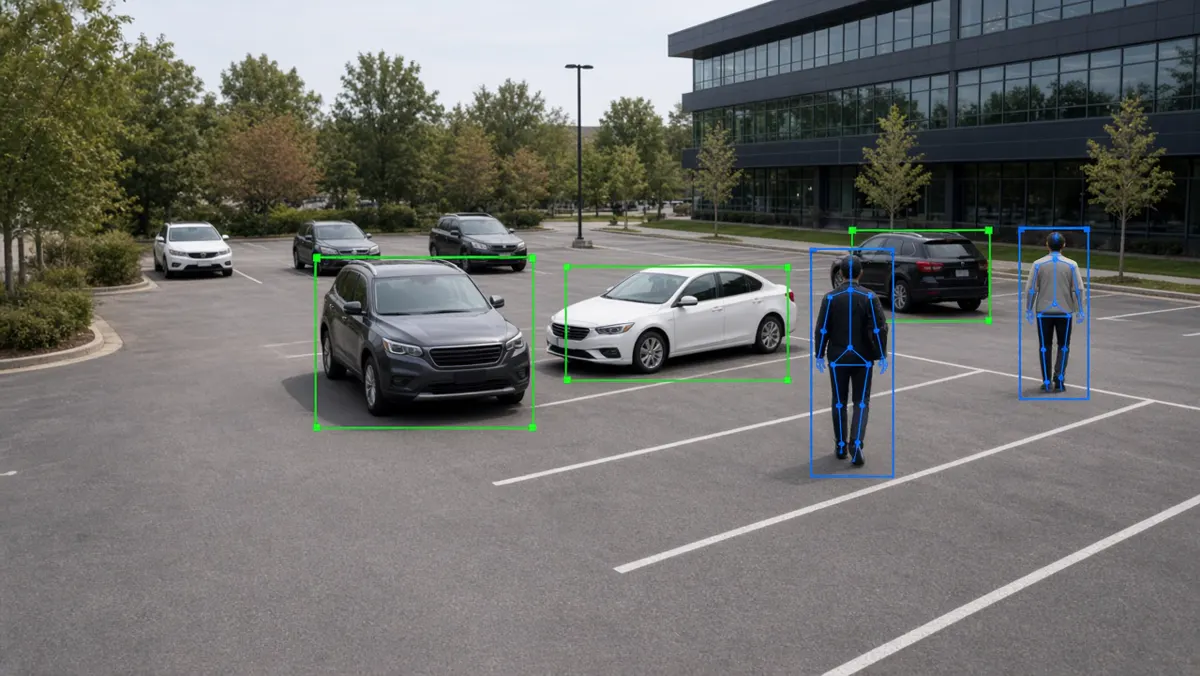
What is an AI security camera?
An AI security camera is a camera that can run (or tightly pair with) intelligence that understands scenes — not only compresses and streams video. Some units have onboard neural processing units (NPUs) and ship with person/vehicle detection, line crossing, and similar features. Others look like normal IP cameras but are designed to feed a central AI platform cleanly (good codecs, ONVIF, stable bitrate).
For buyers, the practical test is: does this camera reduce false alarms and surface useful events without a human staring at it? Resolution and lens still matter; AI does not replace proper mounting height, IR/light planning, and network design.
Enterprise sites often mix: a few high-value AI cameras at gates, plus many standard cameras analysed by a central server. That hybrid is common and cost-effective.
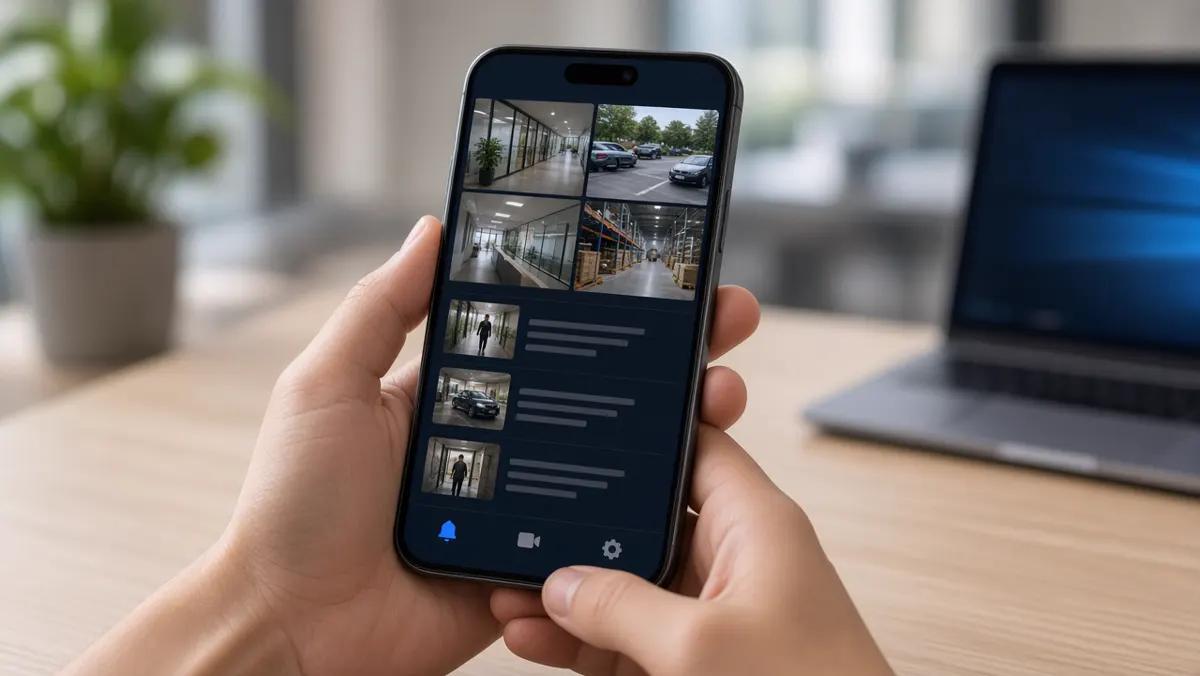
AI camera apps
An AI camera app is usually a mobile or web client that shows live views, event timelines, push notifications, and sometimes two-way talk or quick acknowledge buttons. For small sites, the app may be the primary interface. For large SOCs, the app is a companion while the desktop console remains primary.
Good apps emphasise signal over noise: severity filters, mute schedules, rich thumbnails, and deep links into the exact clip. Weak apps flood users with motion pings until notifications are disabled — defeating the purpose of AI.

AI-based CCTV in India
India’s adoption of AI-based CCTV spans smart cities and traffic projects, industrial safety (PPE), campuses, retail chains, logistics parks, and enterprise SOCs. Conditions that matter locally include mixed legacy camera brands, harsh outdoor lighting, monsoon weather, variable power quality, and the need for on-prem or India-hosted options for many organisations.
Traffic and city programmes often emphasise ANPR and junction monitoring. Factories emphasise PPE and perimeter. Retail emphasises footfall and after-hours security. The common thread is moving from passive recording to exception-based monitoring that works with available staffing.
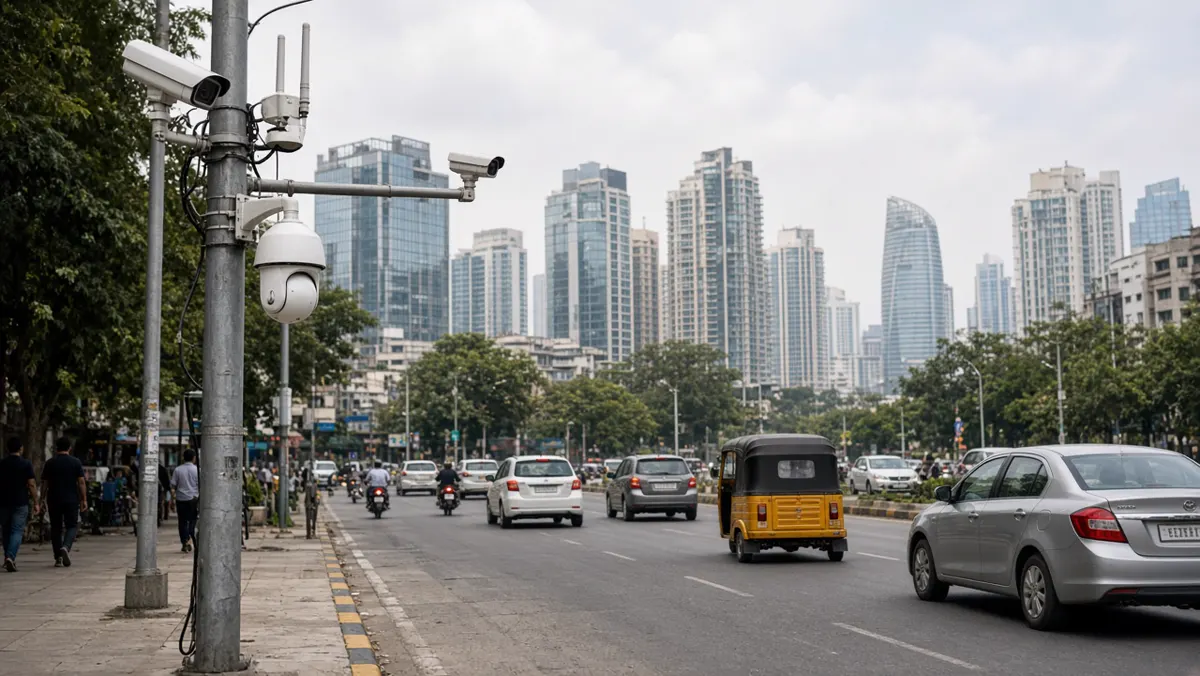
How can AI be used in CCTV cameras?
AI enters CCTV cameras in several practical ways:
- Onboard detection. The camera flags person/vehicle/line-cross events and can send alarms with metadata.
- Smart encoding / bandwidth. Some systems stream full video only when events occur, saving network and storage.
- Auto-tracking PTZ cues. Analytics on a fixed camera can cue a PTZ to follow a subject (site-dependent).
- Quality & tamper checks. AI or analytics detects blur, cover, or scene change.
- Feeding central AI. Even “non-AI” cameras become AI CCTV when a server analyses their streams.
The best use of AI in cameras is the use that matches your risk: a gate needs reliable person/vehicle events; a warehouse aisle may need PPE; a cash office may need loitering rules. Start with one camera family of use cases and expand.
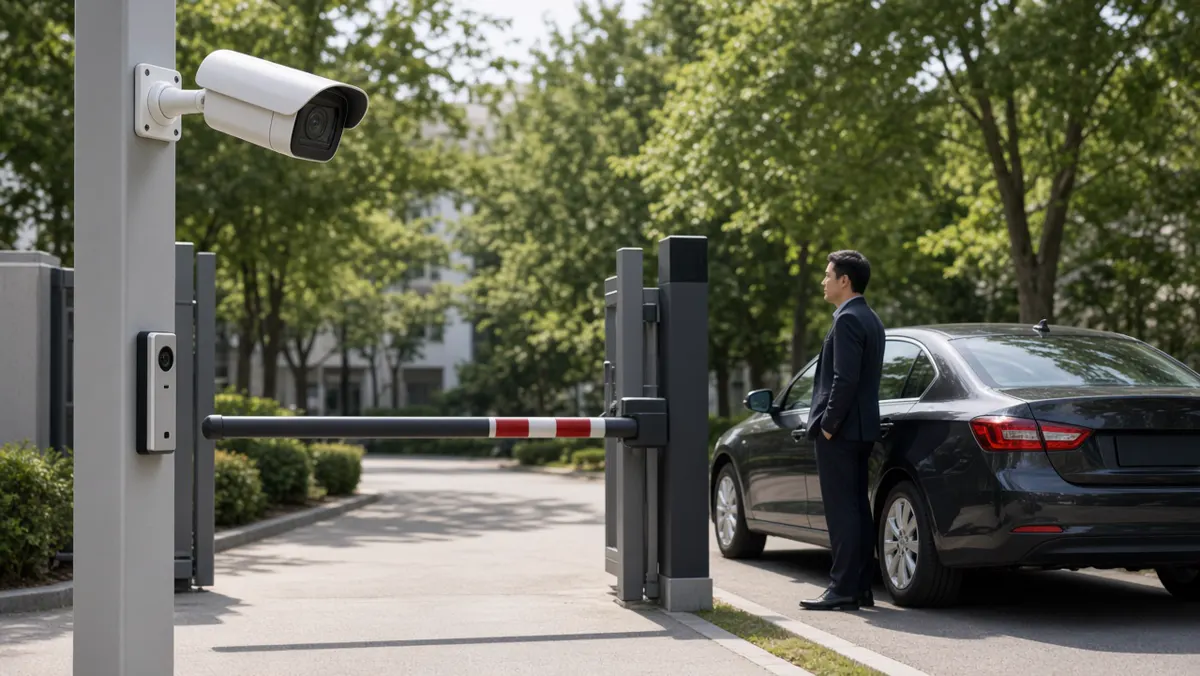
How is AI used in surveillance monitoring?
In a monitoring room (SOC), AI changes the operator’s job from continuous watching to exception handling:
- Walls of video still exist for context, but attention follows the alert queue.
- Operators verify AI events, escalate genuine incidents, and dismiss false ones (feedback that can improve tuning).
- Supervisors review metrics: alerts per hour, response time, true-positive rate.
- Multi-site organisations centralise monitoring so one team covers many locations overnight.
AI does not remove the need for trained people. It multiplies their coverage. Poorly tuned AI creates burnout; well-tuned AI creates calm, focused shifts.
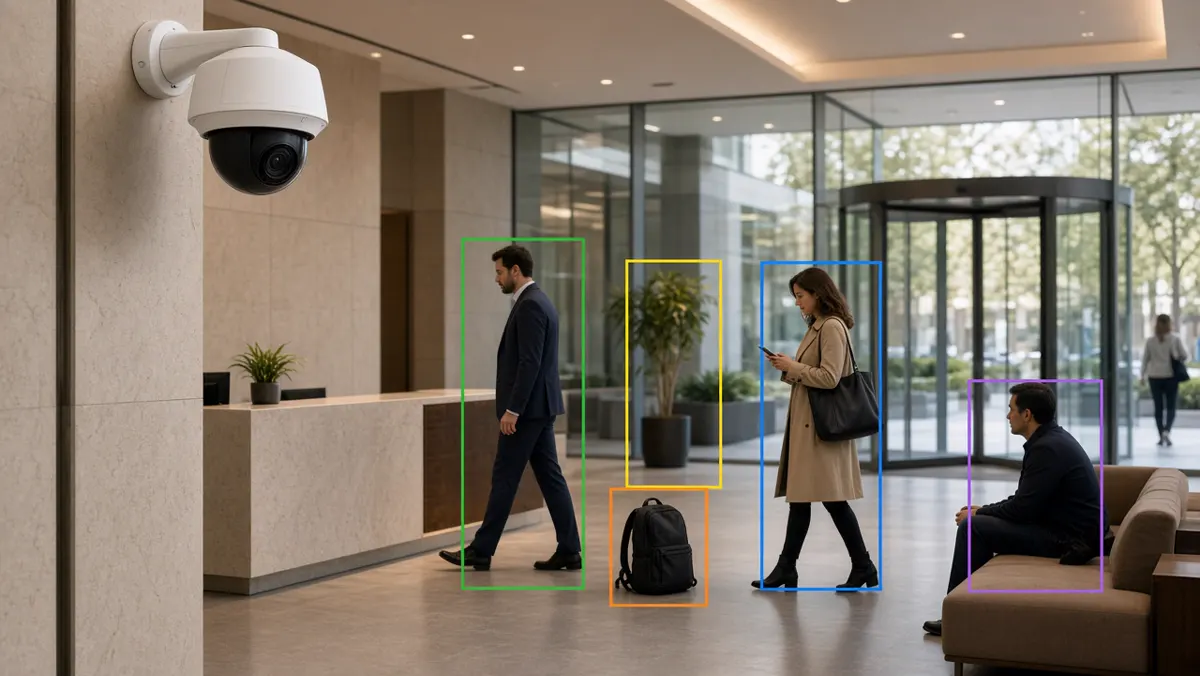
Buy new AI cameras or reuse existing CCTV?
This is the first hardware decision most organisations face. Reusing existing IP cameras with a central AI platform is often the fastest path when image quality is acceptable. Buying new AI cameras makes sense when you need onboard processing at remote sites with weak uplink, or when old cameras cannot deliver usable night images for the chosen analytics.
A practical approach: classify cameras into A (must analyse, upgrade if needed), B (analyse if quality OK), and C (record only for now). Spend hardware budget on A first. Many projects waste money replacing working cameras while leaving the worst-angled A cameras untouched.
App governance for busy supervisors
Mobile apps fail when every motion ping lands on a personal phone. Set governance rules before rollout:
- Only severity levels 1–2 wake phones at night.
- Site managers get filtered site alerts; SOC gets the full stream.
- Quiet hours and holiday calendars are configured deliberately.
- Acknowledgement is required so events do not vanish silently.
- Shared devices in guard rooms may be better than personal phones for some roles.
Review notification volume weekly for the first month. If people mute the app, the AI investment is already failing socially even if models are accurate.
India deployment checklist for AI CCTV
Confirm outdoor IP ratings and surge protection. Plan for monsoon humidity and dust on lenses — cleaning schedules are part of AI accuracy. Validate ANPR on local plate styles if vehicles matter. Decide hosting (on-prem / private cloud) early with IT security. Train operators in the language they actually use under stress. Keep spare cameras and PoE injectors for critical A-class views.
For multi-state enterprises, standardise event names and severities so a central SOC can understand alerts from any site without local slang.
Monitoring KPIs that keep AI honest
Track: alerts per camera per day, true-positive rate (from operator labels), median time to first acknowledgement, percentage of alerts acknowledged within SLA, cameras offline hours, and repeat false-alarm zones. Review weekly for the first quarter. Celebrate reductions in noise as much as detections of real incidents — both are signs of a healthy programme.
Layman glossary for cameras & apps
NPU / AI chip: hardware on some cameras that runs models locally.
Bitrate: how much network data the video stream uses.
PoE: power over ethernet — powering cameras through the network cable.
Push notification: a mobile alert that appears even if the app is closed.
PTZ: pan-tilt-zoom camera that can move to follow a scene.
Brownfield: a site with existing mixed cameras and recorders already installed.
Exception-based monitoring: operators work from alerts instead of continuous staring.
Edge AI cameras vs server-analysed cameras
Edge AI cameras process on the device and can send compact events even when uplink is limited. They shine at remote gates, temporary sites, and bandwidth-constrained branches. Limitations include uneven feature sets across brands and harder fleet-wide model standardisation.
Server-analysed cameras keep models consistent across a mixed estate and make multi-camera search easier. They need reliable network paths and sized GPUs. Many Indian enterprises land on a hybrid: edge at critical remote points, server analytics for campus cores.
Decision factors: uplink quality, number of camera brands, need for central search, IT’s ability to patch edge fleets, and whether offline local alerting is mandatory when WAN dies.
Installation quality that decides AI success
AI cannot rescue a camera pointed at sky, mounted too high for faces/PPE, or vibrating on a thin pole. Before enabling analytics, fix: aim, focus, IR reflection, cobwebs, dirty domes, and time sync. Create an installation checklist signed by the installer and the analytics owner together.
Night commissioning is mandatory for outdoor security cameras. Day-only acceptance is how projects discover failure at 1 a.m. after go-live.
Designing the monitoring room around AI
Furniture and screens still matter, but workflow matters more. Place the alert queue on the primary operator display. Keep a verify pane for clip playback. Keep a map or site list for multi-site context. Secondary video walls become situational awareness — not the only attention channel.
Staff the room for verification capacity at peak alert hours, not only for average hours. Train new operators on false-alarm etiquette: label, don’t ignore; escalate, don’t argue with the model in chat.
Consumer AI camera kits vs enterprise apps
Consumer kits are fine for a home or tiny shop. Enterprise needs role-based access, audit logs, multi-site hierarchy, evidence export controls, and support SLAs. If your organisation has compliance requirements or more than a handful of users, plan for enterprise camera software and apps from the start — migrating later is painful.
Also watch data residency: some consumer clouds store footage and events outside your preferred region. That may violate internal policy even if the app feels convenient.
Cyber hardening for AI cameras and apps
Change default passwords on day one. Disable unused services on cameras. Keep firmware inventories. Segment camera VLANs from office Wi-Fi. Prefer certificate-based or vault-managed credentials for app access. Review which users have live-view versus event-only rights.
Mobile apps should support remote wipe or at least forced logout for leavers. Shared guard-room tablets need auto-lock and named shift logins so evidence access is attributable.
Test restore of the analytics configuration backup quarterly. A ransomware or disk failure event that destroys only the AI configuration can still take weeks to rebuild zones from memory.
Night operations playbook for AI CCTV
Night is when many AI camera projects are judged. Create a night playbook: which alerts wake whom, how to verify with IR-limited images, when to dispatch versus watch, and how to hand over to day shift with open events. Include a torch/physical check procedure for ambiguous perimeter alerts.
Commission a monthly night drill: deliberately walk a safe test path in a perimeter zone and confirm the alert path works end to end. If the drill fails, fix it before a real incident does.
Document IR bloom and headlight glare cameras that routinely fail at night; either re-aim them or remove them from night AI schedules rather than training operators to ignore them.
Making apps usable for every shift
Large buttons, high-contrast event colours, and clear severity labels help tired night operators. Avoid tiny gesture-only controls. Provide a desktop fallback for complex investigations. Offer local language labels where your workforce needs them.
If contractors rotate weekly, use short QR-linked how-to cards instead of assuming tribal knowledge. Apps that only power users understand will not protect the site at 3 a.m. on a holiday week.
Field stories: what good and bad look like
A good AI camera rollout feels quiet. Operators receive a handful of meaningful alerts, verify quickly, and go back to other work. Supervisors trust the app enough to keep notifications on. A bad rollout feels loud. Phones buzz constantly, people mute everything, and leadership concludes that “AI does not work” when the real issue was unfiltered motion rules on windy outdoor cameras.
Another good sign: installers and analytics owners sign off together at night. Another bad sign: day-only acceptance with a promise to “tune later,” followed by six months of later never arriving. Use these stories in internal kickoffs so teams recognise patterns early.
When you visit reference sites, ask to see the alert queue for the last 24 hours — not only a prepared demo. The queue tells the truth about whether cameras, apps, and monitoring discipline are working as a system.
Carry these stories into vendor negotiations too. Ask what they do in the first two weeks when noise spikes. Partners who only celebrate detection demos and never talk about noise control are not ready for your night shift.
Summary
- An AI security camera is only as useful as the software events and the people who receive them.
- Apps should carry high-value alerts.
- In India, expect mixed estates and tough outdoor conditions — design for them.
- In monitoring rooms, AI enables exception-based surveillance at scale.
- this guide expands into AI video analytics and full surveillance projects.
AI Video Analytics and Surveillance
AI surveillance projects — examples, India context, camera systems and scaling from pilot to programme.
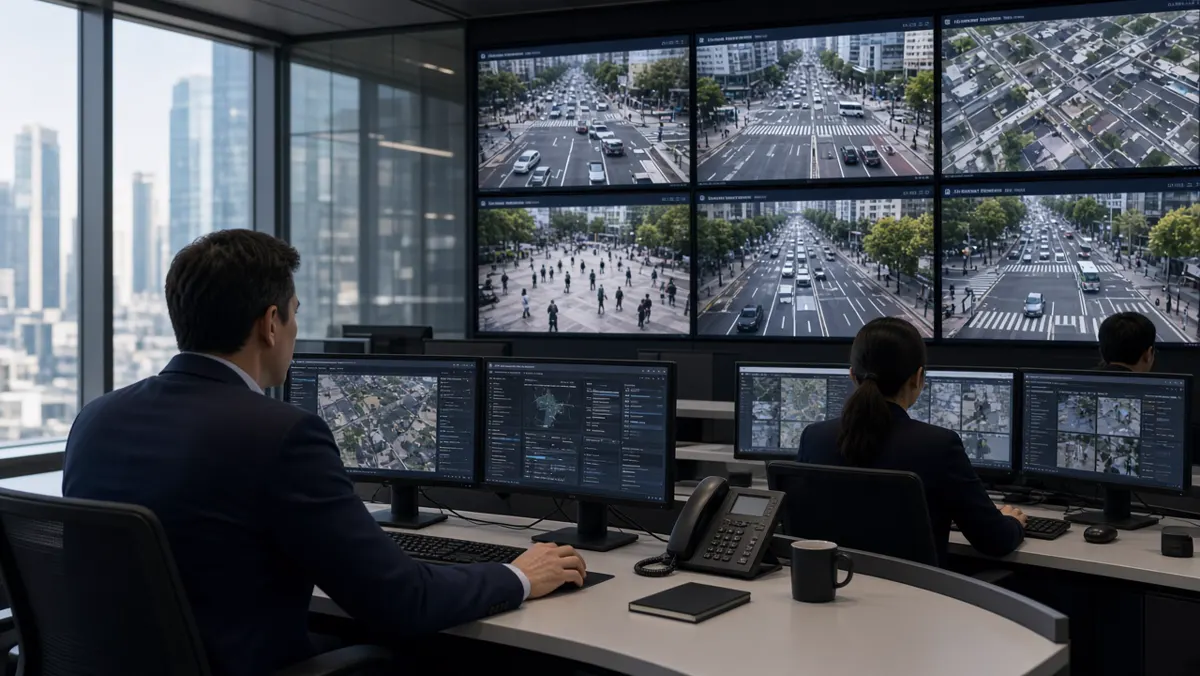
What is AI video analytics?
AI video analytics is the use of artificial intelligence — mainly computer vision models — to interpret video from cameras. It detects and tracks objects, applies business or security rules, and produces structured events humans and other systems can use.
Compared with classic motion analytics, AI video analytics aims for higher semantic understanding: “person without helmet in Zone B,” not merely “pixels changed in Zone B.” That understanding enables safer automation of attention across large camera estates.
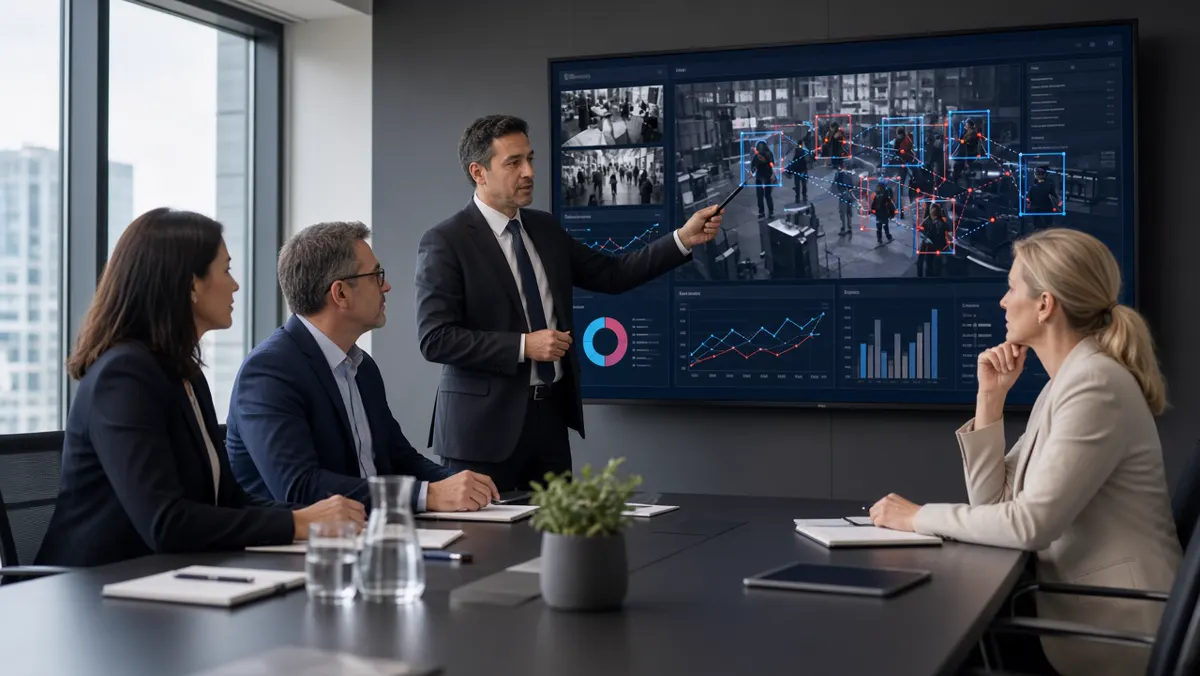
What does “video analytics AI” mean?
“Video analytics AI” is another phrasing of the same idea, often used in marketing and RFPs. It stresses that the analytics are powered by AI/ML rather than only fixed algorithms. In evaluation meetings, translate the phrase into concrete questions:
- Which models and event types are included?
- Where do models run (camera, edge, server, cloud)?
- How are accuracy and false alarms measured on our site videos?
- How are model updates delivered and validated?
- What human workflow closes the loop?
If those answers are vague, the label “AI” is decoration.
AI video surveillance projects
An AI video surveillance project is more than buying licences. Typical workstreams include: discovery of risks and camera inventory, network and power readiness, analytics platform design, pilot on priority cameras, operator training, SOP writing, integration (access control, ticketing, e-challan, BMS), and a measured rollout.
Sponsors should define success metrics early: reduction in missed perimeter events, median alert response time, PPE compliance trend, or ANPR read rate at a gate. Without metrics, projects drift into feature shopping.
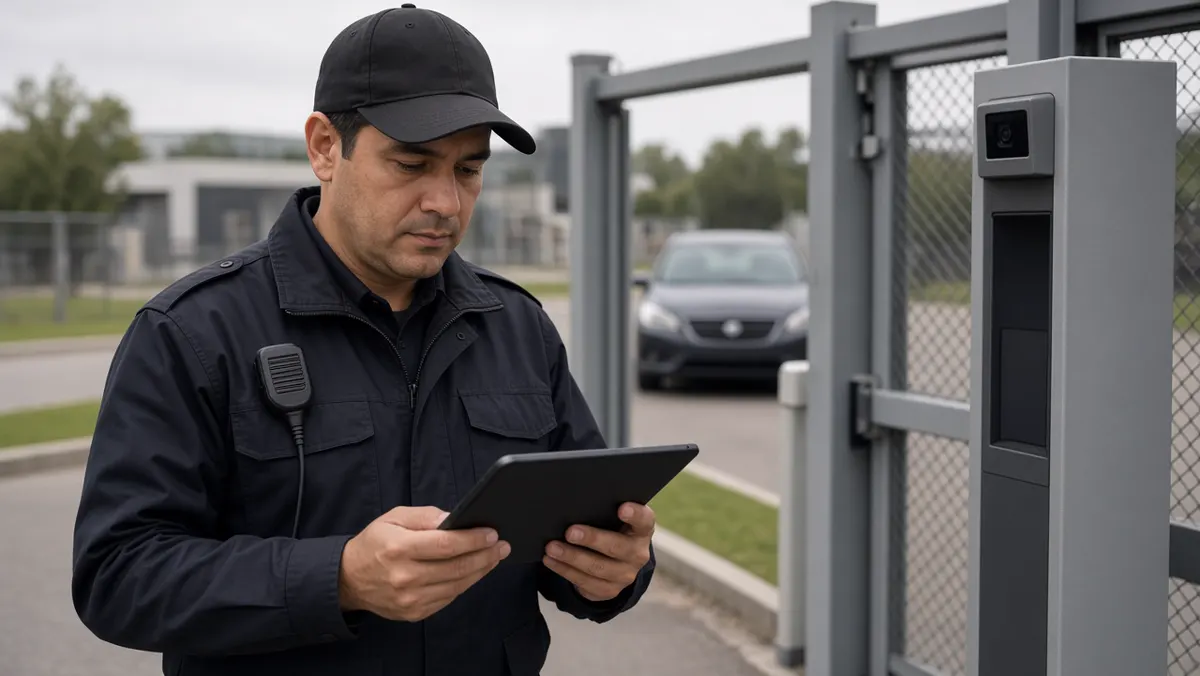
PDF explainers and knowledge packs
Many buyers ask for PDF explainers — one-pagers or short decks that summarise AI video analytics for management. Useful PDFs cover: problem statement, architecture diagram, sample event screenshots, privacy notes, and a pilot plan. They are communication tools, not substitutes for a live pilot on your cameras.
When you create or request a PDF, keep it honest about limits (lighting, false alarms, staffing). Over-promised PDFs create failed projects later.
Simple AI surveillance examples
Examples that executives understand quickly:
- Factory: missing helmet alert to shift supervisor within seconds.
- Warehouse: after-hours person on fence line to security phone.
- Mall: queue length alert to floor manager app.
- City junction: plate read + violation evidence package for review.
- Hospital: overcrowding cue near emergency entrance.
- Campus: unknown vehicle at gate via ANPR watchlist.
Each example has the same pattern: camera view → AI event → human decision → recorded outcome.
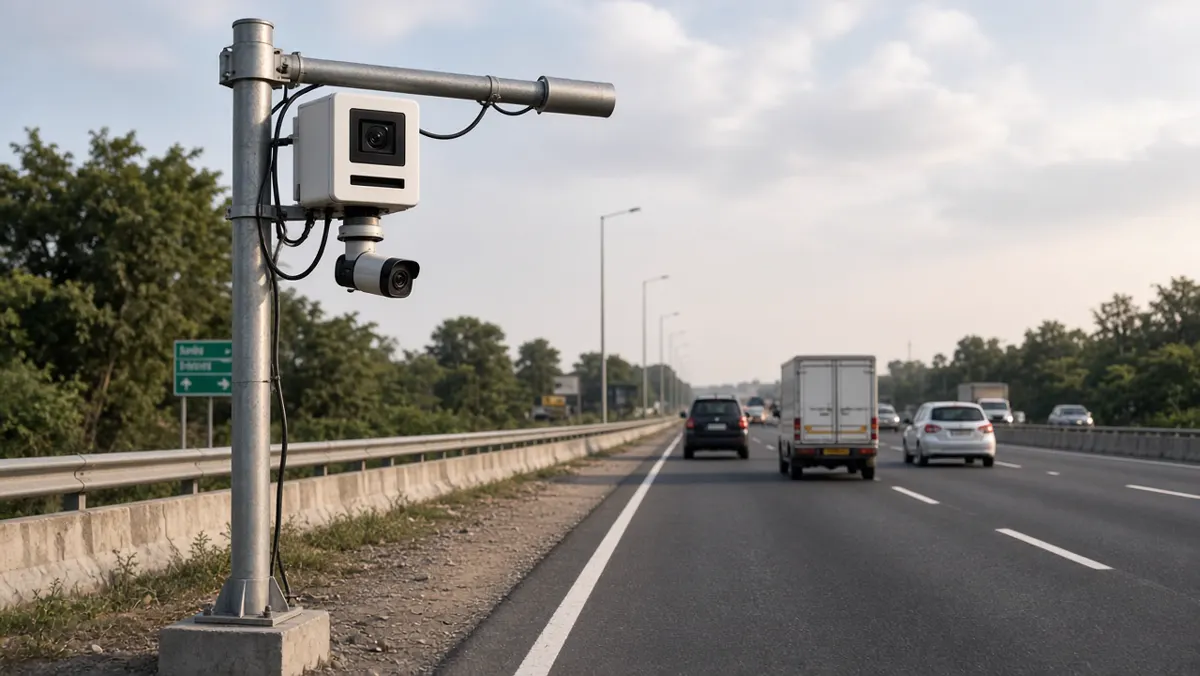
AI surveillance in India
India combines dense urban traffic, large industrial estates, expanding retail, and active smart-city programmes. AI surveillance projects here often prioritise: Indian number-plate performance, mixed camera brownfields, on-prem or sovereign hosting preferences, Hindi/English operator UX, and integration with local enforcement or enterprise IT.
Case-style deployments — such as district traffic surveillance with ANPR and central monitoring — show how analytics becomes a programme: cameras, AI, events, and institutional process together.
Software for AI surveillance
Software selection for AI surveillance projects should follow this guide’s checklist, with extra weight on multi-site administration, evidence integrity, and integration APIs. Prefer platforms that expose health of analytics services — silent AI failures are worse than loud false alarms.
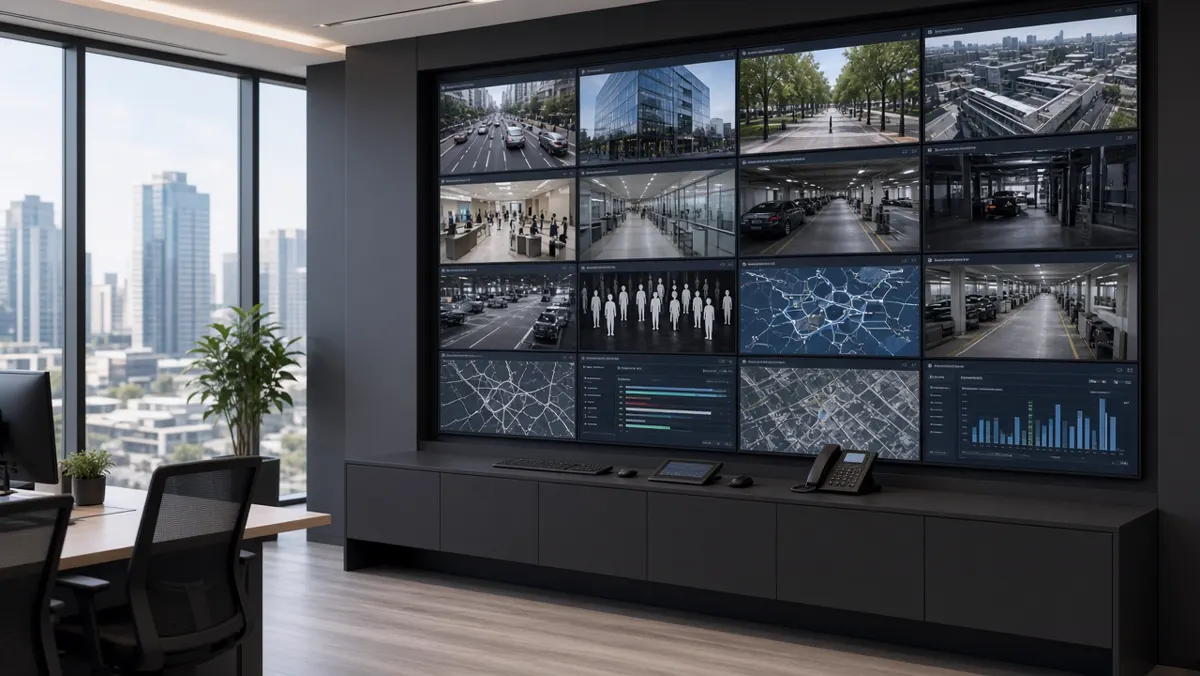
System project and camera system design
A camera system project for AI surveillance includes optics and mounting, network VLANs and bandwidth, time sync (NTP), storage retention, analytics compute, cybersecurity hardening, and operator workplaces. AI accuracy is downstream of these basics. A beautiful model on a shaky, backlit camera still fails.
Design tips: prioritise cameras that see the risk clearly; standardise mounting heights where possible; document each analytics camera’s purpose; keep a change log when zones or models update.
Articles and knowledge building
Teams learning AI surveillance should combine:
- foundational reading (this guide)
- types/examples (this guide)
- software literacy (this guide)
- camera/app literacy (this guide)
- and project practice (this cluster). Internal knowledge bases should store SOPs
- tuned zone screenshots
- false-alarm lessons
- and quarterly accuracy notes — living knowledge beats one-time training
Writing a one-page project charter
Before architecture workshops, write a one-page charter everyone can sign mentally:
- Outcome: the business or safety result in one sentence.
- Scope in: sites, camera count for phase 1, event types.
- Scope out: explicitly list what you will not do in phase 1.
- Owners: executive sponsor, security owner, IT owner, operations owner.
- Metrics: two or three numbers reviewed monthly.
- Risks: network readiness, night lighting, staffing for acknowledgement.
- Decision date: when pilot go/no-go will be decided.
This page prevents the classic failure mode where every stakeholder loads their favourite feature onto the same purchase order.
Acceptance tests for AI surveillance
Acceptance should be evidence-based. Prepare a folder of day and night sample clips from your cameras. For each contracted event type, define: minimum true detections on the sample set, maximum false alarms on a timed soak test, evidence package completeness, and operator workflow steps completed in under an agreed time. Sign only when those tests pass — not when a slide deck looks complete.
Include a failure drill: disconnect a camera and confirm health alerts appear. Include an overload drill: generate a burst of events and confirm the console remains usable.
Privacy and workplace trust
AI surveillance projects fail socially when staff feel watched without clarity. Publish what is detected, what is not detected, retention periods, and who can view live versus recorded versus event-only data. Avoid enabling sensitive modules (such as face-related features) unless policy, law, and works-council or HR processes explicitly allow them.
For industrial safety analytics, frame the programme as injury prevention with transparent coaching workflows — not only disciplinary filming. Trust improves response quality because people cooperate with camera placement and zone marking.
Scaling from pilot to programme
After a successful pilot, scale in waves by site or by building — not by enabling every module everywhere. For each wave: repeat camera classification, repeat zone design, repeat training, and keep a shared event dictionary so reports stay comparable. Appoint a platform owner who watches health and false-alarm trends across the estate.
Budget a continuous improvement loop: monthly tuning hours are cheaper than a year of ignored alerts. Treat analytics like any other production system — monitored, patched, and improved.
Layman glossary for projects
- Pilot: a time-boxed test on limited cameras with success criteria.
- Brownfield / greenfield: upgrading existing cameras versus building a new camera estate.
- SOP: standard operating procedure — the written response steps.
- Acceptance test: proof the system meets agreed detection and workflow standards.
- Event dictionary: the official list of event names and severities used everywhere.
- Programme: multi-wave rollout with owners, metrics, and continuous improvement — more than a single install.
Stakeholder map for AI surveillance programmes
List who must agree before money is spent: executive sponsor (funding and air cover), security/EHS (requirements), IT (network, identity, hosting), facilities (power and mounts), operations (response owners), legal/HR (privacy), and procurement (commercial terms). Missing any one of these creates late blockers.
Hold a 45-minute kickoff with all of them present. Share the one-page charter. Capture objections in the room — objections discovered after purchase are ten times more expensive.
Programme failure modes (and early warnings)
- Alert fatigue: acknowledgements drop; phones muted. Warning: rising alert volume without rising true positives.
- Orphan platform: vendor leaves after install; no internal owner. Warning: nobody can add a camera without a ticket to the SI.
- Metric drift: leadership still asks only “is AI installed?” Warning: no monthly dashboard of response and quality.
- Scope creep: every department adds modules before phase 1 is stable. Warning: pilot success criteria keep changing.
- Privacy backlash: staff learn about face modules from rumour. Warning: no published detection scope.
Budgeting in waves
Wave 0: discovery, network assessment, sample video capture. Wave 1: pilot cameras + software + training. Wave 2: priority site rollout. Wave 3: secondary sites and extra modules. Keep 10–15% contingency for camera re-aiming and unexpected GPU needs. Do not spend Wave 3 money before Wave 1 metrics exist.
Present budgets as outcome-linked: “Wave 1 buys measured reduction in missed perimeter events on Site A,” not “Wave 1 buys 40 AI licences.”
Knowledge handover that actually sticks
On project close, require: admin credentials in the organisation vault, runbook PDF, event dictionary, zone atlas screenshots, training attendance list, and a 30-day hypercare calendar with named contacts. Schedule a 60-day retrospective to capture false-alarm lessons while memory is fresh.
If the SI leaves and your team cannot add a camera or export evidence without them, handover failed — even if every camera is “online.”
Standing up a light governance board
For programmes beyond a single building, meet monthly for 30–45 minutes with security, IT, operations, and the platform owner. Agenda: KPI trend, top noisy cameras, upcoming layout changes, privacy questions, and budget risks. Keep minutes short and decisions explicit.
This board is not bureaucracy for its own sake. It is how you stop silent decay — the slow rise in false alarms and the slow loss of trust that kills AI surveillance programmes without a dramatic outage.
Invite the SI or software partner quarterly, not weekly, so internal owners stay in charge. Partners advise; the organisation decides.
Measuring ROI without fake precision
ROI for AI surveillance is often a mix of avoided loss, labour redeployment, safety incident reduction, and faster investigations. Avoid inventing false currency amounts. Prefer measurable operational proxies: hours saved on video search, reduction in unacknowledged alarms, PPE compliance trend, gate processing time, or median response time.
Pick two proxies before the pilot and stick to them for six months. Changing ROI definitions every steering meeting makes success impossible to recognise.
Qualitative wins matter too: supervisors who sleep better because night coverage is exception-based, or city officers who can find vehicle evidence in minutes. Capture quotes and examples alongside numbers.
What to do after reading Clusters 1–5
Write your one-page charter. Classify cameras A/B/C. Pick two event types. Schedule a two-week pilot with acceptance tests. Name the response owners. Publish a short privacy note for staff. Then — and only then — expand modules and sites.
Later clusters in this series go deeper into learning paths, vendors, and architecture. Use them after you have a live pilot problem to solve. Reading without a pilot becomes endless theory; piloting without reading becomes expensive thrash. Clusters 1–5 exist to help you do the first competent pilot on purpose.
Communication plan for launch week
Three days before go-live, email site leaders: what will change, what will not change, who to call, and how privacy is handled. Day of go-live, post a one-page notice in guard rooms and shift offices. Day three, hold a 20-minute feedback huddle and fix the top three noise sources immediately.
Silence during launch week is not calm — it is usually confusion. Over-communication for seven days prevents months of rumour. Include a single WhatsApp or Teams escalation contact that is staffed during the hypercare window.
After week one, publish a short “what we learned” note to the governance board. That habit turns launches into institutional memory instead of one-off heroics.
Also brief nearby teams that may be affected visually — for example, contractors who will see new camera angles or painted zone marks. Surprise is the enemy of trust in AI surveillance programmes.
Summary
- AI video analytics is the intelligence engine; surveillance is how your organisation uses it.
- Scope projects around one primary outcome, pilot honestly, design the camera system for AI, and keep knowledge living.
- Clusters 1–4 gave vocabulary, types, software, and cameras — this cluster turns them into a programme mindset.
- Later clusters continue into learning paths, companies, and deeper architecture topics.
Learn Video Analytics — Course and How-To
A beginner-to-practitioner path: courses, skills, tools, projects and how to run analytics step by step.
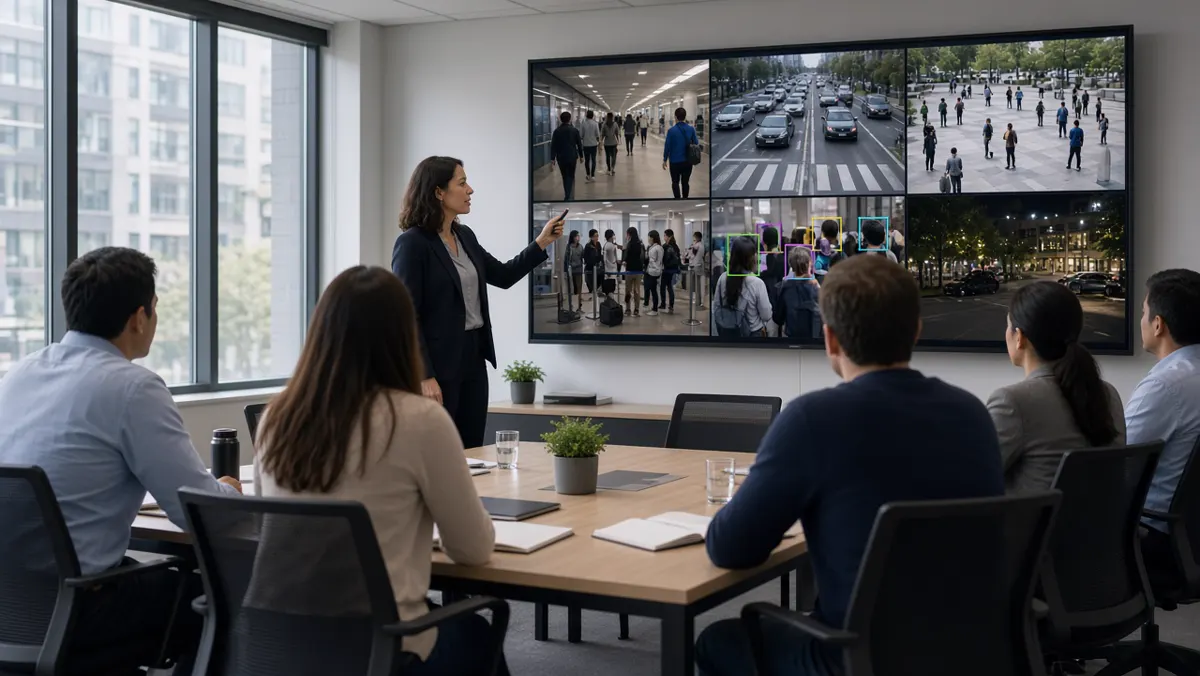
Learning path at a glance
Video analytics is easier to learn when you treat it as a stack of skills — cameras, streaming, computer vision, alerts, and responsible operations — instead of a single “AI course” checkbox. Use this snapshot to see where you are starting and what “done” looks like for a beginner project.
What is a video analytics course?
A video analytics course teaches you how software turns camera frames into useful decisions. In plain language: the camera sees pixels; analytics names objects, tracks movement, and raises an alert when a rule is broken. A good course mixes theory with labs so you can repeat the same pipeline on your own laptop and later on a site NVR.
Most useful courses cover four layers. First, camera and networking basics — resolution, frame rate, codecs, and why a blurry night stream breaks AI. Second, computer vision foundations — frames, bounding boxes, confidence scores, tracking IDs. Third, model practice — running a detector, reading outputs, reducing false alarms. Fourth, operations — dashboards, alert channels, evidence clips, and privacy rules.
You do not need a PhD to start. You do need patience with messy real video. Classroom demos often use clean daylight clips. Factory floors, rainy junctions, and warehouse aisles look different. A course that only shows perfect demos will leave you stuck when you connect to a live RTSP URL.
Who should learn video analytics?
Video analytics is no longer only for research labs. CCTV technicians who already install cameras gain a career edge when they can explain why a model fails at night and how to fix placement. Security supervisors learn to trust alerts without watching twenty screens. Developers learn to plug detectors into APIs and workflows. Operations managers in factories, malls, and logistics yards learn to define rules that match their SOPs.
Students from computer science, electronics, and data science often enter through coding. Field engineers often enter through cameras and networks. Both paths meet in the middle: a reliable pipeline from stream to decision. If your job is “make cameras useful,” this cluster is for you.
Skills you should build
Think in three skill bands. Foundational skills include reading a camera datasheet, checking IR night performance, verifying bitrate, and opening an RTSP URL in a player. Analytical skills include interpreting precision/recall in simple terms, labeling a small dataset, and tuning confidence thresholds. Product skills include writing alert text humans understand, designing a review queue, and documenting who can export clips.
Soft skills matter more than people expect. You must interview site owners: what event is truly important? A “person detected” alert everywhere creates noise. A “person in restricted zone after 10 pm” alert creates value. Learning to translate business risk into a detection rule is half the job.
Tools and environments
Beginners often start with Python, OpenCV, and a pre-trained detector (commonly YOLO-family or similar object detectors). Add a notebook or simple script that reads a video file, draws boxes, and writes an annotated clip. Next, connect the same script to an RTSP stream. Then move from “draw boxes” to “send an alert when a condition is true.”
On the operations side, learn at least one Video Management System (VMS) or NVR interface so you understand how enterprises store and search video. On the edge side, try a small inference box or GPU laptop. Cloud sandboxes help when you lack local hardware, but latency and bandwidth costs teach why hybrid designs are common in India.
Useful companion tools include stream testers (to verify RTSP), labeling tools (for custom classes like helmets), and lightweight message channels (email, WhatsApp business APIs, or ticketing) for alerts. You do not need every tool on day one. You need a repeatable lab setup you can reset when experiments go wrong.
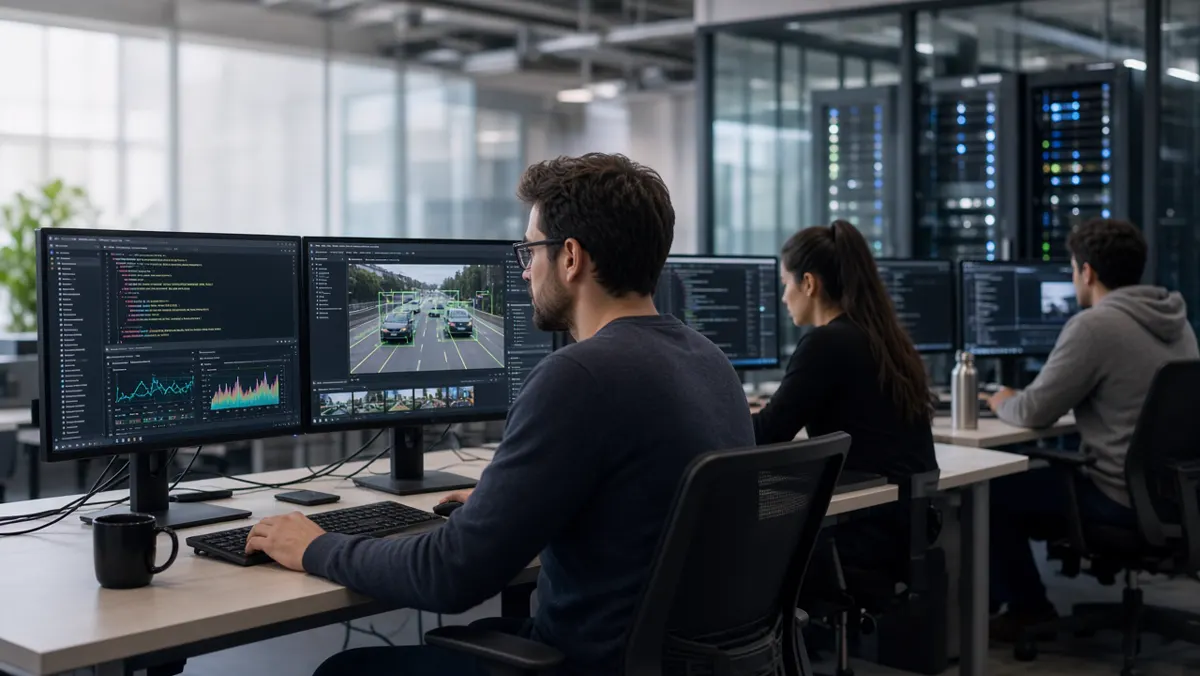
Practice projects that teach the real stack
Pick projects that force you to handle imperfect video. Project one: people detection on a lobby camera — count entries for one hour and compare with a manual tally. Project two: PPE check on a shop-floor clip — helmet and vest presence with a confidence threshold. Project three: perimeter line crossing on a parking lane — alert only when a person crosses after hours. Project four: simple vehicle counting on a gate — separate cars from two-wheelers if your model supports it.
For each project, write a one-page report: camera angle, lighting notes, false alarm examples, and what you changed. That report becomes a portfolio piece and a habit that employers value. Portfolio screenshots of pretty boxes are weak; portfolio notes on failure modes are strong.
Careers after learning video analytics
Common roles include computer vision engineer, AI/ML engineer (vision track), video analytics solution engineer, VMS integration specialist, smart-city analyst, and industrial safety analytics lead. In India, demand clusters around Bengaluru, Hyderabad, Chennai, Pune, Mumbai, and Delhi NCR, plus project sites for smart cities and large plants.
Career growth often splits into two tracks. The builder track deepens models, datasets, and MLOps. The deployer track deepens site surveys, network design, SLA tuning, and stakeholder training. Both need fluency in privacy and evidence handling. Titles vary by company; what matters is whether you can ship a camera use case that operators trust for a full week without alert fatigue.
How to do video analytics — step by step
Here is a practical path you can follow on a single camera. Do not skip the early boring steps; most failures come from bad video, not bad models.
- Step 1 — Choose one clear goal. Example: “Alert when a person enters Zone A after 8 pm.” Vague goals like “improve security with AI” produce vague systems. Write the goal as an observable sentence a supervisor can verify.
- Step 2 — Choose a video source. Start with a recorded MP4 if you are new. Move to RTSP once detection works. Confirm you have permission to use the footage.
- Step 3 — Inspect quality. Pause random frames. Can a human see the object clearly? If not, AI will struggle. Fix height, angle, focus, IR, or bitrate before blaming the model.
- Step 4 — Run a baseline detector. Accept imperfect boxes at first. Log confidence scores. Learn what “0.4 vs 0.8 confidence” means in practice on your scene.
- Step 5 — Add business rules. Restrict by polygon zone, object class, minimum size, dwell time, and schedule. Rules cut false alarms faster than chasing a perfect model.
- Step 6 — Build the alert path. Send a short message with camera name, time, event type, and a thumbnail or clip link. Train reviewers on what to do next.
- Step 7 — Measure for one week. Count true alerts, false alerts, and missed events (when you know something happened). Adjust thresholds and zones. Document changes.
- Step 8 — Deploy carefully. Laptop demos are not production. Production needs uptime, user roles, retention, backup, and a rollback plan when a model update misbehaves.
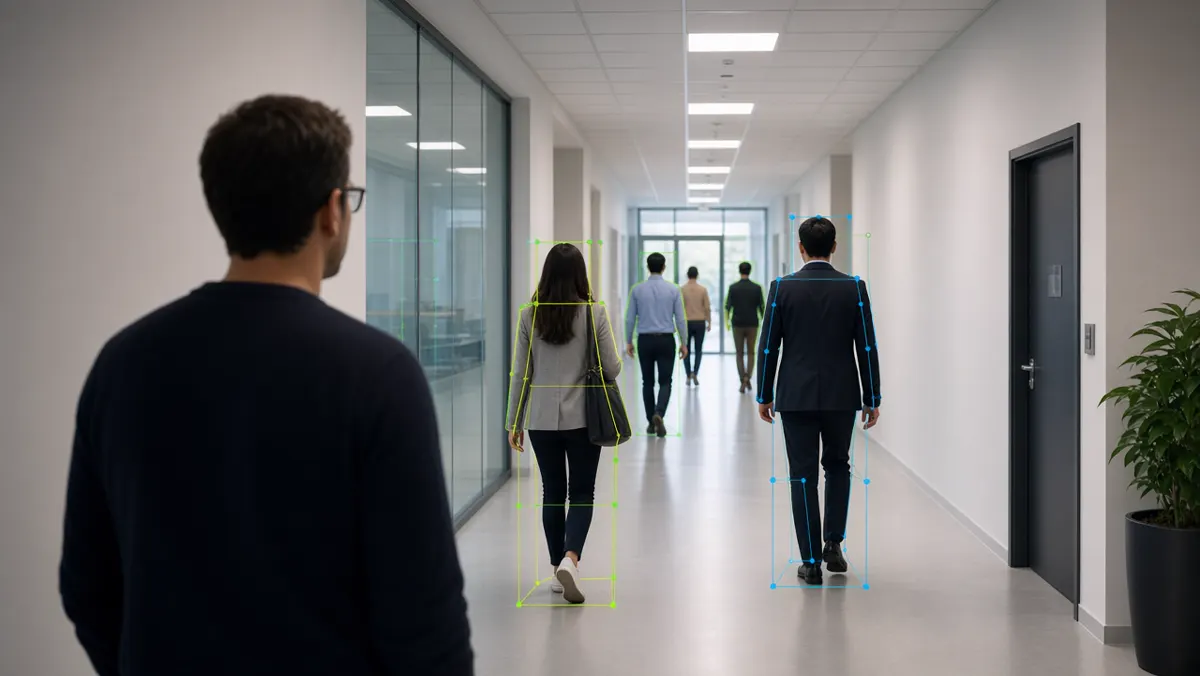
How to get data from CCTV (RTSP, NVR, cloud, edge, apps)
“Getting CCTV data” means obtaining video (or frames) that analytics can read. Enterprises rarely hand you a folder of clean files. You usually pull live streams, export clips from recorders, or receive curated datasets from an edge device. Always work through authorized channels.
- RTSP (Real Time Streaming Protocol) is the most common live path. Cameras and NVRs expose an RTSP URL. Your analytics software connects like a media player would. Challenges include authentication, firewall rules, stream instability, and substreams (a lower-resolution stream for AI can reduce load). Always prefer the substream only if object size remains large enough in the frame.
- NVR/DVR export is ideal for training and PoCs. Export a few hours across day and night. Label or review manually. Many Indian sites still run mixed vendor recorders; learn the export UI for at least two common brands so you are not blocked on day one.
- Cloud camera platforms may provide APIs, webhooks, or cloud storage buckets. Useful for multi-site retail chains. Watch bandwidth costs and data residency. Confirm where footage is stored geographically.
- Edge AI devices often store short event clips plus metadata (JSON with event type, confidence, timestamp). That is gold for analytics practice because the hard part — finding the event — is partially done. Still verify clips against original video when accuracy is disputed.
- Mobile camera apps from consumer/prosumer brands sometimes let you download clips. These are fine for learning at home. Enterprise projects usually need formal NVR or VMS access instead of personal phone downloads.
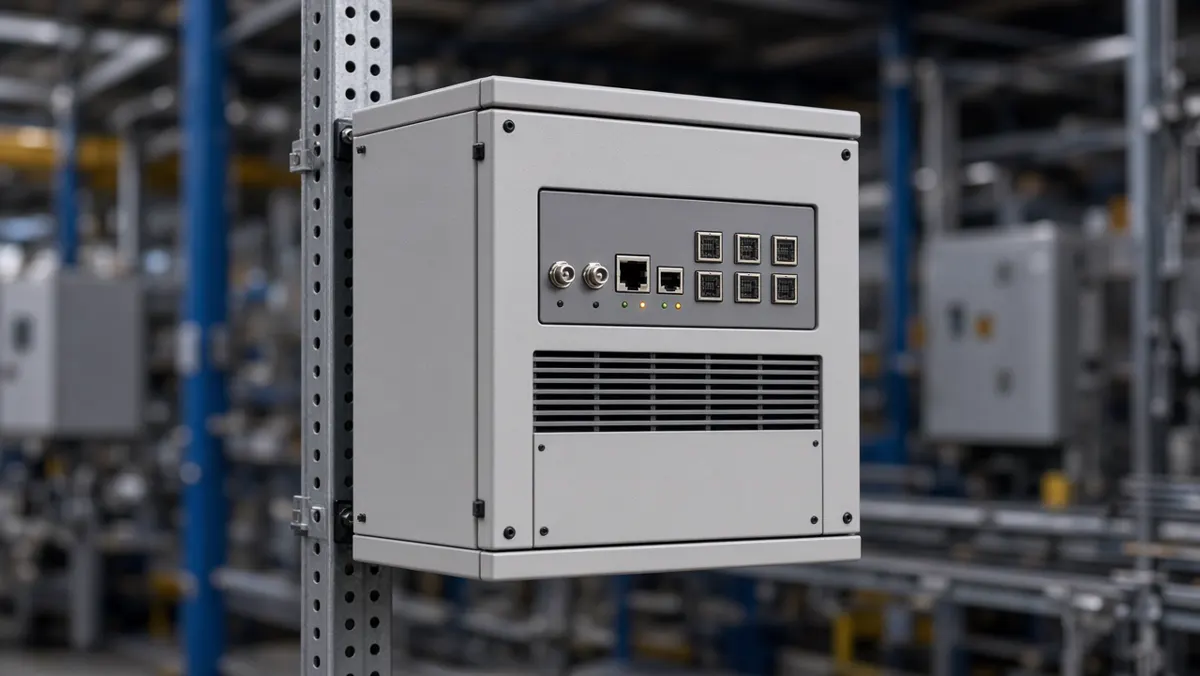
Privacy, consent, and safe practice
Learning with real CCTV means handling sensitive data. Faces, number plates, workplace behavior, and customer movement can all be personal or commercially sensitive. Follow company policy first. In India, treat the Digital Personal Data Protection (DPDP) Act mindset seriously when personal data is involved: minimize what you keep, limit who can access it, and define retention.
Practical habits: blur faces in public demos, store lab datasets on encrypted drives, never upload client footage to personal cloud accounts, and delete practice exports when the PoC ends. Ask for written permission before using site video in a portfolio. Prefer synthetic or public datasets when you only need coding practice.
Common mistakes beginners make
Jumping to custom model training before fixing camera placement is the classic trap. Another is evaluating only on sunny clips. A third is alerting on every detection without zones. A fourth is treating accuracy percentages from a brochure as guaranteed on your site. Always validate on your own cameras.
Also avoid learning only from YouTube channel analytics (views and watch time). That is a different field — covered in this guide. CCTV video analytics is about understanding scenes for security, safety, and operations, not creator metrics.
A simple four-week learning plan
Week 1: Camera and streaming literacy. Open RTSP in a player. Export NVR clips. Read frames with OpenCV. Week 2: Run a detector on files and live streams. Log boxes and confidences. Week 3: Add zones, schedules, and alerts. Build a tiny review CSV of events. Week 4: Measure false alarms, write a one-page case note, and present to a mentor or teammate. This plan is enough to speak confidently in interviews and site meetings.
Summary
- Learning video analytics is a practice loop: understand cameras, pull video legally, detect objects, apply rules, alert humans, and measure mistakes.
- Courses help, but projects teach.
- Start with one camera and one goal.
- Build skills across tools, streaming, and privacy.
- When you can explain both a true alert and a false alarm from the same week of logs, you are no longer a beginner — you are ready for real deployments and the deeper topics in later clusters.
YouTube Video Analytics
YouTube analytics vs CCTV AI — metrics that matter and better weekly content decisions.
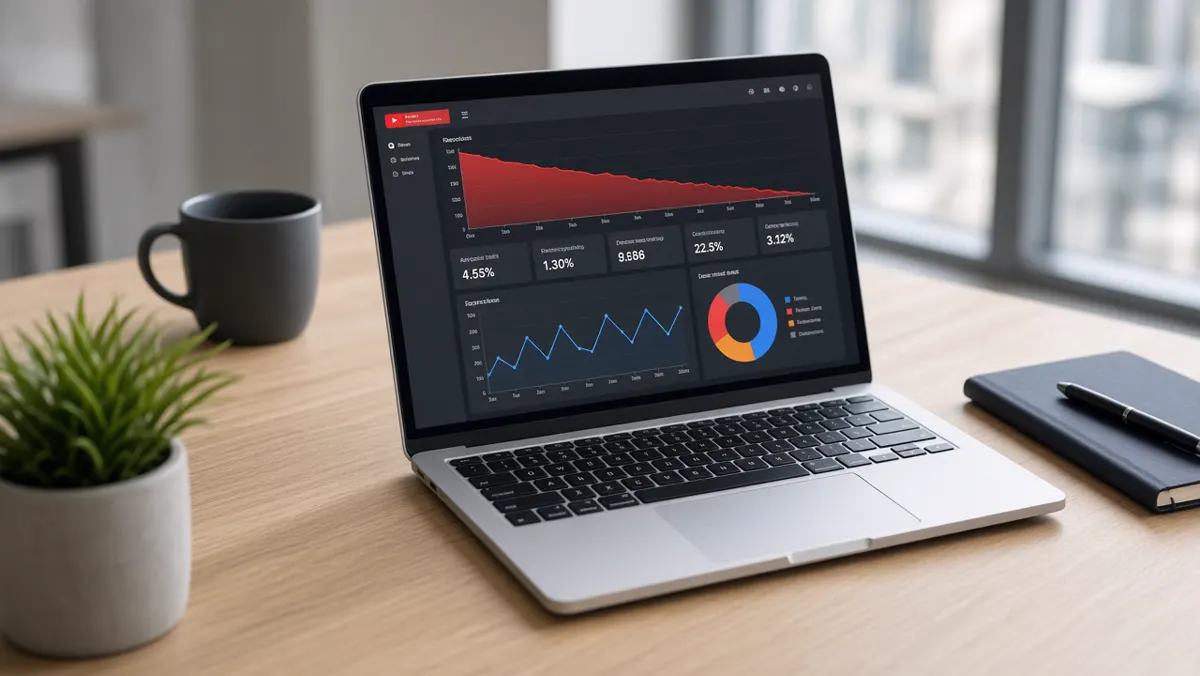
YouTube analytics at a glance
When people search "video analytics," they often mix two worlds. One world is security and operations AI on CCTV. The other is content performance on YouTube. This cluster is about the second world - still important for marketing, education channels, and product storytelling, but different tools, metrics, and privacy stakes.
What is YouTube video analytics?
YouTube video analytics is the set of measurements that describe how people find, watch, engage with, and monetize your videos. It answers questions like: Who watched? For how long? Which traffic source brought them? Which videos earn money? Which titles get clicks but lose viewers in the first 30 seconds?
YouTube Studio packages these answers into charts and tables. Advanced users export reports or pull data through APIs into spreadsheets and BI tools. Agencies often build weekly scorecards for brand channels so marketing teams can act without living inside Studio all day.
Why YouTube analytics matters
Without analytics, creators guess. With analytics, you see which topics retain viewers, which thumbnails win impressions, and which videos attract returning subscribers. Brands use the same data to justify content budgets, compare campaign videos, and brief agencies. Educators use watch time and drop-off graphs to improve lesson structure.
Analytics also protects you from vanity metrics. A video can go "viral" on views yet fail on average view duration. Another can look quiet on views yet convert strongly into subscribers or product clicks. The dashboard helps you choose the metric that matches your goal.
Key numbers to know
Learn metrics in groups so you do not drown in charts. Reach metrics tell you how often YouTube showed your content. Engagement metrics tell you how people behaved after clicking. Audience metrics describe who came back. Revenue metrics matter once monetization is enabled. Always pair a metric with a decision: "If CTR is low, test thumbnails" is better than "CTR exists."
Reach: impressions, CTR, traffic sources
Impressions count how often your thumbnail was shown. Click-through rate (CTR) is the share of impressions that became views. A low CTR often points to weak packaging - title, thumbnail, or both. Traffic sources (Browse, Suggested, Search, External, Notifications, Playlists) tell you where discovery happens. Search-heavy channels optimize keywords and chapters. Suggested-heavy channels optimize retention and topical continuity.
Watch behavior: views, watch time, retention
Views are the headline number. Watch time is often more important for growth because it signals value. Average view duration (AVD) and audience retention graphs show whether intros are too long, mid-rolls hurt, or endings fail to keep people. Study the first 30 seconds carefully: many viewers decide there.
Audience: demographics, geography, devices
Age, gender (where available), geography, and device mix help you choose language, examples, posting times, and formats (Shorts vs long-form). A B2B industrial channel with desktop-heavy India viewers will script differently from a mobile-first lifestyle channel.
Engagement: likes, comments, shares, end screens
Engagement is not vanity when you use it diagnostically. Comment themes reveal confusion or demand. End screen and card click rates show whether your packaging of "next video" works. Community posts and premiere chats add qualitative color that charts miss.
Revenue metrics for monetized channels
Estimated revenue, RPM, playback-based CPM, memberships, and Super Chat (where relevant) help creators plan. Brands care more about assisted outcomes - site visits, lead forms, demo requests - which may live outside YouTube in GA4 or CRM. Connect the dots deliberately.
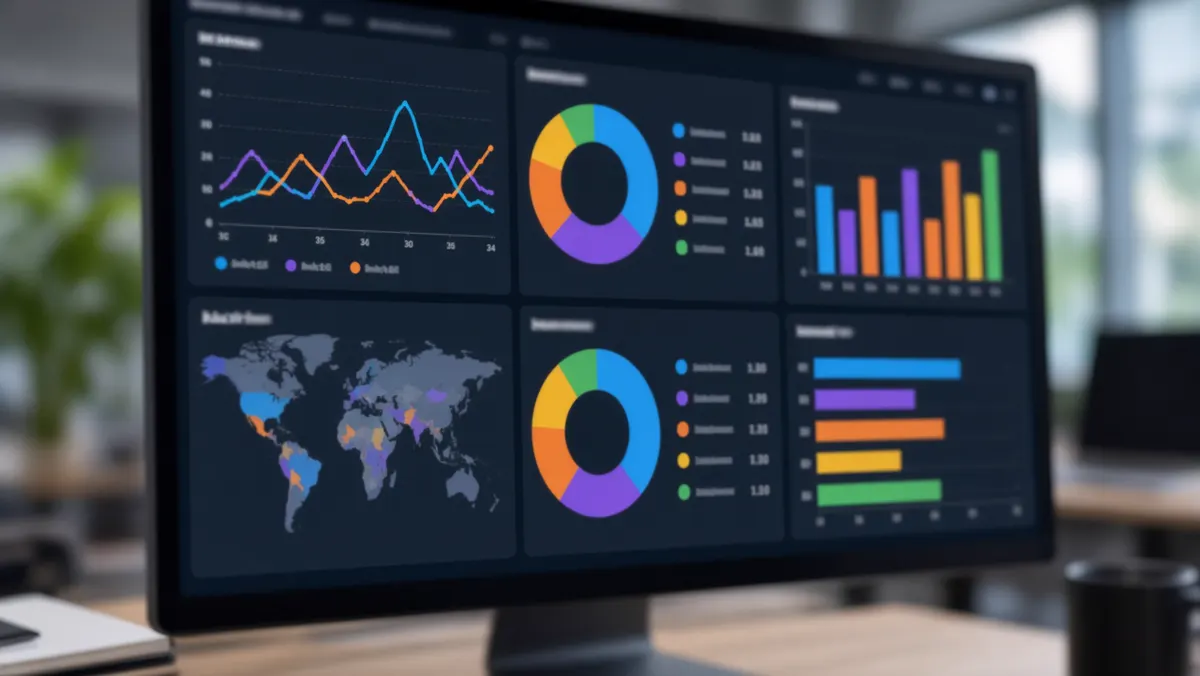
How brands and creators use the same data differently
Creators often optimize for subscribers, watch time, and personal brand. Brand channels optimize for product education, hiring brand, trust, and campaign lift. Agencies sit between - translating Studio charts into executive slides. Nonprofits and educators may prioritize completion rates on lesson playlists more than CTR.
Shared best practice: pick one primary KPI per content series. A product demo series might prioritize average view duration. A Shorts series might prioritize subscribed viewers from Shorts. A thought-leadership series might prioritize returning viewers. Changing the KPI every week creates chaos.
How to get YouTube analytics
Most people start in YouTube Studio on desktop. The mobile Studio app covers quick checks. Power users add API exports and third-party tools. Choose the lightest method that answers your weekly questions.
YouTube Studio on the web
Open Studio, go to Analytics, and switch between Overview, Content, Audience, and Research (availability varies). Use date ranges carefully - comparing a launch week to a random week confuses you. Download CSV exports for board meetings. Use Advanced Mode when you need custom dimensions (for example, traffic source by video).
YouTube Studio mobile app
The app is excellent for daily pulse checks: realtime views, comments, and short-term spikes. It is weaker for deep cohort analysis. Use it to notice anomalies, then investigate on desktop.
YouTube Analytics API
Developers and data teams use the Analytics API (with proper Google Cloud / OAuth setup and channel permissions) to pull metrics into warehouses. This matters for brands that already centralize marketing data. Respect quotas, scopes, and brand account permissions. Never share OAuth tokens in public repos.
Third-party and internal tools
Spreadsheets, Looker Studio, Power BI, and specialized YouTube reporting tools can automate weekly packs. Useful for agencies managing many channels. Keep a "source of truth" note: Studio numbers can differ slightly from third-party caches depending on processing delay.
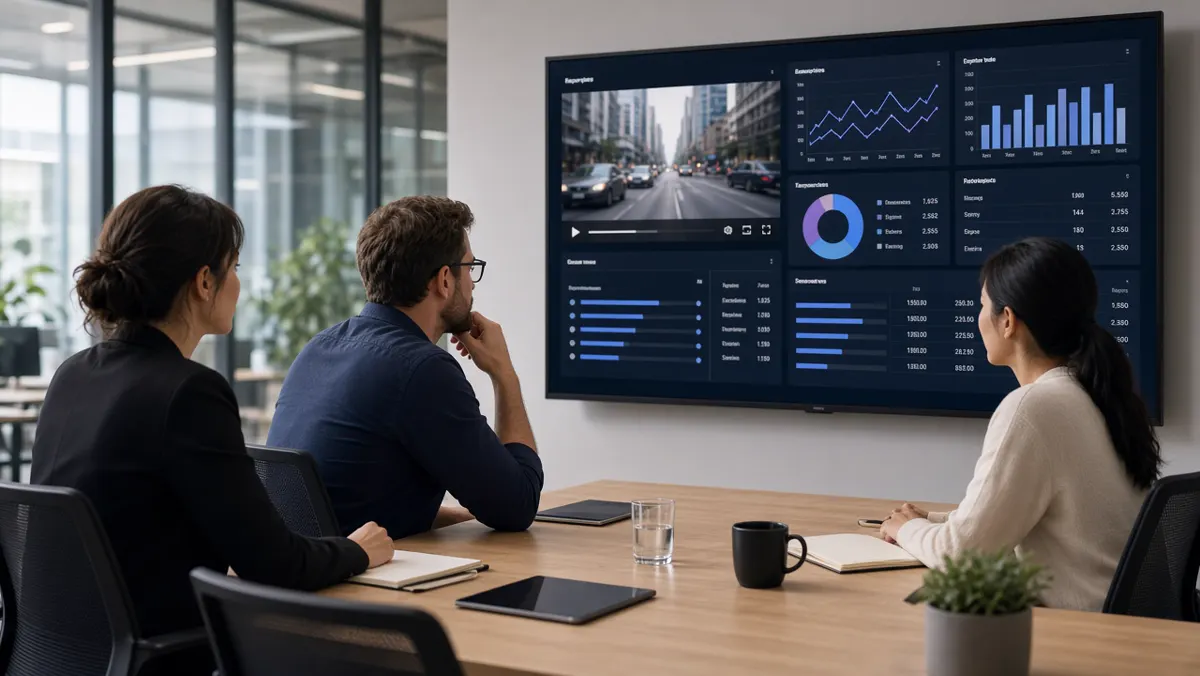
Best practices that actually change outcomes
Read retention before rewriting your entire niche. Fix packaging when impressions are high but CTR is low. Fix content when CTR is fine but retention collapses. Publish consistently enough to learn - one video a quarter teaches slowly. Document experiments: "Thumbnail B raised CTR from X to Y on video Z."
For Shorts and long-form together, do not force one KPI. Shorts can feed discovery while long-form builds depth. Track subscribed viewers and returning viewers to see whether Shorts visitors become a durable audience.
For brand safety and compliance, separate public analytics from private CCTV footage. Never upload client surveillance clips to YouTube without legal review. If your company makes AI video analytics products, your YouTube channel metrics still do not prove on-site detection accuracy - treat marketing analytics and product accuracy as different scoreboards.
Quick clarifications people ask
- Is YouTube analytics free? Core Studio analytics are included with your channel. Some third-party tools are paid.
- How long until data settles? Many reports finalize after a delay; realtime is directional.
- Can multiple people access? Yes via channel permissions and brand accounts - use least privilege.
- Does high CTR guarantee growth? No. Retention and satisfaction still decide whether YouTube keeps recommending you.
Realtime vs standard analytics
YouTube shows realtime cards for very recent activity and more complete reports after processing delay. Use realtime to spot spikes (a short went unexpectedly wide, a premiere is live, a controversy is brewing in comments). Use standard reports for decisions about strategy, packaging, and content calendars. Mixing the two without noting the difference leads to false alarms in marketing meetings.
A practical rule: never change a quarterly content strategy based only on a two-hour realtime spike. Do investigate quickly if a video is spreading for the wrong reasons — brand safety still matters.
Shorts and long-form in one channel
Shorts analytics emphasize views, average percentage viewed, and subscribed viewers from Shorts. Long-form emphasizes watch time and absolute retention. A healthy brand channel often uses Shorts as discovery hooks and long-form as depth. Track whether Shorts viewers return to long videos — that bridge is more valuable than Shorts vanity alone.
Editorially, do not force every Short to be a micro-cut of a long video. Some topics only work short. Some only work long. Analytics will tell you which ideas travel in which format if you tag experiments clearly in a content log.
Building a weekly analytics report people read
Executives skim. Give them one page: primary KPI vs target, top three winners, top three problems, one experiment for next week, and one risk (brand safety, copyright claim, sudden CTR drop). Attach Studio screenshots in an appendix, not in the main narrative. Agencies that bury insights in twenty charts get ignored.
For creator teams, a shared spreadsheet with video ID, publish date, CTR, AVD, traffic mix, and notes is enough. Consistency beats fancy dashboards that nobody updates.
Common YouTube analytics mistakes
Comparing unequal date ranges. Obsessing over subscriber count while watch time falls. Changing title, thumbnail, and intro on the same day so you cannot learn. Ignoring audience geography when planning language and examples. Treating Suggested traffic as something you “control” directly instead of earning through satisfaction. Confusing YouTube Studio success with CCTV AI product quality when you work in the surveillance industry.
Another frequent mistake is copying a competitor’s posting cadence without matching production quality. Analytics will punish thin content quickly. Grow capacity first, then cadence.
Privacy and permissions on channel analytics
Channel analytics can reveal audience locations, device mixes, and revenue. Limit Studio access with roles. Revoke ex-employees promptly. Do not paste raw revenue screenshots into public social posts. For brand channels, align reporting with legal and brand teams before external sharing.
Using analytics for campaigns and product launches
When a brand launches a product video, define success before publish day. Is the goal awareness (impressions and unique viewers), education (average view duration on demo chapters), or conversion (end-screen clicks and tracked URLs)? Put UTM parameters on links in descriptions. Sync YouTube dates with landing-page analytics so marketing does not argue across disconnected charts.
During the first 48 hours, watch CTR and early retention more than total views. Packaging problems show early. Mid-campaign, compare traffic sources: paid promotions versus organic Suggested behave differently and should not share the same success story without labels. After the campaign, archive a post-mortem: what creative won, what chapter lost viewers, what you will reuse.
Creator collaborations need shared dashboards or agreed screenshots on a schedule. Brand managers should request watch-time quality, not only a view screengrab for social proof. If the collaboration underperforms, use retention graphs in the debrief so feedback stays specific and professional.
Chapters, captions, and discoverability signals
Analytics improve when viewers can navigate. Chapters reduce mid-video drop-off for long explainers. Captions help mobile viewers in quiet offices and improve comprehension. Cards and end screens should be measured, not sprinkled randomly. Search-oriented channels should review which queries already drive impressions and create clearer titles that match viewer language without keyword stuffing.
Studio’s research and reach tools (when available on your account) help you see topic demand. Pair that with your unique expertise — especially if you publish industrial or city AI explainers — so you are not cloning generic viral formats that attract the wrong audience.
Analytics operating rhythm for small teams
A sustainable rhythm beats heroic weekend deep-dives. Daily: scan realtime and comments for crises. Weekly: full KPI review and one experiment decision. Monthly: audience and content pillar review. Quarterly: strategy reset. Assign owners — one person owns packaging tests, another owns editorial calendar — so analytics actions do not stall in group chats.
If you are a one-person channel, block ninety minutes weekly and protect it. The compound learning from twenty weekly reviews outweighs one giant annual rewrite of your niche.
Extended metrics glossary (plain language)
- Impressions are chances people had to see your thumbnail.
- CTR is how often they clicked.
- Views count qualified watches per YouTube’s rules.
- Unique viewers approximate distinct people.
- Watch time sums minutes watched.
- Average view duration is typical watch length.
- Average percentage viewed is useful for Shorts and shorter videos.
- Audience retention graphs show relative stay/leave over the timeline.
- Subscribed vs unsubscribed viewers show whether growth is landing with fans or cold traffic.
- Returning viewers signal habit.
- RPM estimates revenue per thousand views for monetized channels. Learn the definitions, then ignore noise metrics that do not match your goal.
When stakeholders ask for “more views,” translate the request into a KPI that quality can support. Sometimes the honest answer is better packaging; sometimes it is a different topic; sometimes it is accepting a niche ceiling and optimizing for leads instead of mass reach. Analytics make those conversations factual instead of emotional.
Finally, keep a personal glossary document for your team so new editors do not misread charts. Ten minutes of shared definitions prevents months of confused debates.
Summary
- YouTube video analytics is a content-performance discipline.
- It helps creators and brands measure reach, watch behavior, audience, engagement, and revenue - usually inside YouTube Studio, sometimes via APIs and reporting tools.
- Keep it mentally separate from CCTV AI video analytics.
- Pick one KPI, read CTR and retention together, run small experiments, and document results.
- That habit beats any single "secret metric.".
Video Analytics Companies in India
India’s landscape — company types, how to choose, careers, hubs and how to read ranking lists.
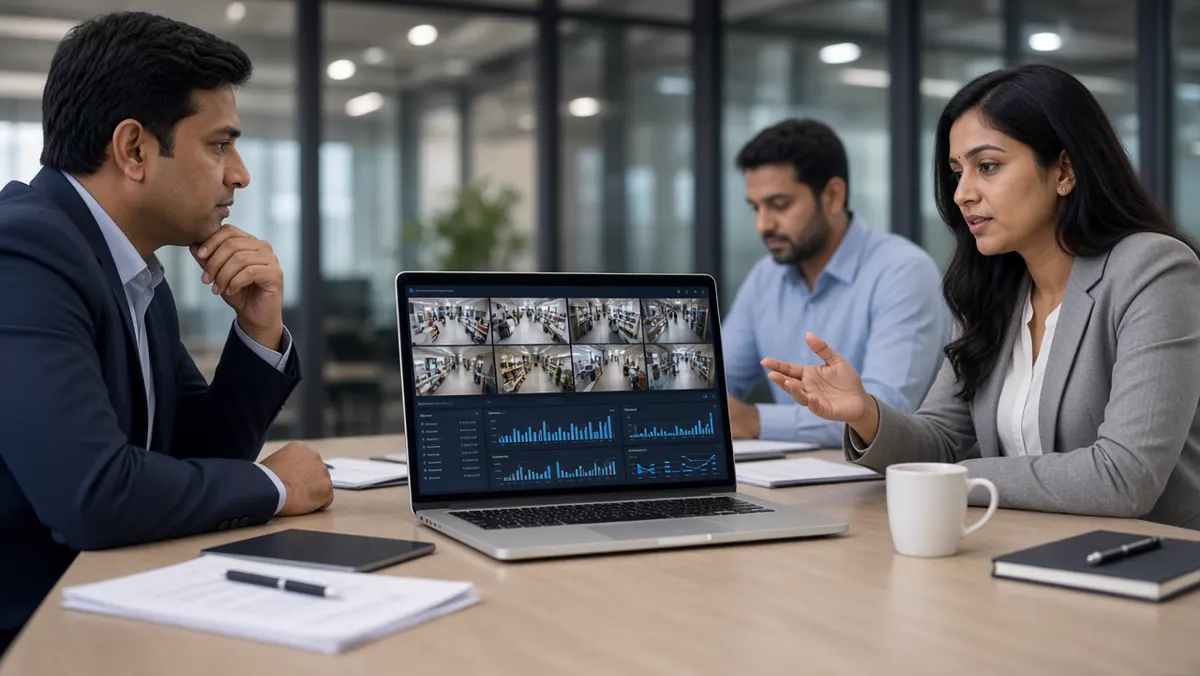
Industry snapshot at a glance
India's video analytics market sits at the intersection of CCTV growth, smart-city programs, industrial safety mandates, retail digitization, and bank/campus security modernization. Buyers range from municipal agencies to factories, malls, logistics parks, hospitals, and enterprises refreshing legacy NVRs with AI layers.
Wikipedia-style overview
Video analytics companies design software (and sometimes hardware) that analyzes video streams to detect objects, behaviors, and events. In India, the category grew alongside IP CCTV adoption and government smart-city investments. Offerings typically include object detection, intrusion and perimeter rules, people counting, PPE compliance, ANPR / vehicle analytics, queue and heatmap tools, and command-center dashboards.
Delivery models vary: pure software platforms that connect to existing cameras; appliance or edge kits; camera OEMs bundling onboard AI; and system integrators who assemble multi-vendor stacks. Buyers should separate camera manufacturing scale from analytics software maturity. A large CCTV brand may excel at hardware distribution while a smaller AI specialist may outperform on a specific use case such as industrial PPE or traffic violations.
Procurement usually runs through PoCs (proofs of concept), accuracy trials on site video, cybersecurity questionnaires, and integration checks with VMS, access control, or e-challan / ERP systems. Privacy and data-protection expectations are rising, especially where faces, plates, or workplace monitoring are involved.
What does a video analytics company do?
At minimum, it ingests camera streams, runs AI models, creates events, and presents alerts or reports. Mature companies also provide calibration tools, user roles, audit logs, multi-site tenancy, health monitoring of streams, and professional services for site surveys. Some specialize narrowly (only ANPR, only retail heatmaps). Others offer a broad suite across security, safety, and operations.
Many Indian deployments still begin with "we already have cameras." The valuable company is often the one that can make existing infrastructure useful - not only sell new hardware. Ask how they handle mixed camera brands, low-light sites, and intermittent networks common outside metro cores.
Company types in the India landscape
Understanding types prevents unfair comparisons. A global camera OEM, a domestic AI platform, and a regional system integrator can all claim "video analytics" while selling different things.
Demand drivers include smart-city command centers, highway and city traffic enforcement, factory EHS programs, warehouse throughput, mall footfall analytics, and enterprise SOC modernization. Each driver favors a slightly different vendor profile.
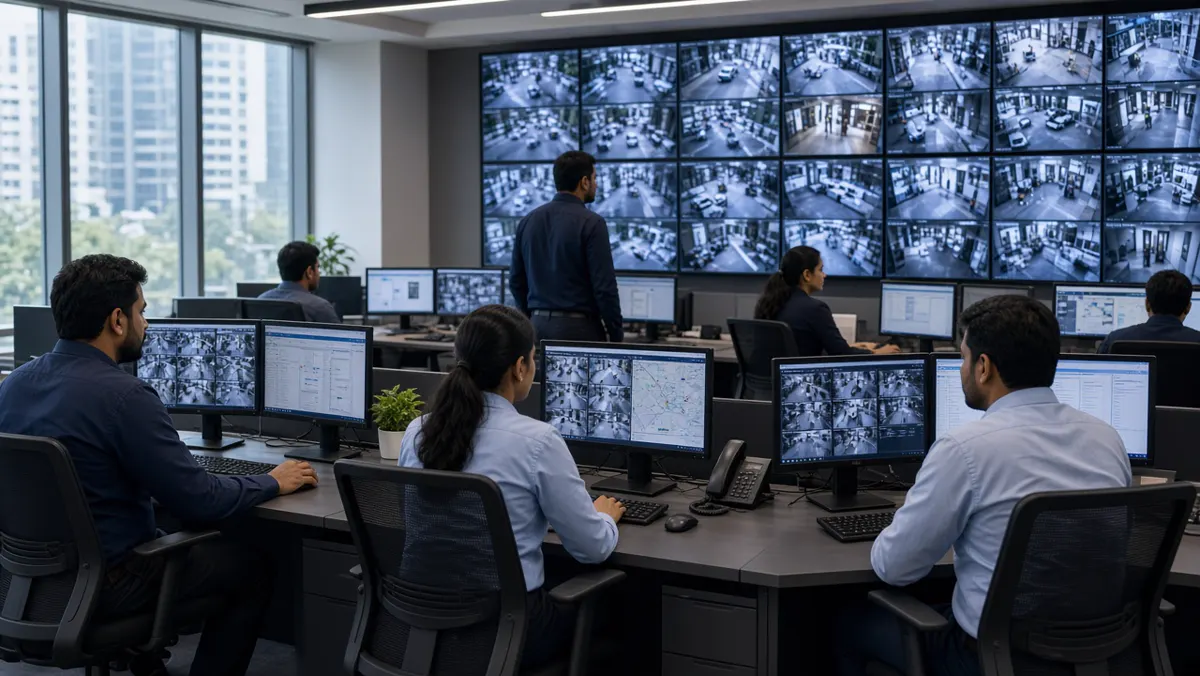
How to evaluate vendors (and "who is best?")
There is no single best company for everyone. "Best" is the vendor that meets your accuracy bar on your cameras, fits your workflows, integrates cleanly, supports your language and SLAs, and respects privacy constraints. Brochure accuracy is not site accuracy.
Ask for reference deployments in your industry. Visit a live site if possible. Require a written PoC scorecard: precision/recall proxies in simple language, operator feedback, and infrastructure needs. Prefer vendors who talk honestly about failure modes (rain, glare, crowded frames) over those who promise perfection.
"Top 5", "best", and ranking searches - how to read them
Search results titled "top 5 video analytics companies in India" are starting points, not procurement decisions. Lists often mix camera OEMs, pure AI firms, and integrators. Ranking criteria are rarely transparent. Treat them as a longlist generator, then apply your evaluation checklist.
Similarly, "best video analytics company" depends on whether you need city-scale traffic, a single plant's PPE compliance, or multi-brand retail heatmaps. A top traffic vendor may be average at queue analytics. Score by use case columns, not by a single trophy number.
"Largest CCTV company" vs analytics leaders
People often ask which is India's largest CCTV company when they actually need analytics outcomes. Hardware shipment leadership can matter for spare parts and installer networks. It does not automatically mean best AI accuracy, best false-alarm control, or best software UX. Many successful projects pair existing cameras (any major brand) with a strong analytics platform and a capable integrator.
Framing for stakeholders: buy cameras for coverage and image quality; buy analytics for decisions; buy integration for uptime. Optimize each layer. If one vendor offers all three, still evaluate each layer on its merits.

Offices and geographic pattern
Product and R&D teams commonly cluster in Bengaluru, Hyderabad, Chennai, Pune, and parts of Delhi NCR and Mumbai. Field teams and integrator partners sit closer to project sites nationwide. For buyers, ask where your support engineer will be - not only where the HQ press release lists an address. For candidates, expect hybrid roles that mix office model work with site visits.
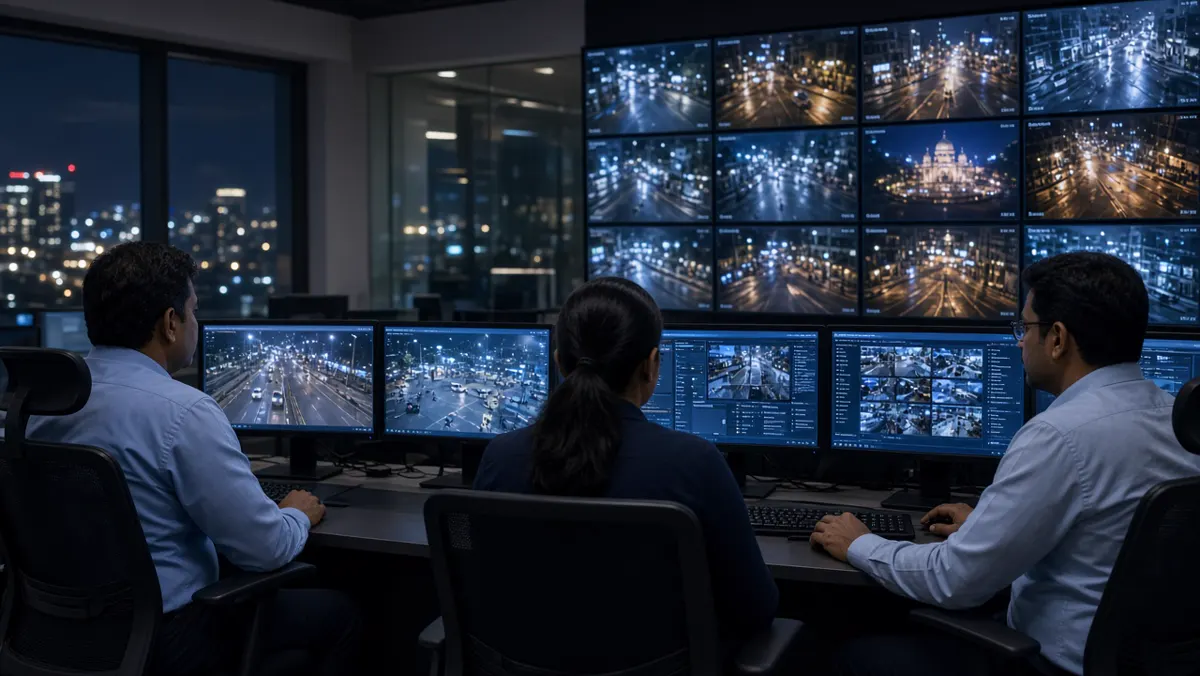
Careers in India's video analytics ecosystem
Hiring spans computer vision engineers, MLOps, backend/platform engineers, solution engineers, pre-sales consultants, technical project managers, and SOC analysts who learn to tune rules. Domain specialists (traffic, industrial safety, retail ops) are valuable because they translate SOPs into detection logic.
Portfolios that win interviews show measured PoCs: before/after false alarm rates, camera placement notes, and a clear statement of limitations. Certificates help less than a documented project on imperfect video.
Market trends to watch
Edge and hybrid architectures grow where bandwidth is limited. Vertical solution packs (PPE, ANPR, perimeter) outsell generic "AI CCTV" pitches. Buyers ask harder questions about DPDP-aligned handling, role-based access, and on-prem options. Integrators remain central because cameras, networks, and change management still make or break projects. Open interfaces and VMS partnerships matter more as estates become multi-vendor.
Writing an RFP / PoC brief that vendors can answer
Vague RFPs attract vague proposals. Write the operational outcome first: “Detect persons entering Zone B after 20:00 with evidence clips for SOC review.” List camera counts, existing VMS, network constraints, languages for UI, and whether on-prem is mandatory. Ask vendors to price licenses, hardware appliances, professional services, and annual support separately.
Include a PoC scorecard in the RFP itself: false alarm tolerance, required detection classes, night performance expectations, and a one-week soak test. Require sample alert payloads and API docs. Ask for two references in a similar industry. This filters brochure-only sellers early.
How Indian buyers usually run PoCs
Typical pattern: shortlist 2–3 vendors, connect 4–10 cameras, run 7–14 days, hold a joint review with security/ops and IT. Strong buyers freeze the camera list and rules mid-PoC so comparisons stay fair. Weak buyers keep moving goalposts and then claim “nobody worked.”
Collect operator diaries. A system with slightly lower lab scores but far less noise may win because humans will actually use it. Also test failure behavior: what happens when RTSP drops? Does the health dashboard notice?
Why system integrators still matter
Even excellent AI software fails on bad networks, wrong lenses, and untrained guards. Integrators bridge civil works, cabling, switch configs, camera aiming, and SOP training. In India, many government and enterprise tenders effectively require an SI plus OEM/platform partnership. Evaluate the SI’s maintenance capacity as carefully as the AI demo.
Ask who owns the first thirty days after go-live. Tunings, false alarm reviews, and shift handovers decide whether the project becomes a shelf-ware dashboard or a living system.
Public sector and smart-city notes
City and highway projects add tender rules, security audits, and multi-year SLAs. Analytics may feed ITMS, command centers, and enforcement workflows. Evidence integrity, time sync, and camera identity metadata become critical. Vendors without public-sector delivery experience can still win if paired with a strong SI — but clarify roles in writing.
Private enterprises move faster but still need cybersecurity questionnaires. Banks and hospitals often demand stricter data controls than factories. Match vendor experience to your regulated reality.
Buyer mistakes that waste a year
- Buying only on price per channel.
- Skipping night tests.
- Enabling twenty analytics packs on day one.
- Ignoring operator UX.
- Assuming “largest CCTV brand” equals best AI.
- Failing to budget for tuning services.
- Not defining who owns false-alarm triage.
Avoid these and your shortlist process will feel calmer and fairer.
Pricing and licensing patterns (plain English)
Vendors price per camera channel, per analytics pack, per site, or as a platform subscription with tiered channel bundles. Appliances may be CapEx; cloud may be OpEx. Beware “cheap per channel” quotes that hide GPU servers, storage, or mandatory professional services. Ask for a three-year total cost view including AMC, model updates, and training.
For multi-site groups, negotiate central platform fees separately from per-plant edge licenses. Clarify what happens when you temporarily disable a camera — do licenses float? Can you burst for events? Procurement teams should involve IT early so surprise infrastructure costs do not appear after vendor selection.
How competition usually differentiates
Indian and global players differentiate on vertical depth, VMS partnerships, on-prem strength, language support, public-sector references, and speed of custom rule development. Some win on retail heatmaps; others on traffic ANPR accuracy for Indian plates; others on industrial PPE under difficult lighting. Your scorecard should weight the differentiators that match your risk, not a generic feature bingo card.
Startup vendors may innovate faster but need proof of support coverage. Large OEMs may offer distribution muscle but slower analytics iteration. Hybrid buying — OEM cameras + specialist AI platform + local SI — is common and rational when contracts define interfaces clearly.
How to brief leadership without hype
Executives need risk, cost, and outcome. Translate vendor talks into clear points:
- Problem today
- PoC evidence
- Residual false-alarm rate
- Staffing impact
- Three-year cost
- And privacy posture
Avoid AI mystique. Show one annotated false alarm and one true catch — leadership trusts balanced evidence. Mention this guide checker methods so accuracy claims have a method, not a slogan.
Twenty sharp questions to ask any vendor
- Which use cases are you strongest in?
- Show false alarms from a real site.
- Where does inference run?
- How do model updates roll out?
- What VMS versions are certified?
- How are Indian number plates handled if ANPR matters?
- What is the support SLA in my city?
- Who tunes zones after go-live?
- How are roles and audit logs implemented?
- Can we keep data on-prem?
- What is retained, and for how long by default?
- How do you handle RTSP instability?
- What GPU/CPU sizing worksheet do you use?
- Can licenses float across cameras?
- What does a failed PoC look like — will you say no?
- Provide two references we can call.
- How do you train our operators?
- What open APIs exist?
- How do you price professional services?
- What is explicitly out of scope?
Vendors who welcome these questions are usually easier partners than those who dodge them with slides. Write answers into your comparison sheet the same day while details are fresh. Share the sheet with IT and security so evaluations stay multi-disciplinary.
If a salesperson promises “zero false alarms,” treat that as a red flag. Real systems manage false alarms; they do not abolish physics and foliage.
Partner ecosystem: OEMs, cloud, and startups
Many “companies in India” operate as part of ecosystems. A platform vendor partners with camera OEMs for validated models, with hyperscalers for cloud regions, and with regional SIs for delivery. When you evaluate, ask who actually staffs your ticket queue at 2 am. The logo on the slide may differ from the engineer on the call.
Startup analytics firms sometimes white-label through larger SIs. That can be good if quality is high and support is contracted. It can be bad if accountability is unclear. Put escalation matrices in the MSA. For global vendors entering India, insist on local reference sites and spare-parts / appliance logistics timelines before you bet a multi-city rollout.
Keep an internal map of who does what: OEM, AI vendor, SI, network contractor, and your own SOC. Update it when partners change. Ecosystem clarity prevents finger-pointing when a stream fails at a critical gate.
Summary
- India's video analytics industry is a mix of platforms, specialists, OEMs, integrators, and global players.
- Use Wikipedia-style context to brief stakeholders, then evaluate with a PoC on your video.
- Treat "top 5" and "largest CCTV company" searches as longlists, not answers.
- Hire and partner for the skills that keep systems accurate after go-live.
- Trends favor hybrid deployment, vertical outcomes, and stronger privacy practice - the same themes that separate brochure vendors from operational partners.
Video Analytics Cameras and Accuracy Checkers
Analytics cameras and accuracy checkers — types, validation metrics and practical tuning tips.
Cameras & checkers at a glance
A video analytics camera is more than a recorder. It participates in detection - either by running AI on the device (edge) or by streaming cleanly to a server or cloud that runs AI. An accuracy checker is the discipline and tooling that validates whether those detections are good enough for your site.
What is a video analytics camera?
It is a camera designed or configured so software can analyze what it sees. Some units include onboard chips that run neural networks locally. Others are high-quality IP cameras that feed a central analytics engine. In both cases, the goal is the same: turn live video into structured events - "person in zone," "no helmet," "vehicle stopped," "crowd density high" - instead of only storing footage.
Not every camera labeled "AI" is equal. Marketing language can mean simple motion detection, onboard face/person models, or full open platforms. Read the capability list, then verify on your scene.
How analytics cameras work
Light hits the sensor; the camera encodes video (often H.264/H.265). A stream travels over the network (or stays local). An AI model examines frames or short clips, proposes detections with confidence scores, and applies rules (zones, schedules, object classes). When a rule fires, the system creates an event with metadata and often a snapshot or clip. Operators review and act.
Image quality controls everything downstream. If a helmet is three pixels tall, no model will be reliable. Mounting height, focal length, shutter behavior at night, WDR for backlight, and bitrate ceilings are part of "AI success," not optional extras.
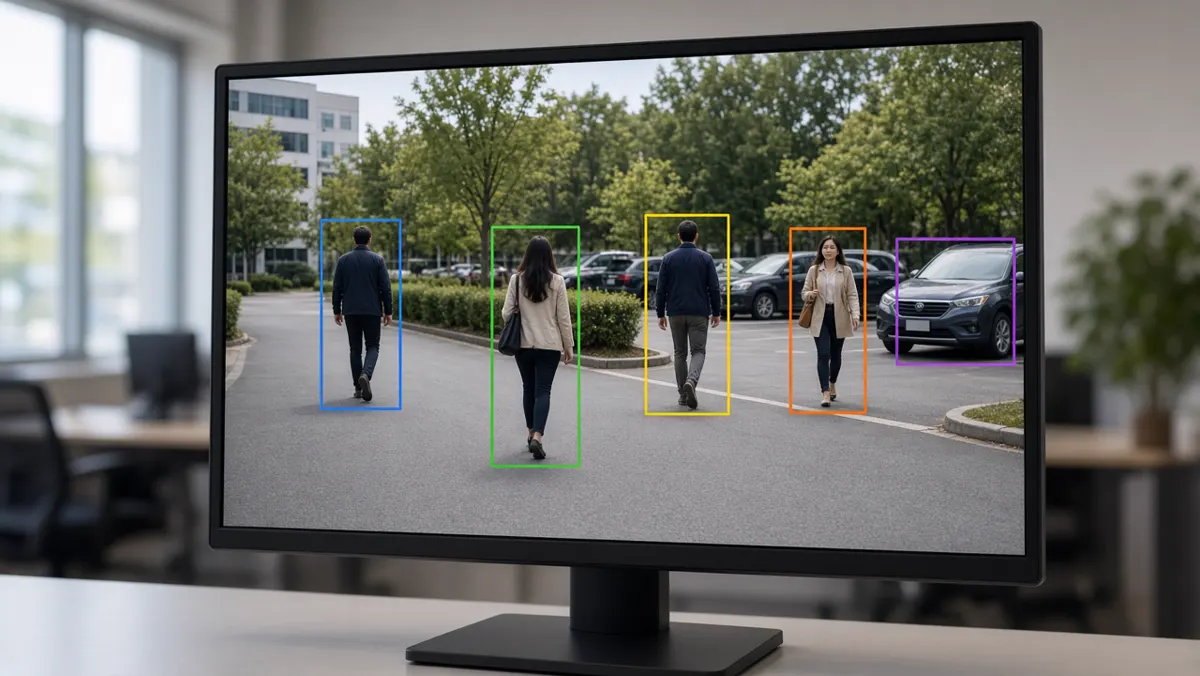
Common camera styles and deployment types
Edge AI reduces bandwidth and can work when the WAN is weak, but model updates and fleet management need planning. Cloud AI simplifies multi-site viewing but needs reliable uplink and clear data-residency answers. Hybrid is popular in India for exactly that reason.
Capabilities to expect
Common capabilities include person/vehicle detection, line crossing, intrusion zones, loitering, crowd density, PPE checks, slip/fall style alerts (use carefully), people counting, queue length, heatmaps, and ANPR when cameras are mounted and lit for plates. Capability lists should map to your SOP - unused features still cost complexity.
Industries and typical camera choices
Factories favor durable cameras with clear PPE views at gates and shop floors. Warehouses need wide aisles and dock coverage for people/vehicle interaction. Retail uses overhead angles for counts and queues. Cities need intersection geometry for traffic and enforcement. Campuses mix perimeter bullet cameras with lobby domes. Match the form factor (dome, bullet, PTZ, multi-sensor) to the job, then confirm AI performance.
What is a video analytics checker?
A video analytics checker is any structured method - tool, checklist, or lab process - that validates detections against reality. It answers: How often is the system right? How often does it cry wolf? How often does it miss? How fast are alerts? How does night rain change results?
Enterprises use checkers before trusting AI in live operations. Without them, teams discover problems only after operators mute alerts. With them, you tune thresholds, zones, and camera angles while the cost of mistakes is still low.
Evaluations to run before go-live
Collect day and night clips covering your hardest conditions. Label events manually for a sample period (even a simple spreadsheet works). Compare AI events to labels. Track false alarm rate per camera per day - operators feel this number. Track missed critical events separately; missing a real intrusion is not the same as an extra loitering ping.
Also measure latency (seconds from event to notification), stream uptime, and storage of evidence clips. Test user permissions: can a guard export footage they should not? Checkers are technical and operational.
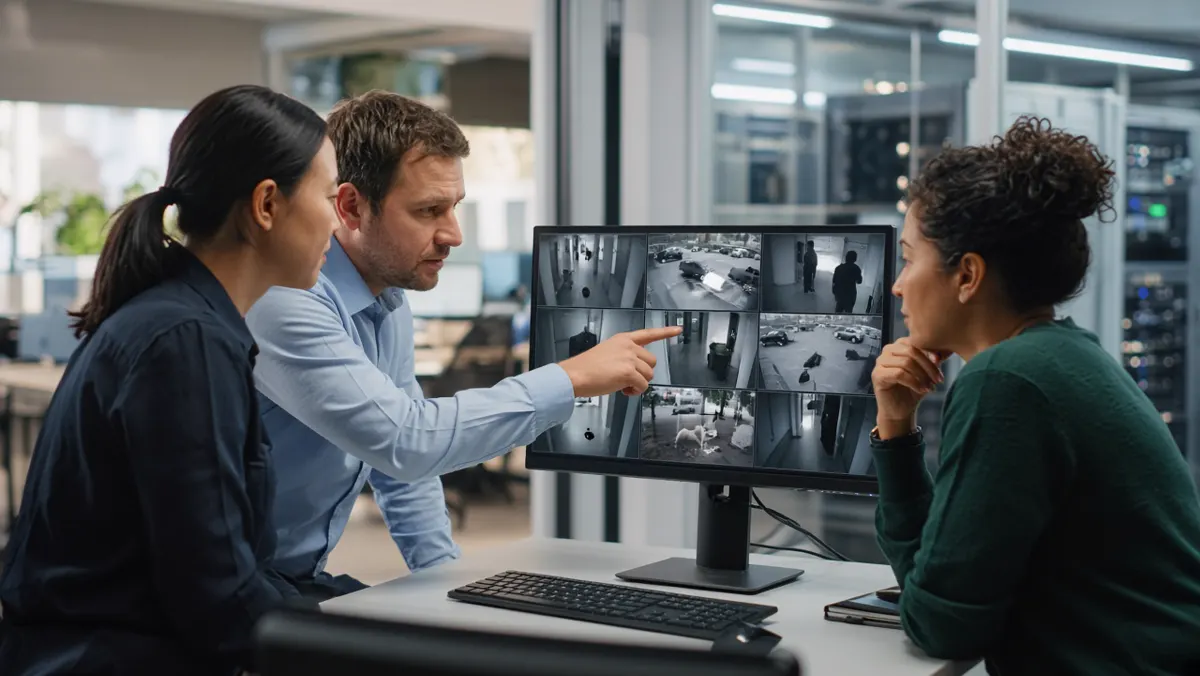
Practical tips that improve accuracy
Place cameras so target objects are large enough in frame. Avoid steep top-down views for PPE if helmets become tiny. Use IR thoughtfully - washed-out night images hurt models. Prefer stable mounts; vibration creates jittery boxes. Separate detection zones from busy irrelevant areas (trees, flags, highways in the background).
Change one variable at a time during tuning. Keep a change log. Train operators to mark false alarms so engineers can fix root causes. Schedule re-checks after seasonal changes (monsoon foliage, festival lighting, new construction).
Buying checklist (camera + checker together)
Require a PoC on your video. Ask whether AI runs on camera, on edge box, or centrally. Confirm license model per channel. Demand an accuracy report format you can reuse quarterly. Ensure evidence clips are easy to export for investigations. Align retention with privacy policy.
Form factors and optics that affect AI
Dome cameras blend into lobbies but can suffer from housing glare and limited IR reach. Bullet cameras suit perimeters and roads with longer IR and easier sun shields. PTZ units help operators chase events but complicate continuous AI unless you also have fixed cameras covering the same scene. Multi-sensor cameras reduce pole clutter for intersections. Fisheye and panoramic units need dewarping awareness — analytics that assume a flat rectilinear view can mis-size objects.
Lens choice is an AI decision: a wide lens that “sees everything” may make distant people too small to classify. Prefer dedicated cameras for critical events over one camera asked to do five jobs poorly.
What checker tooling looks like in practice
Some platforms include review queues where operators mark true/false. Others export event CSVs for analysts. Labs may use labeling tools to create ground-truth boxes and compute IoU-style overlaps. You do not need exotic software to start: a shared sheet with timestamp, camera, event type, and human verdict already transforms debates into data.
Advanced teams build golden datasets per site season — monsoon, festival lighting, harvest dust — and re-run models against them before upgrades. That is a checker culture, not a one-time PoC stunt.
Edge camera AI vs central engine — checker implications
When AI runs on the camera, you must validate firmware versions and per-device settings. A fleet can drift: one camera on old firmware behaves differently. Central engines make model versions consistent but depend on stream quality. Checkers should record where inference ran. Otherwise you will chase “model bugs” that are actually bitrate drops on one VLAN.
Hybrid estates need dual validation: confirm edge alerts for latency-critical events and central analytics for counting/search workloads.
Myths about accuracy
- Myth: Higher megapixels always mean better AI. Reality: Object size in pixels, compression, and shutter matter more.
- Myth: 99% brochure accuracy transfers to your yard. Reality: Your yard is the only scoreboard.
- Myth: More analytics packs increase safety. Reality: Unused packs create noise and license cost.
- Myth: Checkers are only for PoC. Reality: Continuous validation keeps trust after go-live.
Handover package from PoC to operations
When cameras and checkers pass, hand over: camera maps, zone drawings, threshold table, false-alarm playbook, escalation contacts, and a quarterly re-validation date. Without this package, knowledge leaves with the vendor engineer. With it, your SOC can sustain results.
Night, weather, and seasonal stress tests
India’s operating conditions punish naive demos. Test monsoon reflections, dusty summers, festival lights, fog in some regions, and strong backlight at dawn/dusk. IR-only night scenes can flatten color cues that PPE models relied on in daylight. WDR helps entrance doors with bright outdoors and dark indoors. If your checker skips seasons, your go-live month may be the first real exam.
Build a stress clip library per site: ten minutes of each hard condition. Re-run after firmware or model changes. Promote cameras that survive stress; redesign those that do not — sometimes the fix is a second camera, not a higher confidence threshold.
Human-in-the-loop review design
Checkers work best when humans can mark events quickly. Design review UIs with keyboard shortcuts, clear thumbnails, and mandatory reason codes for false alarms (glare, insect, shadow, wrong class, zone too large). Those reason codes feed engineering better than a binary false/true alone.
Do not punish guards for marking false alarms — that data is gold. Punish only ignored critical alerts after training. Culture is part of accuracy.
Special case: ANPR and plate-oriented cameras
Number plate analytics need shutter speed, mounting height, lane alignment, and illumination suited to plates — not general courtyard views. A checker for ANPR tracks read rate, character confusion, and vehicle mismatch. Do not judge ANPR cameras with the same checklist as PPE cameras. Separate validation tracks prevent false conclusions like “AI is bad” when the optic geometry was wrong.
For mixed estates, label cameras by primary analytic purpose in your asset inventory. Checkers then run the right tests on the right devices.
Acceptance criteria you can put in a contract
Turn checker results into contractual language carefully. Example: “For Camera Group A (PPE gate), false alarms shall average under N per camera per day over a 14-day soak, with missed critical events under M, measured using the agreed review protocol.” Avoid absolute zero-miss promises. Include exclusions for force majeure lighting failures and vandalized cameras.
Define the measurement method: who labels, how disputes are resolved, and whether vendor engineers may retune during the soak (usually yes, within a change log). Acceptance should also cover latency and evidence completeness — an alert without a usable clip may fail operational acceptance even if the detection class was correct.
After acceptance, schedule the first quarterly re-check in the contract or AMC. Cameras move, trees grow, and processes change. Accuracy is a living property of the system, not a one-time certificate.
Camera inventory fields that help checkers forever
Tag every analytic camera with: purpose (PPE, perimeter, count, ANPR…), mount height, lens/focal length, day/night mode notes, analytics packs enabled, inference location (edge/camera/server), last validation date, and owner. This inventory turns checkers from heroic archaeology into routine ops.
When a model update ships, filter the inventory by pack and re-validate only affected cameras first. When a site reports “AI got worse,” check whether someone rotated a camera during civil work. Inventory plus checker culture is how large estates stay accurate without boiling the ocean every month.
Share a read-only inventory view with security and EHS leads so business owners understand which cameras are actually analytic — not every dome on the ceiling.
Sample validation week for one gate camera
Day 1: confirm image quality at shift change and at night. Day 2: enable PPE pack only; set conservative thresholds. Day 3: operators mark every alert. Day 4: engineer retunes zones using reason codes. Day 5: soak without retunes; measure false/miss. Day 6: compare against manual spot checks at the gate. Day 7: write acceptance notes and schedule the next quarterly check. This simple week teaches more than a month of unmeasured live running.
Scale the same rhythm to camera groups. Never validate fifty cameras on day one. Prove the method on one, template it, then fan out. That is how checkers stay affordable.
If leadership asks for a go-live date before a validation week exists, show them the cost of muted alerts after a noisy launch. Most sponsors will give you the week.
Training operators to work with checkers
Spend an hour showing guards how marking false alarms improves their future shift. Show engineers how reason codes map to optic fixes. Show managers a weekly digest chart. When everyone understands the checker loop, accuracy becomes a shared sport instead of a vendor blame game. That cultural piece is as important as any camera SKU on the purchase order.
Summary
- Video analytics cameras succeed when imaging and AI work together.
- Choose types (edge, cloud, hybrid, industrial, city) based on latency, bandwidth, and governance needs.
- Treat checkers as mandatory: measure true detections, false alarms, misses, latency, and hard conditions before trusting live operations.
- Placement, lighting, and zones often improve accuracy more than chasing a newer model name.
- Buy cameras and validation habits as one system.
AI Video Analytics Architecture and Ecosystem
Architecture layers, deployment models, scale, security/DPDP and platform language.
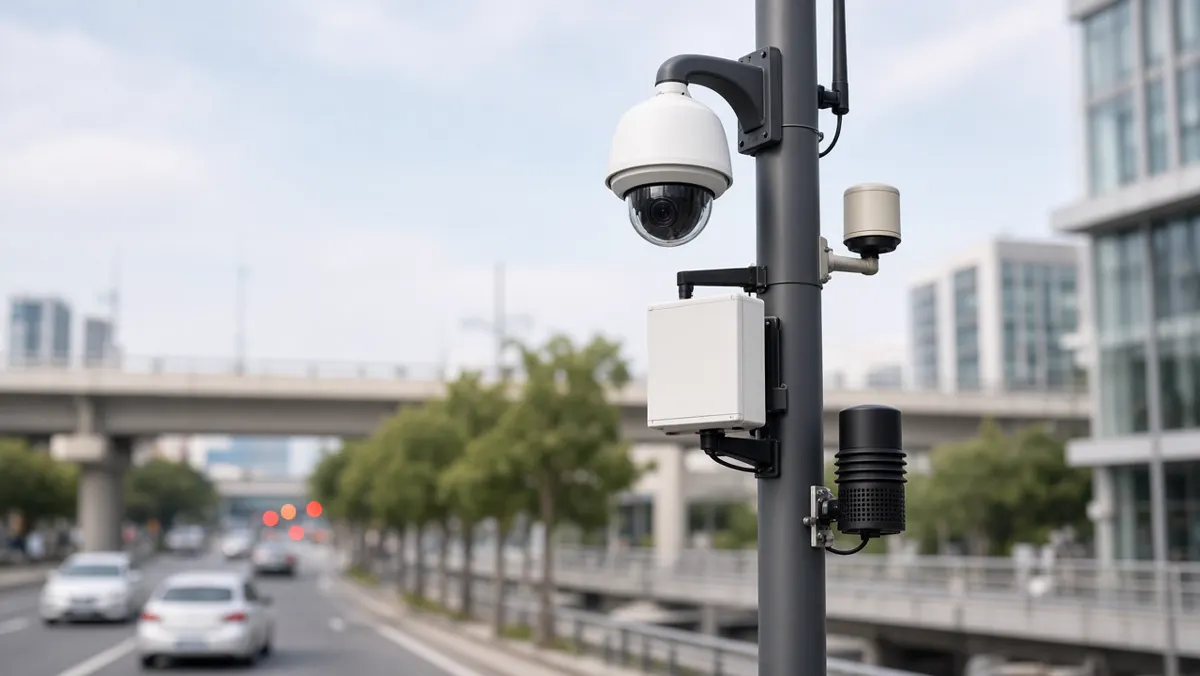
Architecture at a glance
Architecture is not a buzzword — it is the plan for how video becomes decisions at scale. A good architecture stays understandable to supervisors while remaining robust for engineers. It also anticipates growth: more cameras, more sites, more analytics packs, stricter access control.
What is AI video analytics architecture?
Architecture is the system design: how cameras, AI, storage, dashboards, alerts, and other business systems connect. It is the skeleton of the whole setup. When architecture is weak, you get fragile demos that fail at 200 cameras. When architecture is strong, you can add a site without redesigning everything.
Architects balance latency, cost, bandwidth, model accuracy, operator UX, and compliance. There is rarely one perfect diagram — there is a diagram that fits your constraints.
Main layers (keep it simple)
Explain layers to non-engineers with a story: cameras see; the network carries; AI thinks; the event engine shouts; storage remembers; dashboards show; integrations act in other systems.
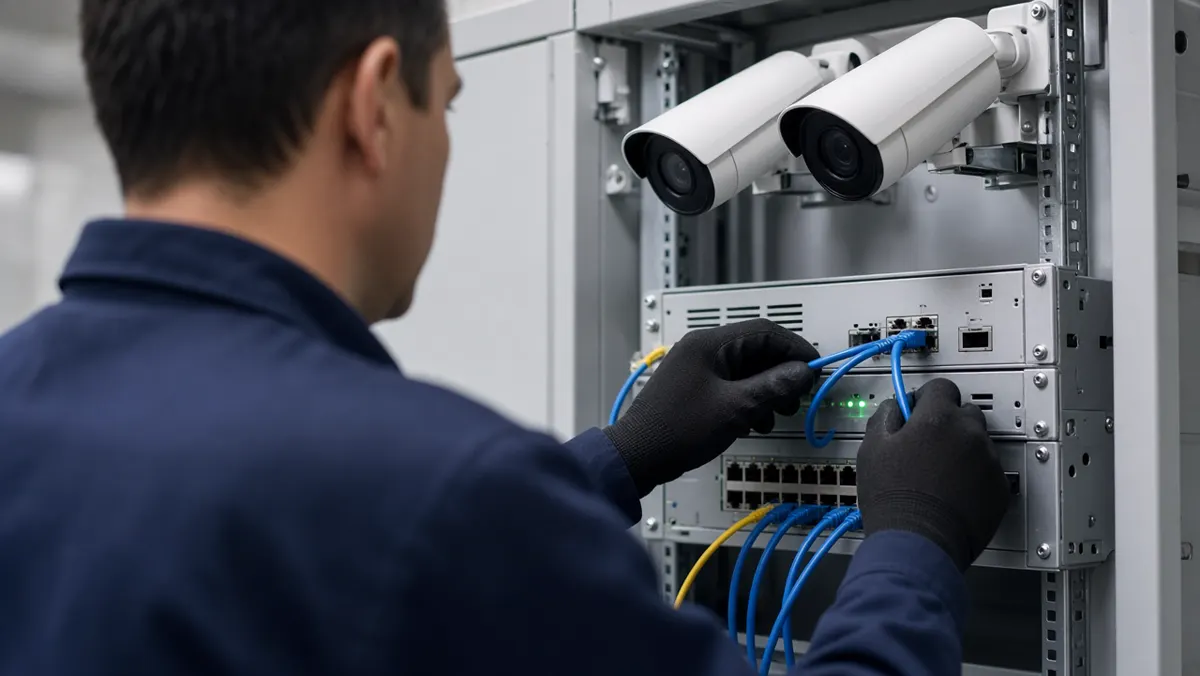
Deployment models: edge, server, cloud, hybrid
- Edge: AI near the camera or in a site appliance. Fast alerts, lower WAN use, good for plants and remote sites. Needs fleet management for updates.
- On-premise server: Central GPUs in your data center or server room. Strong control over data. Needs power, cooling, and IT ownership.
- Cloud: Elastic processing and easy multi-site aggregation. Watch bandwidth, cost, and residency. Useful for distributed retail when uplinks are solid.
- Hybrid: Local inference for urgent events; central or cloud for search, reporting, and training pipelines. Often the pragmatic Indian enterprise pattern.
Scalability without chaos
Scale has three axes: cameras per site, number of sites, and number of analytics packs. Architect for stream health monitoring so broken cameras do not silently waste GPU. Use site-level edge nodes when WAN is thin. Keep configuration as code or templates so onboarding site #50 does not mean reinventing zones by hand.
Operational scale matters too: who acknowledges alerts at 2 am? Multi-site needs role hierarchies, escalation policies, and noise control. A system that detects everything but drowns operators has not scaled — it has amplified.
Security and DPDP-minded practice
Video systems are high-value targets. Harden default passwords, segment camera VLANs, encrypt sensitive links where appropriate, patch appliances, and maintain audit logs for exports and permission changes. Least privilege should be normal: guards, supervisors, and admins see different things.
Where personal data is processed in India, align with the spirit and requirements of the Digital Personal Data Protection (DPDP) Act: purpose limitation, minimization, access control, retention limits, and vendor accountability. Architecture choices (on-prem vs cloud region, face blurring options, retention jobs) are compliance features, not afterthoughts.
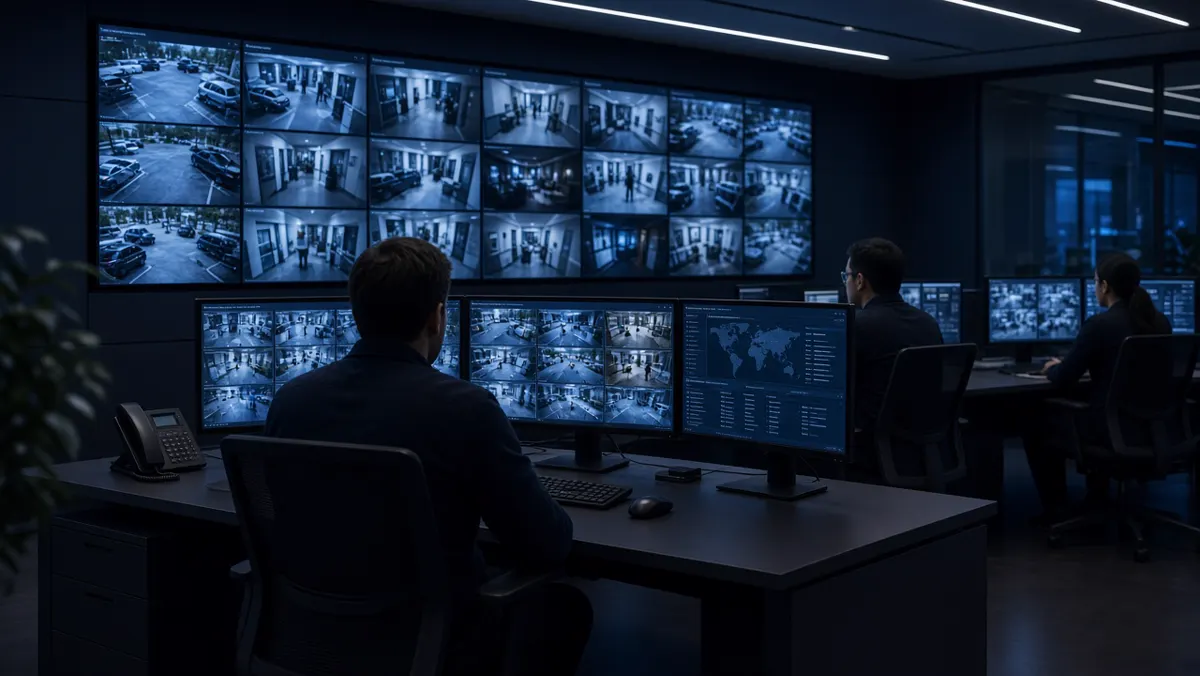
Platform, solution, technology, product suite
These words get mixed in brochures. Separate them so buying committees stay aligned.
- Technology is the science and tooling: deep learning, computer vision, tracking algorithms, GPU inference, etc.
- Platform is the central control brain — multi-site management, users, device health, shared event bus, and extensibility.
- Solution is the full package for an outcome: hardware + software + AI packs + dashboards + services for a problem like perimeter security or PPE compliance.
- Product suite is a family of modules covering adjacent outcomes (security, safety, operations, compliance) that share the platform.
Simple deployment steps
Architecture becomes real through a sequenced rollout. Rushing to “turn on all analytics” creates alert storms.
Assess cameras for coverage and image quality. Plan network for sustained streams and management access. Configure AI starting with one pack. Set dashboards that match shift workflows. Tune alerts using a checker mindset from this guide. Confirm privacy/compliance including DPDP-relevant controls where personal data appears. Train people — architecture fails if humans ignore the UI. Expand with templates once one site is calm and useful.
Ecosystem pieces around the core
Around the core analytics engine you will find VMS platforms, access control, ticketing, IoT sensors, traffic e-challan systems, ERP/WMS hooks, and mobile guard apps. Good architecture treats these as first-class interfaces with documented APIs and failure modes. Avoid brittle UI-only “integrations” that break on password changes.
Architecture anti-patterns
Single giant server with no health checks. Every camera on maximum analytics packs on day one. No staging environment for model updates. Shared admin passwords. Infinite retention “just in case.” Cloud-only designs for sites with fragile uplinks and no offline alert path. Avoid these and your architecture will age more gracefully.
A reference hybrid architecture (narrative)
Imagine a manufacturing group with five plants. Each plant has an edge appliance that runs PPE and perimeter packs locally. Alerts appear on plant guard apps within seconds. Nightly, anonymized event metadata and selected clips sync to a central platform for group EHS dashboards. Training jobs for new PPE variants run centrally, then models are pushed to edge nodes after staging tests. Cameras remain on plant VLANs; the WAN carries events more than continuous 4K video.
That story encodes many good decisions: local latency, limited WAN load, central insight, staged model rollout, and network segmentation. Your diagram may differ, but the tradeoffs rhyme.
Capacity planning basics
Estimate concurrent streams, resolution, and analytics packs per stream. Not every camera needs every pack. A gate camera may need ANPR; a warehouse aisle may need people/vehicle interaction; a lobby may need counting only. GPU/CPU plans follow from that matrix. Over-provisioning silently is expensive; under-provisioning creates dropped frames that look like “AI failures.”
Include headroom for health probes, recording, and burst events (shift changes, truck rushes). Monitor inference queue depth. If queues grow, you are past capacity.
Observability for video AI systems
Beyond camera online/offline, watch stream FPS, decode errors, inference latency, alert acknowledgment times, and disk retention jobs. Tie alerts about the platform itself into IT monitoring. A silent analytics outage is worse than a noisy one — people assume coverage that does not exist.
Run periodic “synthetic events” where safe (for example, a scheduled walk through a test zone) to confirm the chain still works end to end.
Governance board for ongoing change
Create a lightweight board — security, IT, ops, legal/privacy — that approves new analytics packs, retention changes, and major model upgrades. Architecture without governance drifts into shadow AI cameras and unmanaged cloud uploads. Meeting monthly is enough for most enterprises; weekly during initial rollout.
Document decisions. Future you will need to explain why face analytics was rejected or why cloud residency was constrained to India regions.
Closing the 10-cluster arc
Clusters 1–5 built foundations, types, software, cameras/apps, and AI surveillance concepts. Clusters 6–9 covered learning, YouTube vs CCTV analytics, India companies, and camera/checker practice. this guide ties them into a deployable architecture and ecosystem vocabulary. Use this page when writing proposals, reviewing vendor diagrams, or training new solution engineers — so everyone means the same thing by “platform,” “hybrid,” and “done.”
Event schemas and API contracts
Architecture quality shows up in event payloads. A useful event includes camera ID, site ID, timestamp (with timezone), event type, confidence, zone ID, snapshot URI, clip URI, and a unique event ID for deduplication. Downstream ticketing and ITMS systems depend on stable schemas. Changing field names casually breaks partners.
Version your APIs. Provide sandbox endpoints. Document retry behavior. When the analytics engine restarts, it should not replay a storm of duplicate alerts without IDs. These details separate demo architectures from enterprise ones.
Backup, DR, and update strategy
Decide what must survive a site outage: local alerting, central search, or both. Edge-first designs keep plant alerts alive when WAN dies. Central-first designs need clear degraded modes. Back up configurations (zones, users, thresholds) as carefully as video. A restored server without zone maps is not restored.
Model updates deserve canaries: one site first, then the fleet. Keep previous model versions roll-backable. Schedule updates outside critical shifts when possible. Architecture includes change management, not only boxes and arrows.
Cost levers inside architecture
Cost follows bitrate, retention days, GPU hours, and cloud egress. Architects can save money without killing value: use substreams for AI when object size allows, retain full-res video shorter than metadata, run heavy search centrally on schedules, and avoid enabling unused packs. Show finance a cost model tied to camera classes (critical vs standard) so every camera is not priced like a flagship analytic.
Revisit cost quarterly as sites grow. Architecture that was cheap at fifty cameras can surprise you at five hundred without tiering.
Architecture KPIs after go-live
Track platform uptime, percent of cameras healthy, median alert latency, acknowledgment SLA adherence, false-alarm trend, storage forecast versus retention policy, and patch compliance on appliances. Review monthly with the governance board. Architecture that is never measured decays into folklore.
Tie at least one business KPI to the system — PPE compliance rate, perimeter incidents caught, gate throughput — so finance sees value beyond IT metrics. When budgets tighten, systems with business KPIs survive.
Publish a one-page ops scorecard. Transparency builds trust across plants and keeps local teams from inventing shadow spreadsheets that contradict the platform.
Migrating from recording-only to analytic architecture
Most Indian estates start with NVRs and passive viewing. Migration works best in waves: fix camera health, add analytics on a pilot group, integrate alerts into existing SOC habits, then expand packs and sites. Do not rip out a working VMS on day one unless you must. Architecture should respect sunk infrastructure while adding an intelligence layer. Measure operator acceptance at each wave before funding the next.
Document the as-is and to-be diagrams honestly. Executives fund clear migrations faster than vague “AI transformation” decks.
Summary
- AI video analytics architecture layers capture, ingest, AI, events, storage, experience, and integrations.
- Choose edge, server, cloud, or hybrid based on latency, bandwidth, control, and compliance.
- Scale with health monitoring, templates, and operator design — not only more GPUs.
- Treat security and DPDP-minded data handling as part of the blueprint.
- Use precise language for platform, solution, technology, and product suite so teams buy what they need.
- Deploy in steps, train people, then expand.
- That closes the ten-cluster journey from foundations to a full ecosystem view.
Putting it together
Video analytics is the intelligence layer on top of CCTV: cameras still see; software helps teams notice, search and respond. Use the foundations to set language and expectations, pick types that match a real risk, choose software and cameras that fit your estate, validate accuracy in the field, and design architecture that can scale across sites.
When you are ready to see this on your own cameras, Mountain Lamp Technologies builds DhurgAI — AI video analytics for security, safety, traffic and operations across India. Continue on mountainlamptech.com/platforms/dhurgai, or open the searchable FAQ below.